

Cloud Infrastructure Cost Optimisation: What a DevOps Engineer Saves You in the First 90 Days
Cloud infrastructure waste accumulates silently across 8 categories. Here is what a DevOps engineer audits, what they fix first, and what savings look like across a 90-day engagement in 2026.

Taukir katava
At Acquaint Softtech, a software development partner, our DevOps engineers conduct cloud infrastructure audits as part of every new engagement. The finding is consistent: most growing SaaS teams are spending 25 to 40% more on cloud infrastructure than their workload requires. Not because they are using expensive services, but because infrastructure provisioned for one phase of growth is never adjusted as the product evolves. This guide covers the eight waste categories a DevOps engineer audits, the tools they use, and what a structured 90-day cost optimisation engagement typically saves.

- CTOs and engineering leads whose AWS or GCP bill has grown faster than their user base
- SaaS founders who have received an unexpectedly large cloud bill and do not know where the cost is coming from
- Engineering teams preparing to raise a Series A or B where cloud cost efficiency is part of the investor due diligence
- Companies who suspect they are over-provisioned but do not have a DevOps engineer to run the audit
Cloud infrastructure cost grows in two ways. The first is intentional: you add new services, scale existing ones, and pay more as the product grows. The second is unintentional: resources provisioned during development stays in production, instances are sized for peak traffic that never materialise, and new services are added without decommissioning old ones. The intentional growth is healthy. The unintentional growth is waste. A DevOps engineer's job is to separate the two and eliminate the second category without touching the first.
For teams whose cloud bill has already reached a crisis point, the cloud bill growing guide covers the immediate diagnosis and first-week fixes. This article covers the structured 90-day optimisation engagement that follows the initial audit.
The 8 Cloud Infrastructure Waste Categories
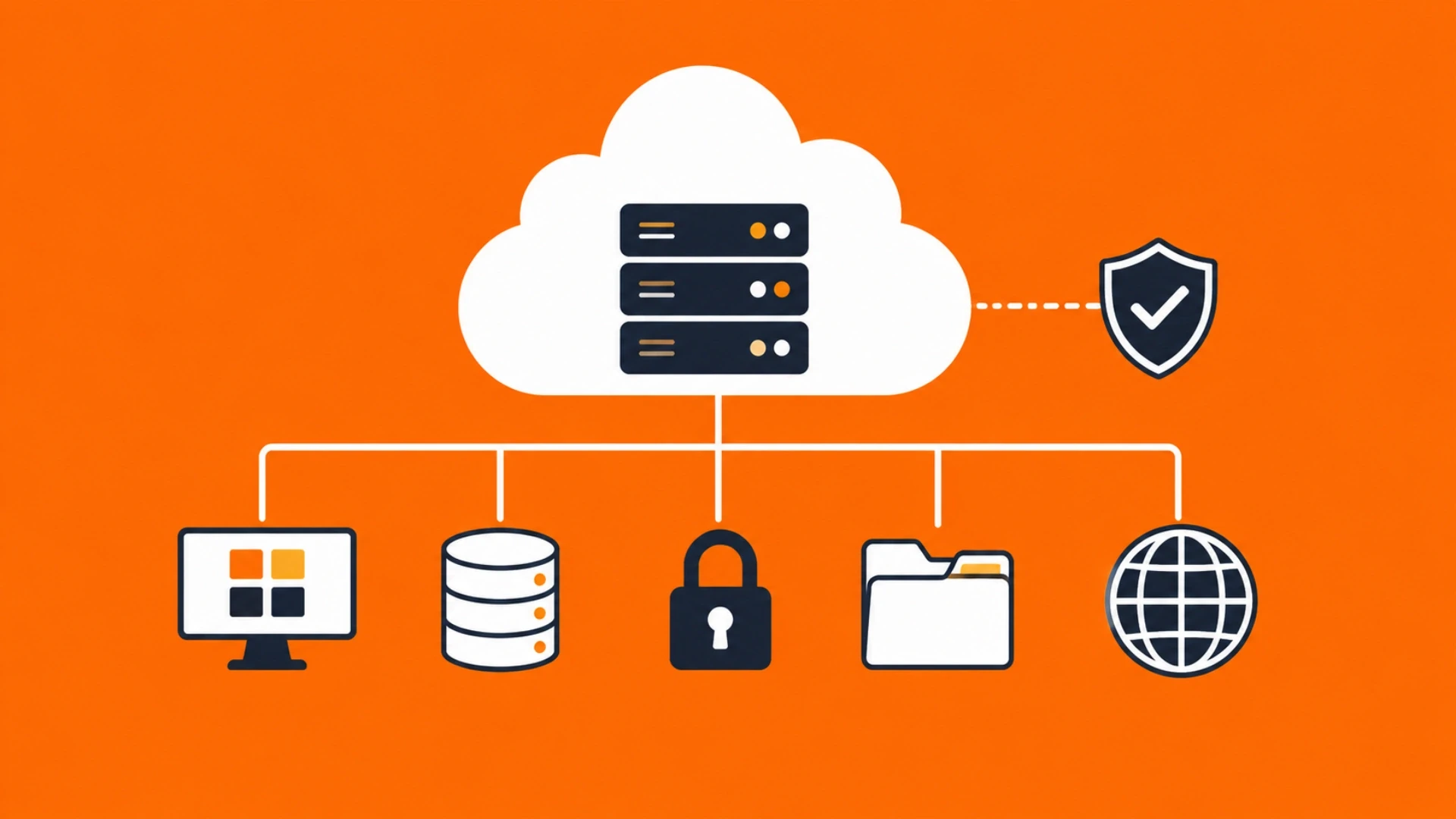
A DevOps engineer audits cloud spend across eight categories. Most growing SaaS platforms have waste in at least five. Here is what each category contains and what the typical savings look like.
1. Idle and orphaned resources
EC2 instances, RDS databases, Elasticsearch clusters, and NAT Gateways that were provisioned for a project, experiment, or scaling event and were never decommissioned. These resources run continuously and appear on the bill as legitimate spend until someone looks. Typical savings: 5 to 15% of total cloud bill.
2. Over-provisioned compute
EC2 instances sized for peak traffic that never materialises running 24 hours per day at 10 to 20% utilisation. AWS CloudWatch CPU metrics tell the story: an m5.2xlarge running at 8% average utilisation is paying for a car to carry groceries. Right-sizing to an appropriate instance type typically saves 20 to 40% of compute spend.
3. Missing Reserved Instance or Savings Plan coverage
On-demand pricing is the most expensive way to run stable, predictable workloads. A 1-year Reserved Instance or Compute Savings Plan on EC2 produces 30 to 40% savings versus on-demand with no change to the infrastructure. Most teams without a DevOps engineer have no RI coverage on their core infrastructure.
4. Unoptimised data transfer
Data transfer between AWS regions, between availability zones, and from EC2 to the internet is billed per gigabyte. Teams that have not structured their architecture to minimise cross-AZ traffic or that serve static assets directly from EC2 rather than CloudFront pay avoidable transfer costs. Typical savings: $200 to $2,000/month depending on traffic volume.
5. Uncompressed or unoptimised S3 storage
S3 buckets accumulate objects without lifecycle policies. Logs, backups, and old deployment artifacts sit in S3 Standard at $0.023/GB/month when they could be in S3 Glacier at $0.004/GB/month. Without lifecycle policies, storage costs compound silently. Adding tiering and lifecycle rules typically reduces S3 costs by 40 to 70%.
6. Dev and staging environments running 24/7
Development and staging environments have no business running outside working hours. Scheduling EC2 instances and RDS databases to stop outside business hours (8am to 8pm, weekdays only) reduces compute costs for non-production environments by 60 to 70%. This is a 2-hour implementation with immediate monthly impact.
7. No auto-scaling (fixed-size infrastructure)
Fixed-size infrastructure pays for peak capacity continuously. Auto Scaling groups that scale down during low-traffic periods and scale up during peaks pay only for what is used. For platforms with predictable traffic patterns (business hours SaaS, weekend drops), auto-scaling typically reduces compute costs by 20 to 35% within the first billing cycle.
8. Unreviewed managed service costs
RDS Multi-AZ, ElastiCache, MSK (Kafka), and similar managed services are powerful but expensive. Many teams enable them for convenience without evaluating whether the managed service is justified at their current scale. A DevOps engineer reviews whether the operational overhead of a self-managed alternative is worth the cost difference at the team's current size.
For teams dealing with app crashes alongside cloud cost issues, the infrastructure fixes often overlap. The traffic spike infrastructure guide covers auto-scaling and load balancing, which solve both reliability and cost simultaneously.
Not Sure Which Waste Categories Apply to Your Cloud Setup?
Tell Acquaint Softtech your cloud provider and your current monthly spend. A DevOps engineer will run a preliminary audit and identify the top three cost reduction opportunities for your specific infrastructure. This conversation takes 20 minutes.
The 90-Day Cost Optimisation Engagement: What a DevOps Engineer Delivers
Cloud cost optimisation is not a one-week project. The quick wins come in weeks 1 and 2. The structural savings that compound over time comes from the architectural changes in weeks 4 to 12. Here is the realistic 90-day delivery timeline.
Month 1: Audit, Quick Wins, and Immediate Impact |
Week 1: Full infrastructure audit using AWS Cost Explorer, Trusted Advisor, and Compute Optimizer. Every resource tagged and categorised as active, idle, or orphaned. |
Week 2: Idle and orphaned resources decommissioned. Dev/staging schedules implemented. S3 lifecycle policies configured. Immediate monthly saving: typically 10 to 20% of total bill. |
Week 3 to 4: Right-sizing analysis for EC2 instances. Reserved Instance or Savings Plan recommendation prepared with break-even analysis. Auto Scaling group configuration for primary workloads. |
Month 2: Architectural Optimisation |
Week 5 to 6: Auto Scaling Groups implemented for production workloads. CloudFront configured for static asset delivery. Data transfer architecture reviewed and cross-AZ traffic minimised. |
Week 7 to 8: Reserved Instance or Savings Plan purchased for stable core infrastructure. RDS right-sizing and Multi-AZ review completed. ElastiCache or managed service cost-benefit review completed. |
Month 3: Monitoring, Governance, and Sustained Savings |
Week 9 to 10: AWS Budget alerts configured with specific thresholds per service. CloudWatch dashboards for cost-per-user and cost-per-transaction metrics. |
Week 11 to 12: Cost governance documentation delivered. Runbook for monthly cost review process. Tag enforcement policy implemented so new resources are categorised from creation. Savings report delivered with before-and-after comparison. |
For teams running Kubernetes on EKS alongside their cloud cost review, the EKS CI/CD setup guide covers how Spot Instance integration for EKS node groups reduces Kubernetes compute costs by 60 to 80% compared to on-demand node groups.
Realistic Savings: What the Numbers Look Like
These are the savings ranges from cloud infrastructure optimisation engagements across SaaS products at different monthly spend levels. The savings percentage is consistent; the absolute dollar figure scales with spend.
Monthly cloud spend | Typical waste identified | Expected monthly saving after 90 days | DevOps cost at $22/hr (90 days) |
$2,000 to $5,000 | $200 to $800 | $150 to $600/month | $3,200/month (full-time dedicated) |
$5,000 to $15,000 | $800 to $2,500 | $600 to $2,000/month | $3,200/month |
$15,000 to $50,000 | $2,500 to $8,000 | $2,000 to $6,000/month | $3,200/month |
$50,000+ | $8,000 to $25,000+ | $5,000 to $18,000+/month | $3,200/month |
The ROI calculation for a $10,000/month cloud bill
Typical waste identified: 15 to 25% = $1,500 to $2,500/month
Monthly savings after 90-day engagement: $1,200 to $2,000/month
Acquaint Softtech DevOps engineer cost: $3,200/month
Payback period: 1 to 2 months of savings covers the entire engagement cost
Year 1 net saving (after DevOps cost): $10,800 to $22,800
Year 2+ net saving (savings continue, engagement cost ends): full $24,000 to $36,000
Acquaint Softtech's hire DevOps engineers service provides vetted engineers who have conducted cloud cost audits and implemented optimisation across AWS, Azure, and GCP. Starting at $22/hour or $3,200/month on a full-time dedicated engagement.
For the full DevOps engineer rate comparison by region and seniority, the DevOps engineer cost guide covers what each price tier delivers in a cloud optimisation engagement.
What Would a 25% Reduction in Your Cloud Bill Mean for Your Runway?
Acquaint Softtech DevOps engineers have reduced cloud bills for SaaS products spending $2,000 to $50,000/month by identifying waste across all 8 categories. Tell us your cloud provider and current monthly spend. A senior DevOps engineer will tell you what is achievable.
The Tools a DevOps Engineer Uses for Cloud Cost Optimisation
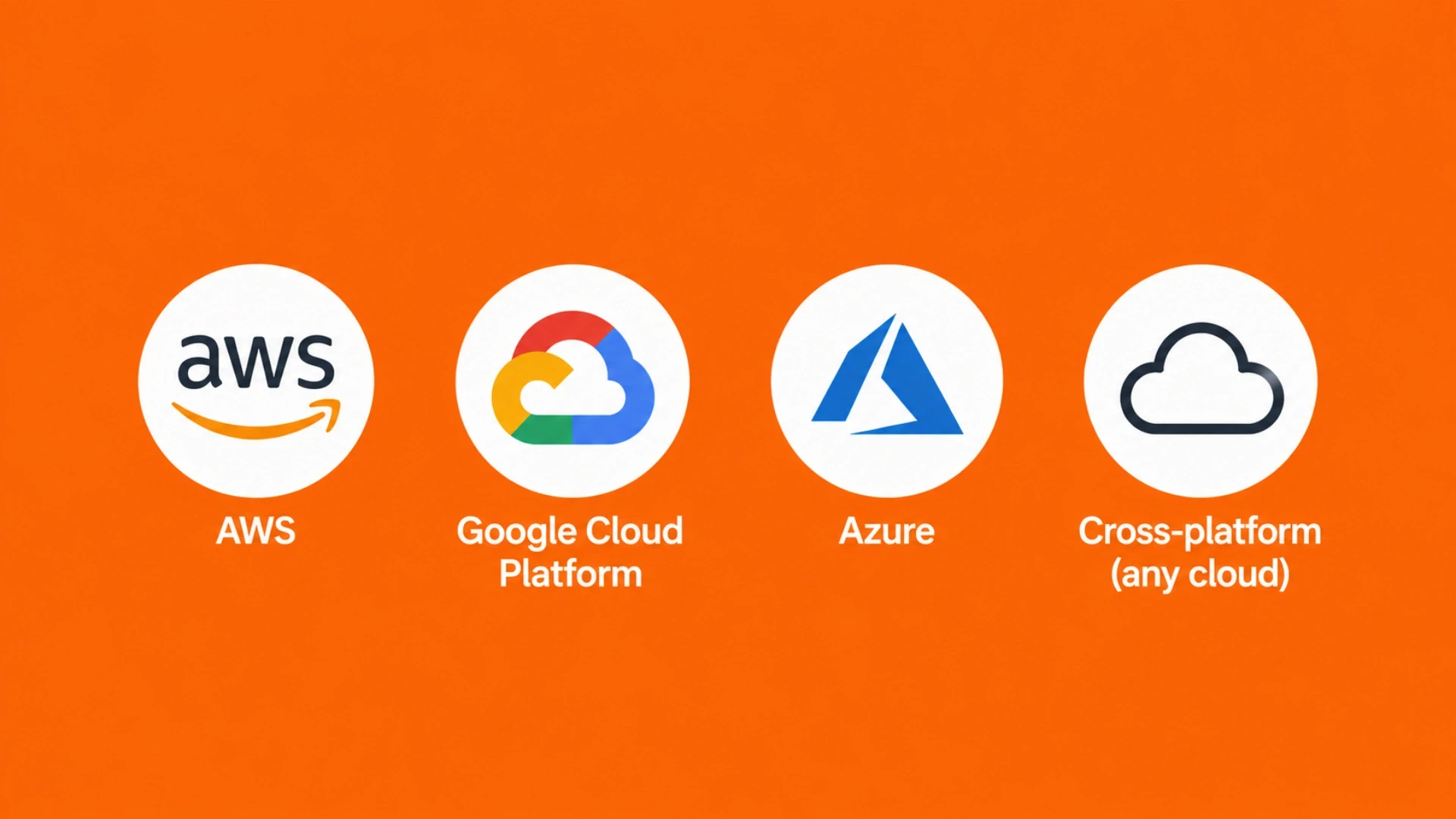
Cloud cost optimisation requires the right tooling to identify waste accurately, and a Cloud Computing Course can help learners understand how cloud services, monitoring, and cost-management tools work together. These are the tools a DevOps engineer uses in an optimisation engagement, by cloud provider.
AWS | AWS Cost Explorer: cost breakdown by service, linked account, and tag. AWS Trusted Advisor: idle resource detection, underutilised EC2, and S3 bucket hygiene checks. AWS Compute Optimizer: machine learning-based right-sizing recommendations for EC2, ECS, Lambda, and EBS. CloudWatch: CPU, memory, and network utilisation metrics for right-sizing analysis. AWS Budgets: spend alerts and forecasting. |
Google Cloud Platform | Cloud Billing Reports: cost breakdown by project, service, and label. Cloud Recommender: right-sizing and idle resource recommendations. Cloud Monitoring: resource utilisation metrics. GCP Commitment Use Discounts analysis for sustained use savings. |
Azure | Azure Cost Management and Billing: cost breakdown by resource group and tag. Azure Advisor: right-sizing, idle resource, and Reserved Instance recommendations. Azure Monitor: utilisation metrics for right-sizing. Azure Reservations analysis for compute savings. |
Cross-platform (any cloud) | Infracost: open-source tool that shows infrastructure cost changes in pull requests before resources are provisioned. Spot.io (CloudCheckr): cross-cloud optimisation and Spot Instance automation. Kubecost: Kubernetes-specific cost allocation and optimisation. |
For individual DevOps capacity on a monthly retainer covering cloud optimisation and broader infrastructure, Acquaint Softtech's staff augmentation model provides a dedicated engineer at $3,200/month. Available in 48 hours.
For a vendor-managed DevOps team covering cloud optimisation, CI/CD, and broader infrastructure management, our dedicated development teams service covers the full engagement structure.
Frequently Asked Questions
-
How much can a DevOps engineer reduce cloud costs?
Most SaaS teams see 20 to 35% reduction in cloud spend within 90 days. The exact savings depend on how much unoptimised infrastructure exists. Teams with no previous cost review typically see larger savings. Teams that have already done some optimisation see smaller but still meaningful improvements.
-
What does cloud cost optimisation involve?
It involves auditing all cloud resources across 8 waste categories, implementing quick fixes (decommissioning idle resources, scheduling dev environments), and then making architectural changes (auto-scaling, Reserved Instances, right-sizing, S3 lifecycle policies). The audit phase takes 1 week. The implementation phase takes 8 to 12 weeks.
-
How quickly does cloud cost optimisation show results?
Quick wins from decommissioning idle resources and scheduling dev environments appear in the first billing cycle after implementation. Structural savings from auto-scaling and Reserved Instances appear from month 2 onwards. Full 90-day engagement savings are visible in month 3 and compound from there.
-
How does cloud cost optimisation pay for itself?
At $3,200/month for a full-time dedicated DevOps engineer, a team spending $10,000/month on cloud with 25% waste saves $2,500/month. The engagement pays for itself in approximately 1.5 months of savings. Savings continue after the engagement ends.
-
What cloud providers does Acquaint Softtech optimise?
Acquaint Softtech DevOps engineers have conducted cost optimisation engagements on AWS, Google Cloud Platform, and Azure. AWS is the most common, covering EC2, RDS, S3, CloudFront, EKS, and Lambda cost categories.
-
Do I need a full-time DevOps engineer for cloud cost optimisation?
Not for the initial engagement. A 90-day focused engagement is sufficient for the audit and implementation. Ongoing cost governance is typically 2 to 4 hours per month and is handled as part of a broader DevOps retainer rather than a dedicated full-time engagement.
-
What is the first thing a DevOps engineer checks in a cloud cost audit?
Idle and orphaned resources. These are the easiest wins: resources that are running and billing but serving no active workload. AWS Trusted Advisor and Cost Explorer identify these within hours. Decommissioning idle resources typically produces immediate savings before any architectural changes are made.
Taukir Katava is a DevOps Engineer at Acquaint Softtech with 4+ years of experience across AWS, Azure, and GCP. He specialises in Kubernetes cluster administration, CI/CD pipeline automation, and cloud infrastructure design for high-traffic platforms. Taukir writes about the practical side of production DevOps: what infrastructure decisions cost and what they actually deliver.
Table of Contents
Get Started with Acquaint Softtech
- 13+ Years Delivering Software Excellence
- 1300+ Projects Delivered With Precision
- Official Laravel & Laravel News Partner
- Official Statamic Partner
Related Reading
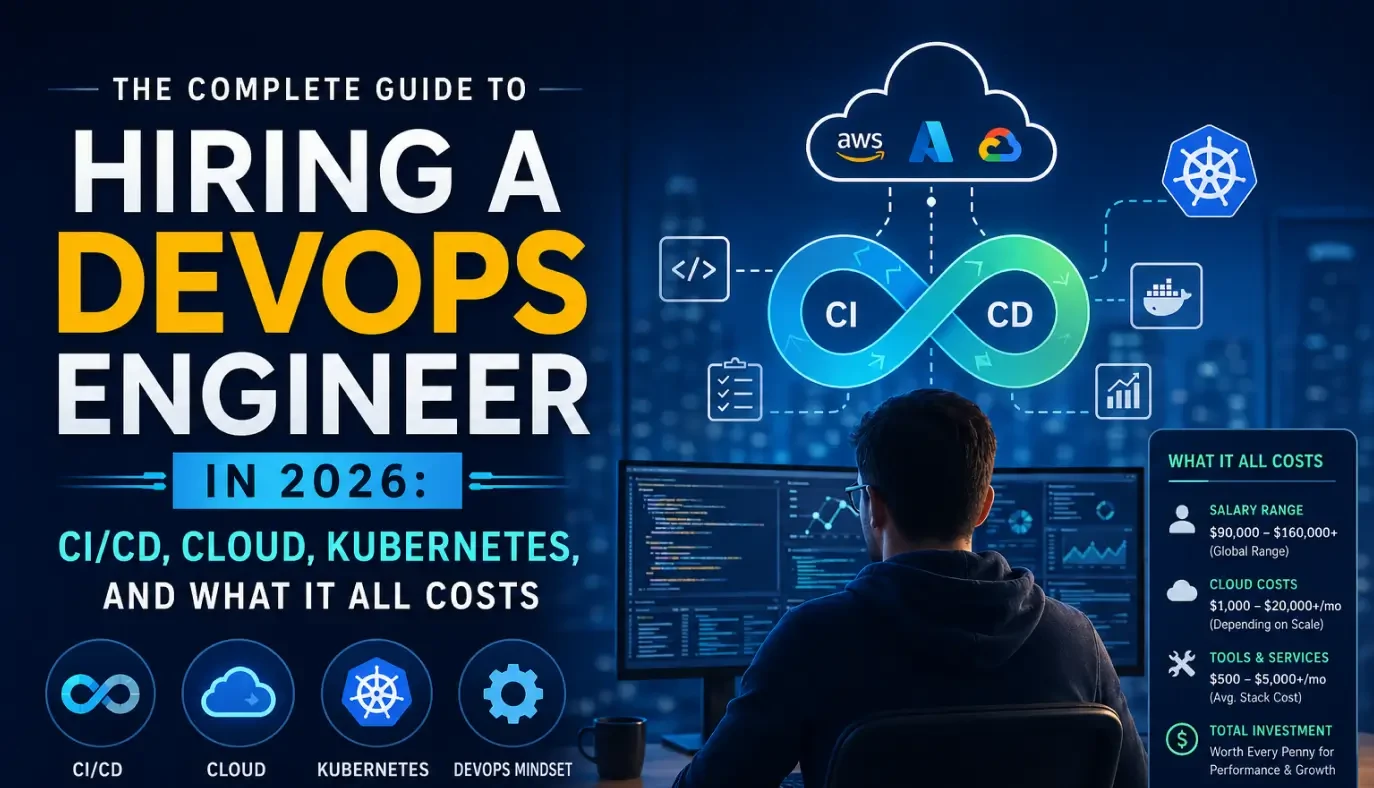
The Complete Guide to Hiring a DevOps Engineer in 2026: CI/CD, Cloud, Kubernetes, and What It All Costs
Everything you need before hiring a DevOps engineer in 2026. What the role covers, CI/CD to Kubernetes, what it costs in India vs the US, and how to start with a vetted engineer in 48 hours.

Acquaint Softtech
May 1, 2026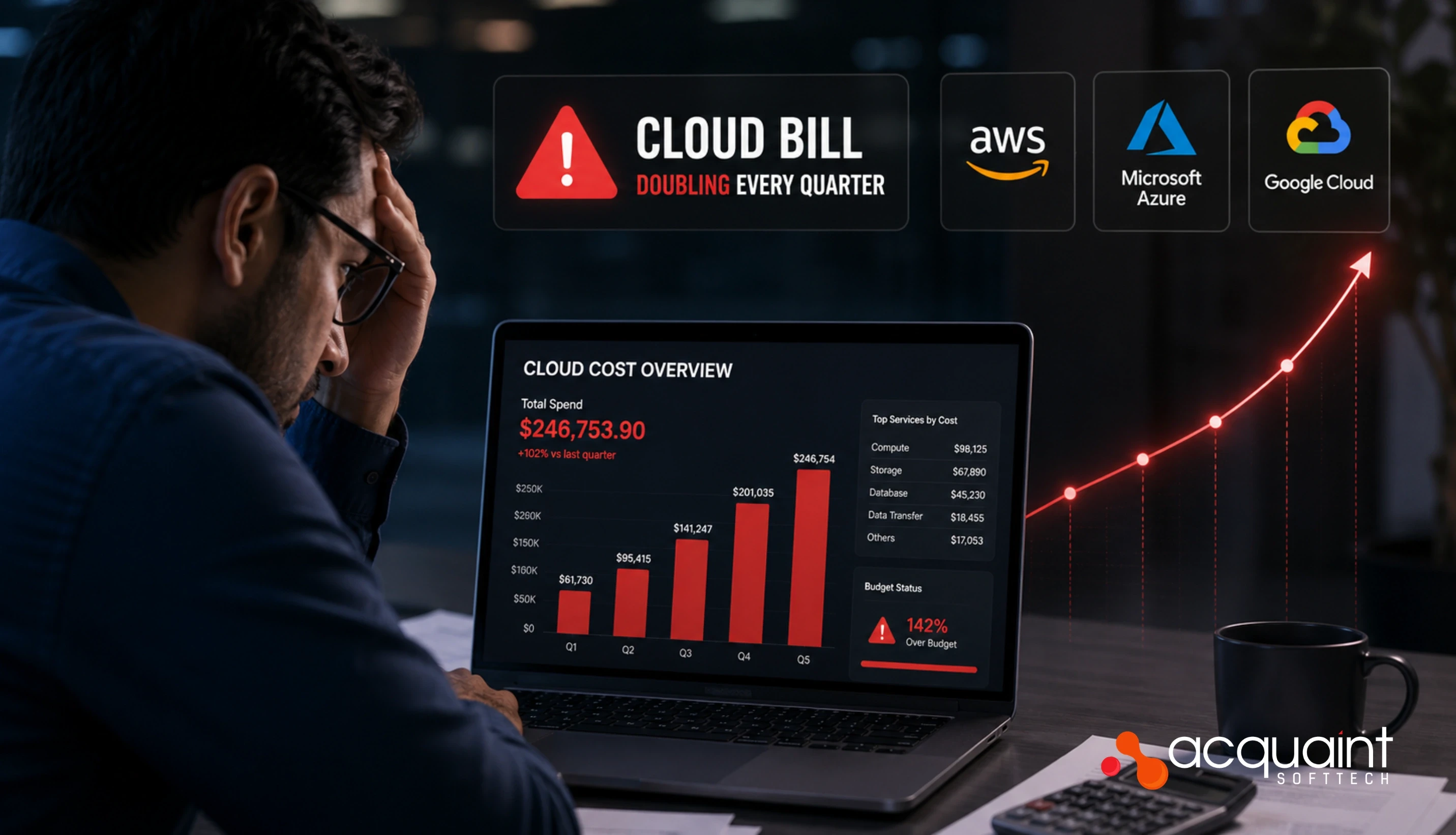
Cloud Bill Doubling Every Quarter: What a DevOps Engineer Finds and Fixes in 30 Days
AWS bill doubling every quarter without a clear reason? A DevOps engineer typically finds 20 to 40% of cloud spend as waste. Here are the 7 categories they fix first.
Taukir katava
May 8, 2026
App Crashes Every Traffic Spike: The Infrastructure a DevOps Engineer Builds to Stop It
If your app crashes every time traffic spikes, the problem is infrastructure gaps, not code. Here is what a DevOps engineer diagnoses, builds, and delivers in the first 30 days.
Taukir katava
May 7, 2026India (Head Office)
203/204, Shapath-II, Near Silver Leaf Hotel, Opp. Rajpath Club, SG Highway, Ahmedabad-380054, Gujarat
USA
7838 Camino Cielo St, Highland, CA 92346
UK
The Powerhouse, 21 Woodthorpe Road, Ashford, England, TW15 2RP
New Zealand
42 Exler Place, Avondale, Auckland 0600, New Zealand
Canada
141 Skyview Bay NE , Calgary, Alberta, T3N 2K6