

Table of Contents
Benefits And Drawbacks Of Using Serverless Computing With Laravel
Introduction
Running Laravel serverless, most commonly via AWS Lambda using Laravel Vapor, shifts the framework from a traditional persistent server (Nginx and PHP-FPM) into a stateless, event-driven model. It eliminates server maintenance and scales instantly, but it requires you to rethink how you handle state, file uploads, and background processes. Weighing that trade-off for your specific app is part of Laravel development services at Acquaint Softtech.
Serverless computing has changed how businesses deploy applications, letting them run apps and services without managing physical servers or traditional cloud instances. Laravel, known for its elegant syntax and robust features, is increasingly paired with serverless architectures so developers can focus on code rather than server management.
It offers real advantages, but it also comes with challenges, especially with a framework like Laravel, which this answer weighs up.
What Is Serverless Computing?
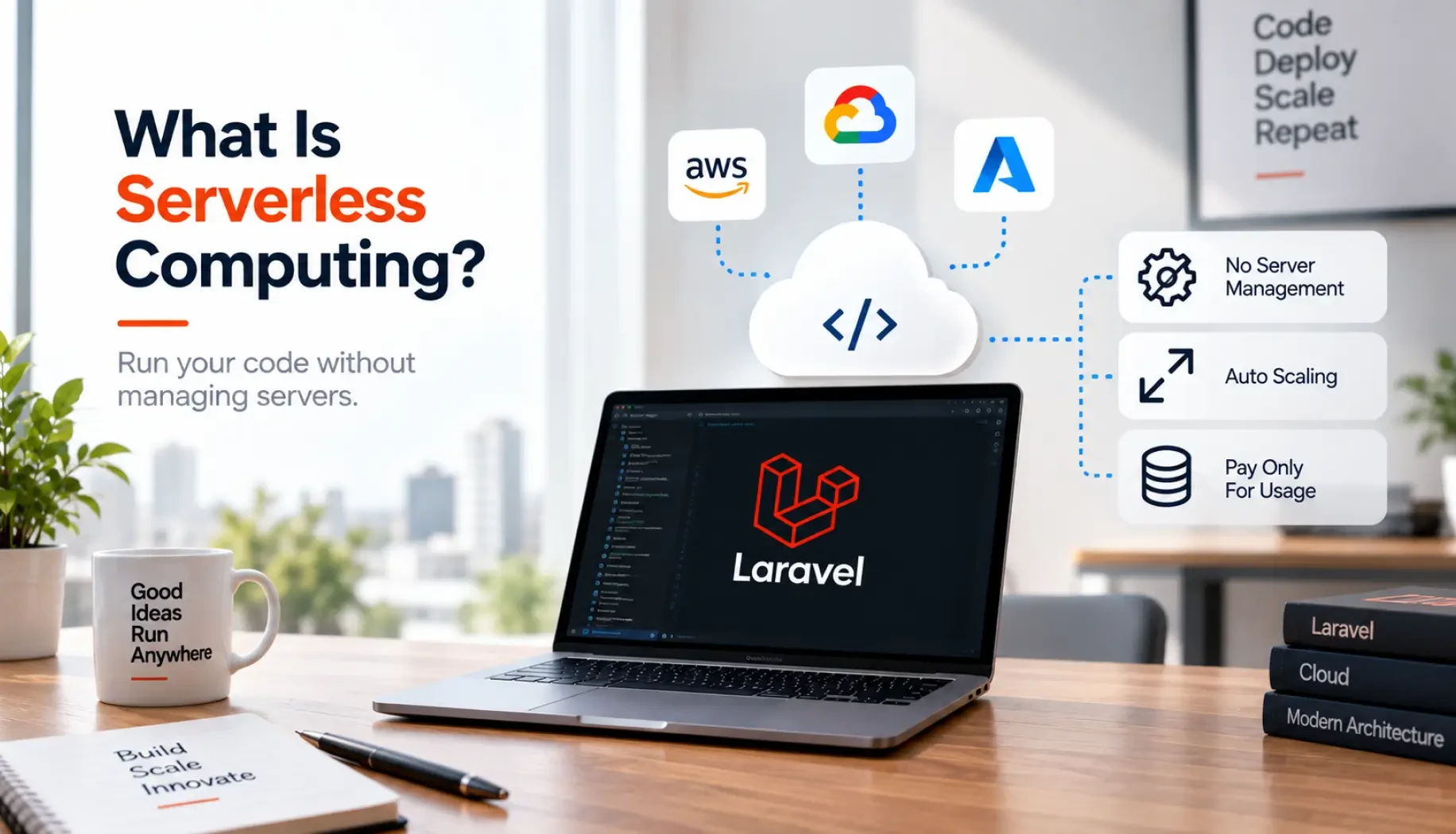
Serverless computing is a cloud execution model where the provider runs the server and dynamically allocates resources, billing you for what you actually consume rather than pre-purchased capacity.
Laravel embraces this through tools like Laravel Vapor, whose official documentation covers the setup. It is an excellent option for event-driven applications, microservices, and apps with unpredictable traffic, but a poor fit for long-running processes that hit execution limits and for latency-sensitive apps where cold starts hurt.
Benefits Of Serverless Laravel
The advantages of serverless computing with Laravel are substantial:
Infinite, instant scaling: where traditional Laravel needs load balancers and EC2 scaling policies, the provider scales automatically, so 10,000 concurrent requests or queue jobs spin up 10,000 isolated instances instantly.
Pay-per-execution savings: traditional servers cost money even idling at 2 AM, while serverless charges only for the milliseconds your code runs, cutting costs for variable or unpredictable traffic.
Zero server maintenance: no provisioning, configuring, or security-patching of the OS, Nginx, or PHP-FPM, since the runtime is fully managed by the provider.
Highly concurrent queue workers: under Vapor, queue jobs map to AWS SQS and scale concurrently, so a backlog of 50,000 jobs can clear in seconds rather than hours.
Simplified operations, faster time to market, global distribution for lower latency, easy integration with cloud services, event-driven flexibility for microservices, and automatic infrastructure updates and security patches.
These make serverless a strong fit for spiky, high-scale apps, which Acquaint Softtech builds through Laravel enterprise development.
Drawbacks Of Serverless Laravel
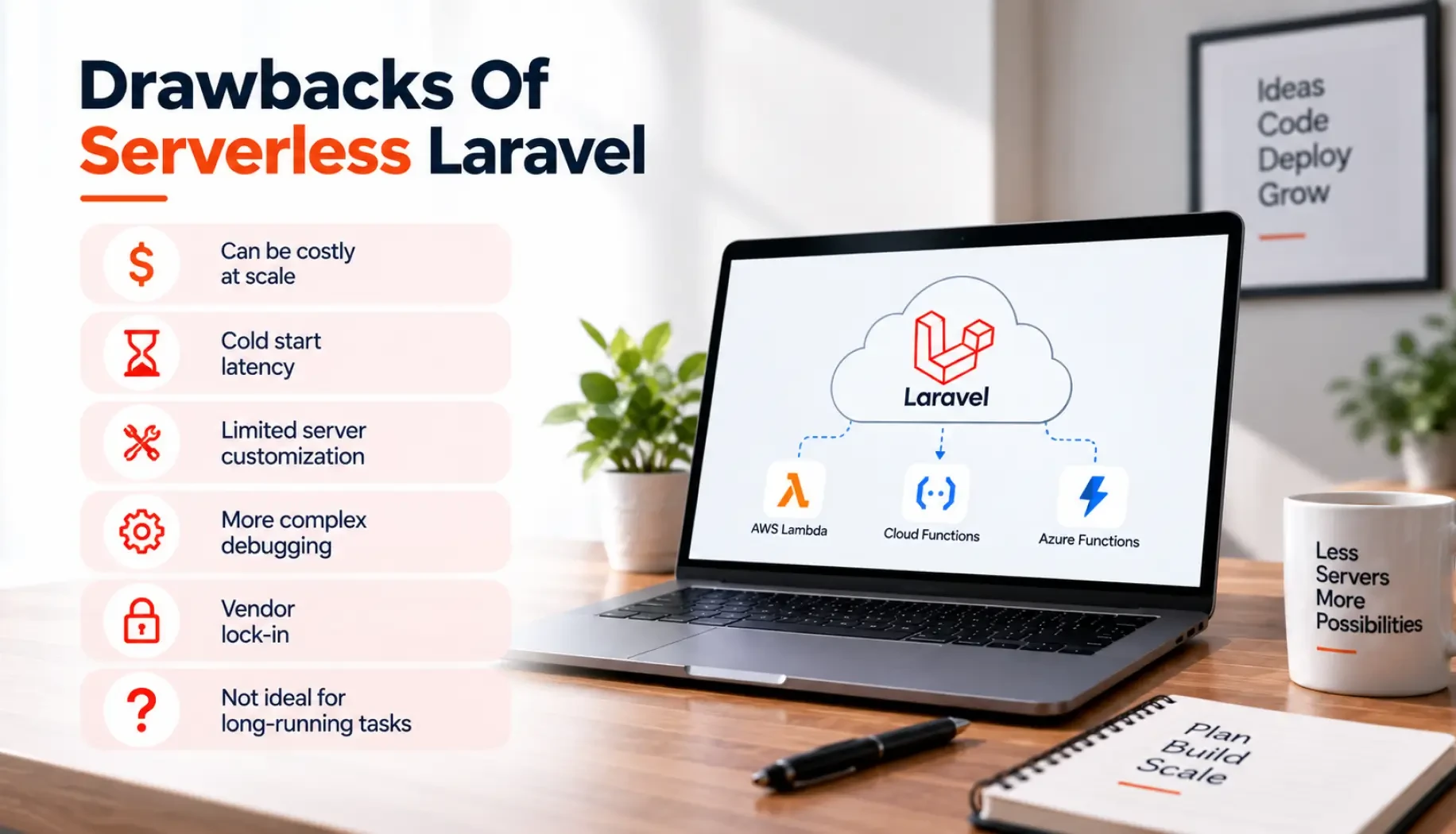
The drawbacks require real planning:
Stateless local filesystem: files written to Laravel's storage/ directory vanish when the function ends, so you must stream uploads and write temporary files (PDFs, exports) to cloud storage like Amazon S3, adding minor network latency.
WebSocket incompatibility: long-lived, stateful connections break the model, so Laravel Reverb or Swoole will not run, and you must offload WebSockets to paid managed services like Pusher or Ably.
Cold starts: if an app has been idle, the container spins down, so the next request triggers a cold start while PHP and the Laravel framework boot, spiking latency temporarily.
Execution time limits: providers impose a hard timeout (15 minutes on AWS Lambda), so long Artisan commands, complex migrations, or massive report generations forcefully time out.
Database connection pooling: instant horizontal scaling can open thousands of database connections at once, overwhelming a standard MySQL or PostgreSQL, so you need a proxy like AWS RDS Proxy or a serverless database.
Testing and debugging differ from local; vendor lock-in ties you to one provider, security in a shared environment needs care, monitoring across many functions is harder, and sustained high traffic can raise costs.
Wiring in S3, RDS Proxy, and external real-time services correctly is part of Laravel integration services at Acquaint Softtech.
Traditional Vs Serverless
Here is how the two architectures compare:
Feature / metric | Traditional (VPS / dedicated) | Serverless (Lambda / Vapor) |
Scaling | Manual or rule-based auto-scaling (takes minutes) | Instant and automatic per request |
Cost model | Fixed monthly price per server instance | Pay-per-use (millisecond billing) |
Local storage | Persistent local SSD (storage/app/) | Ephemeral (wiped after invocation) |
WebSockets | Supported natively (Laravel Reverb) | Requires external third-party services |
Maintenance | High (OS updates, PHP-FPM tuning) | Near zero (managed infrastructure) |
For products with unpredictable, spiky traffic, serverless can be ideal, which is why Acquaint Softtech uses it for some Laravel SaaS platforms.
Not Sure If Serverless Fits Your Laravel App?
Acquaint Softtech helps teams weigh serverless against traditional hosting and deploy the right one. Book a free 30-minute consultation, no sales pitch, just honest advice.
When Should You Not Use Serverless?
The advantages of serverless are instant scaling, pay-per-use cost, and near-zero maintenance, and the downsides are cold starts, execution limits, stateless storage, and connection-pooling issues.
So avoid serverless for long-running jobs, real-time WebSocket apps, latency-critical workloads, or steady high traffic where a fixed server is cheaper. For those steady workloads, a traditional server kept current through Laravel maintenance and support is often simpler.
Why Are Some Teams Leaving Serverless?
Teams sometimes move off serverless because of cold-start latency, per-request costs that add up at sustained high volume, or vendor lock-in that makes switching providers hard. The decision usually comes down to traffic patterns and cost predictability, and the wider deployment trade-offs are covered in cloud deployment strategies for Laravel
Serverless And Microservices
Serverless suits event-driven and microservice architectures especially well, since each function runs independently and scales on its own. Pairing serverless with an API-first, modular design is explored in Laravel microservices and API-first SaaS.
Working With A Laravel Team
Adapting a Laravel app to serverless, streaming files to S3, offloading WebSockets, and managing connections takes experience. You can hire Laravel developers from Acquaint Softtech to make that move safely, or to keep a traditional setup running smoothly.
To Sum
Integrating Laravel with serverless computing offers cost savings, instant scalability, simplified operations, and improved latency, but challenges like cold starts, testing complexity, vendor lock-in, stateless storage, execution limits, and connection pooling need careful consideration.
The decision to go serverless with Laravel should be based on your application's needs, traffic patterns, and technical requirements. By understanding both the advantages and the pitfalls, teams can pick the architecture that best balances performance, scalability, and cost for their project.
India (Head Office)
203/204, Shapath-II, Near Silver Leaf Hotel, Opp. Rajpath Club, SG Highway, Ahmedabad-380054, Gujarat
USA
7838 Camino Cielo St, Highland, CA 92346
UK
The Powerhouse, 21 Woodthorpe Road, Ashford, England, TW15 2RP
New Zealand
42 Exler Place, Avondale, Auckland 0600, New Zealand
Canada
141 Skyview Bay NE , Calgary, Alberta, T3N 2K6