

Table of Contents
What Is Database Optimization In Laravel?
Introduction
Database optimization in Laravel is the process of making your application's database interactions faster and more efficient, so pages load quickly and the app scales as data grows. Even a well-built Laravel application can slow down if the database layer is not tuned: every query for user details, updates, or analytics adds load, and it adds up.
Optimization tackles that through indexing, efficient queries, caching, good schema design, and batch processing, and handling it well is part of the Laravel development services at Acquaint Softtech.
Why Database Optimization Matters
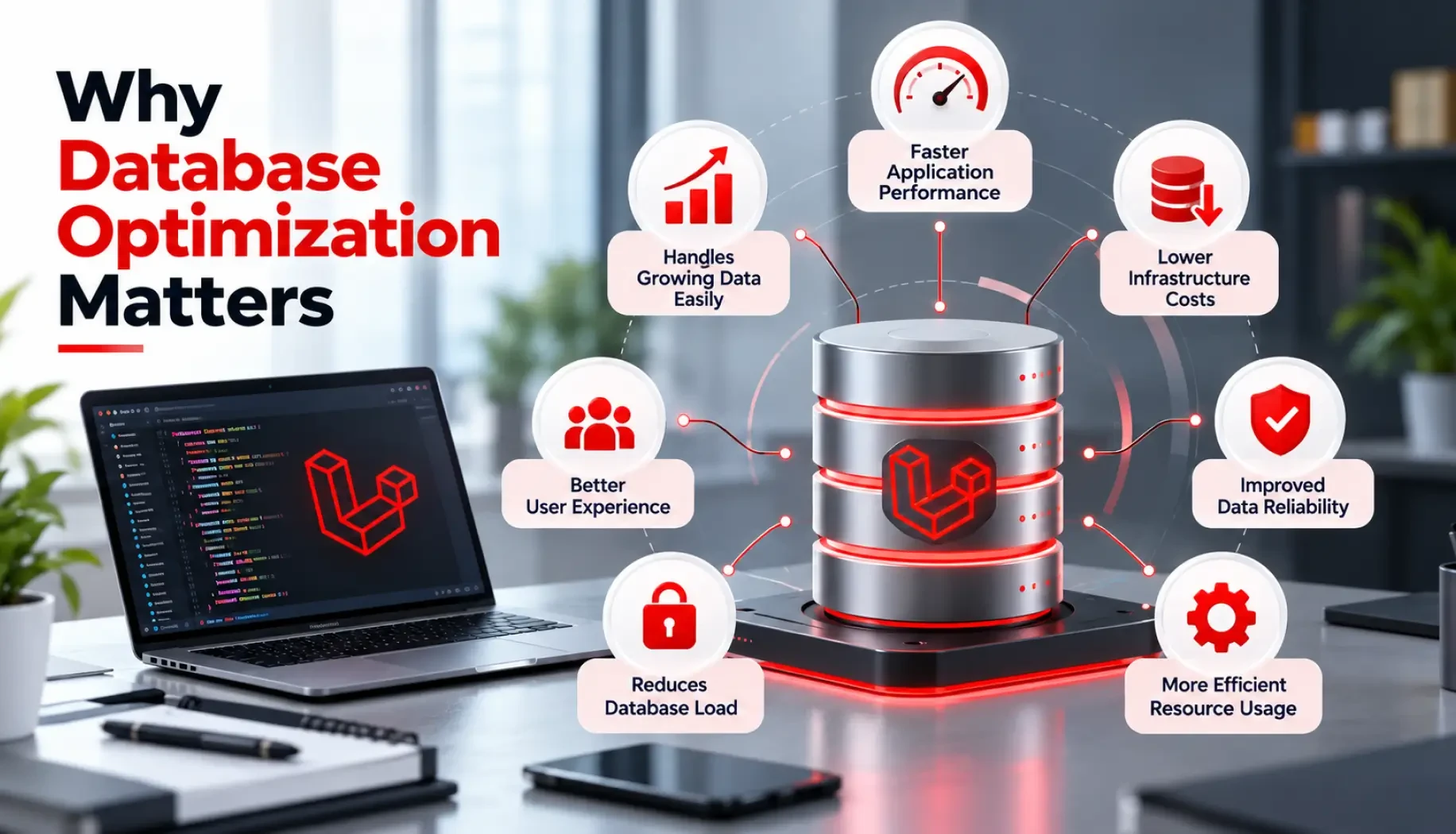
Each time your app asks the database for information, getting user details, saving updates, or pulling analytics, it runs a database query. As the app grows and handles more data and more complex questions, the database can start to slow down, and if that keeps repeating, the app feels slow to users and can even cost more to run because of the extra processing power. Keeping it fast matters most on large systems, which is a focus of Laravel enterprise development at Acquaint Softtech.
Key Areas Of Focus
Optimization can be approached from several angles, all supported by Laravel's official database documentation:
Technique | What it does |
Indexing | Adds indexes so the database finds records faster, shrinking the search space for queries |
Query optimization | Selects only the columns you need and eager loads relations to avoid the N+1 problem |
Caching | Stores frequently accessed query results so the app skips repeated database hits |
Database design | Uses proper data types, normalization, and partitioning for large tables |
Batch processing | Handles mass inserts, updates, and deletes efficiently to ease the load on the database |
Practical Steps To Optimize
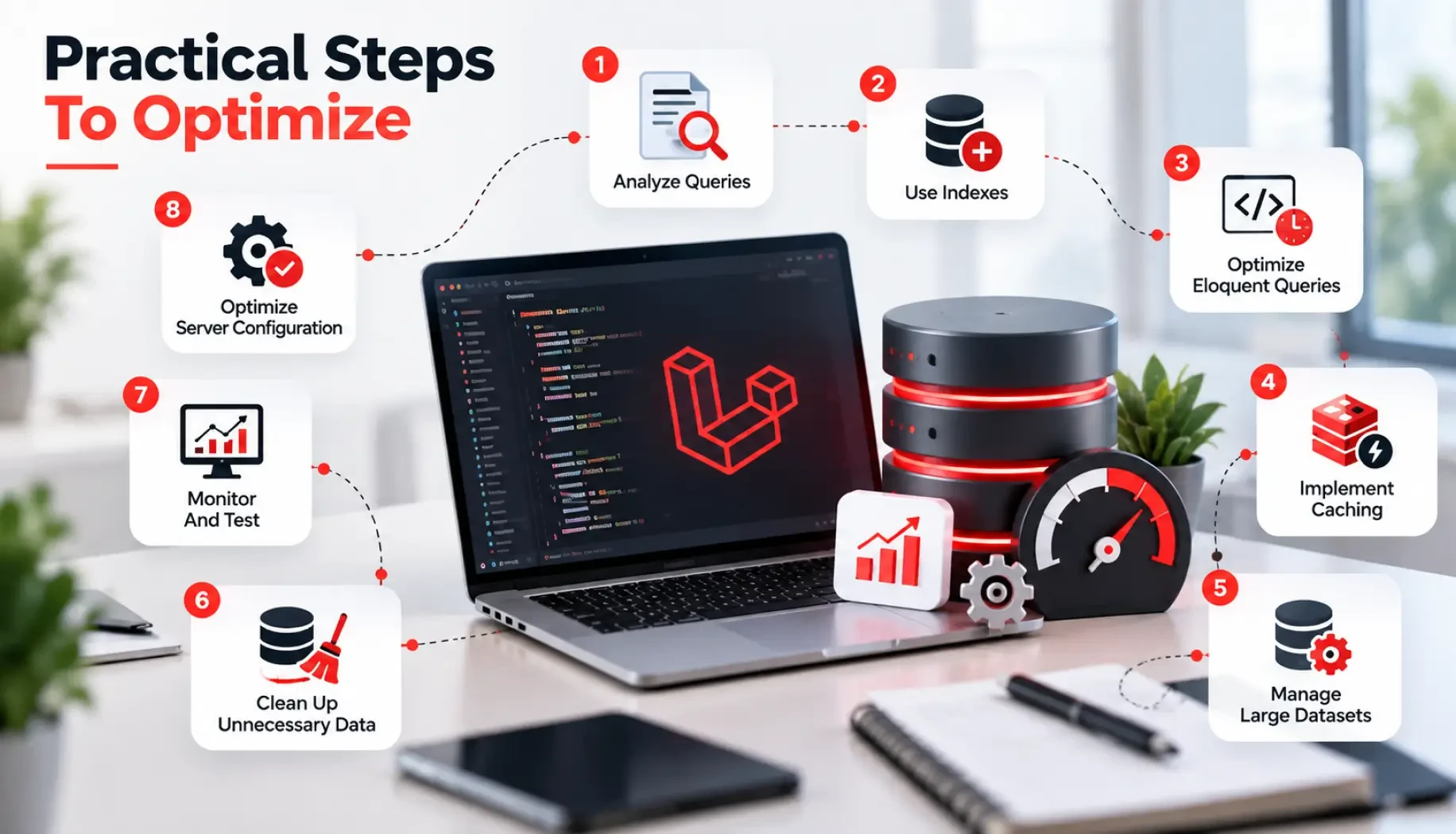
Here is how to put this into practice:
Profile your queries: use Laravel Debugbar, or Laravel Telescope and Pulse, to see how long each query takes and how much memory it uses, so you can spot slow parts.
Log and review queries: Laravel can log every query your app runs; review the log to find the ones taking too long.
Load relationships smarter: use with() to eager load related data in one query instead of many, avoiding the N+1 problem.
Use pagination: break large result sets into pages so the app only loads a small piece of data at a time.
Keep measuring and updating: as the app changes, keep watching your queries and schema and tune them as needed.
These, and more advanced tactics like Redis caching and indexing, are covered in Laravel performance optimization.
Is A Slow Database Holding Your App Back?
Acquaint Softtech audits queries, adds the right indexes and caching, and tunes your Laravel database to scale. Book a free 30-minute consultation, no sales pitch, just honest advice.
Fixing Slow Queries And The N+1 Problem
The single biggest quick win is usually fixing the N+1 problem, where lazy-loaded relationships fire one query per record and quietly pile up. Eager loading with with() collapses those into a couple of queries. Spotting and fixing these bottlenecks is a common part of Laravel consulting services.
Scaling A Large Database
As data grows into millions of rows, you layer on read replicas, Redis caching, and careful indexing so the database keeps up with demand. That kind of scaling underpins reliable Laravel SaaS development at Acquaint Softtech.
When Growth Strains The Database
Taking an app from a few hundred to tens of thousands of users almost always means tuning the database, adding indexes, caching hot paths, and reworking heavy queries, as scaling a Laravel SaaS to 10k+ users shows.
Common Questions On Database Optimization
How do I add an index in Laravel? In a migration, with $table->index('column'), which speeds up lookups on that column. Does caching help database performance? Yes, caching frequent query results, often in Redis, avoids repeated hits and cuts response time.
And how do I find slow queries? Log them or use Telescope, then optimise the worst offenders. Keeping all of this tuned over time is part of Laravel maintenance and support at Acquaint Softtech.
Optimizing Your Database With A Team
Database optimization rewards experience, knowing which index to add, when to cache, and where a schema change beats a query tweak, and getting it wrong can make performance worse. If you want that expertise, you can hire Laravel developers from Acquaint Softtech, an Official Laravel Partner, to audit your queries, add the right indexes and caching, and keep your application fast as it scales.
Wrapping Up
Database optimization is not a one-time task but a continuous part of developing and maintaining a Laravel application. By focusing on efficient query writing, indexing, caching, and batch processing, developers can significantly improve performance.
The key is to measure the impact of each change, so effort goes into optimizations that offer real, tangible improvements, keeping the application scalable, responsive, and capable of delivering a superior user experience.
India (Head Office)
203/204, Shapath-II, Near Silver Leaf Hotel, Opp. Rajpath Club, SG Highway, Ahmedabad-380054, Gujarat
USA
7838 Camino Cielo St, Highland, CA 92346
UK
The Powerhouse, 21 Woodthorpe Road, Ashford, England, TW15 2RP
New Zealand
42 Exler Place, Avondale, Auckland 0600, New Zealand
Canada
141 Skyview Bay NE , Calgary, Alberta, T3N 2K6