

Building AI Agents in Laravel: Architecture, Tools and Cost
Yes, Laravel can run AI agents natively. The first-party Laravel AI SDK lets you build agents with instructions, tools, memory, structured output, streaming, and queues, and Laravel MCP connects agents to external AI clients and tools. An AI agent proof of concept typically costs $12,000 to $20,000 and takes two to three weeks.

Kalpesh Rajora
Walk up to the front desk of a good hotel and ask the concierge for a table at a busy restaurant. A receptionist would hand you a phone number. A concierge picks up the phone, books the table, arranges the taxi, and leaves a note on your file so tomorrow's shift knows what you like. That difference, between answering and acting, is exactly the difference between a chatbot and an AI agent, and it is the work our Laravel AI development team now does most often.
So, can Laravel run AI agents? Yes, and in 2027 it can do it without a separate Python service. The first-party Laravel AI SDK gives you agent classes with instructions, tools, conversation memory, structured output, streaming, and queue support. Laravel MCP lets your application expose tools to AI clients, and lets your agents use tools from other MCP servers. For teams that already run on Laravel, the agent can live right next to the business logic it needs to act on.

- You run a Laravel product and want an AI agent that completes tasks, not just answers questions.
- You want to understand the architecture and tools before you commit budget.
- You have heard of Laravel MCP and want to know what it actually does.
- You need a realistic cost and a safe way to start.
As a project manager, my job on agent projects is less about prompts and more about boundaries: which tasks the agent may do, which systems it may touch, and which decisions must still go to a person. The projects that go well settle those questions before anyone writes code. The ones that struggle start with an impressive demo and discover the boundaries in production.
This guide walks through how an AI agent works inside a Laravel application, the tools Laravel now provides, what Laravel MCP is, the main multi-agent patterns, the guardrails that keep agents safe, what an agent costs, and when Laravel is the right home for your agent.
EXPERT INSIGHT "Start every agent read-only. Let it look things up and suggest actions for a few weeks, measure how often it is right, and only then permit it to act. Trust is a feature you build, not a setting you switch on." Kalpesh Rajora, Project Manager, Acquaint Softtech |
What a Hotel Concierge Teaches About Laravel AI Agents

The concierge acts, but only with the right keys
A concierge carries a key card that opens some doors and not others. They can book a restaurant but cannot enter a guest's room or open the safe. That is how a well-designed agent should work. Each tool you give it is a key: look up an order, draft an email, update a CRM record. The agent can only do what its tools allow, and every tool should do one narrow thing with clear limits.
Some requests still go to the manager
A good concierge knows when to say, "Let me check with the manager." Refunds, upgrades, and anything unusual go upstairs. Agents need the same instinct, built in as approval steps. Reading data can be automatic; sending money, deleting records, or emailing a customer should wait for a person to approve, at least until the agent has earned trust.
The notes on the guest's file
What makes a concierge feel brilliant is memory: they remember your preferences from last time. Laravel agents can remember too, by storing conversation history in your own database. That memory is what turns a one-off answer into an assistant that understands context across days and weeks.
The ledger at the end of the shift
Every action a concierge takes ends up in a log, so the next shift and the manager can see what happened. Agents need the same: every step, tool call, and result recorded. When something goes wrong, and with any automated system something eventually will, the log is how you find out why in minutes instead of days.
Can Laravel Run AI Agents?
Yes. Laravel can run AI agents as first-class parts of your application. Until recently, most agent tooling was built for Python, and PHP teams often added a separate Python service just for AI. The Laravel AI SDK changed that by bringing agents, tools, memory, embeddings, and multi-agent patterns into the framework itself.
Why running agents inside Laravel makes sense
Your business logic is already there: agents can call the same Eloquent models, policies, and services your app uses.
Your security model applies: authentication, authorisation and validation work for agent tools too.
Your infrastructure is ready: queues, broadcasting and caching handle long-running and streaming agent work.
One team, one language: your Laravel developers can build and maintain the agents without a second stack.
Provider choice: the SDK works with more than a dozen AI providers, including local models, so switching is a configuration change.
What Is an AI Agent and How Is It Different From a Chatbot?
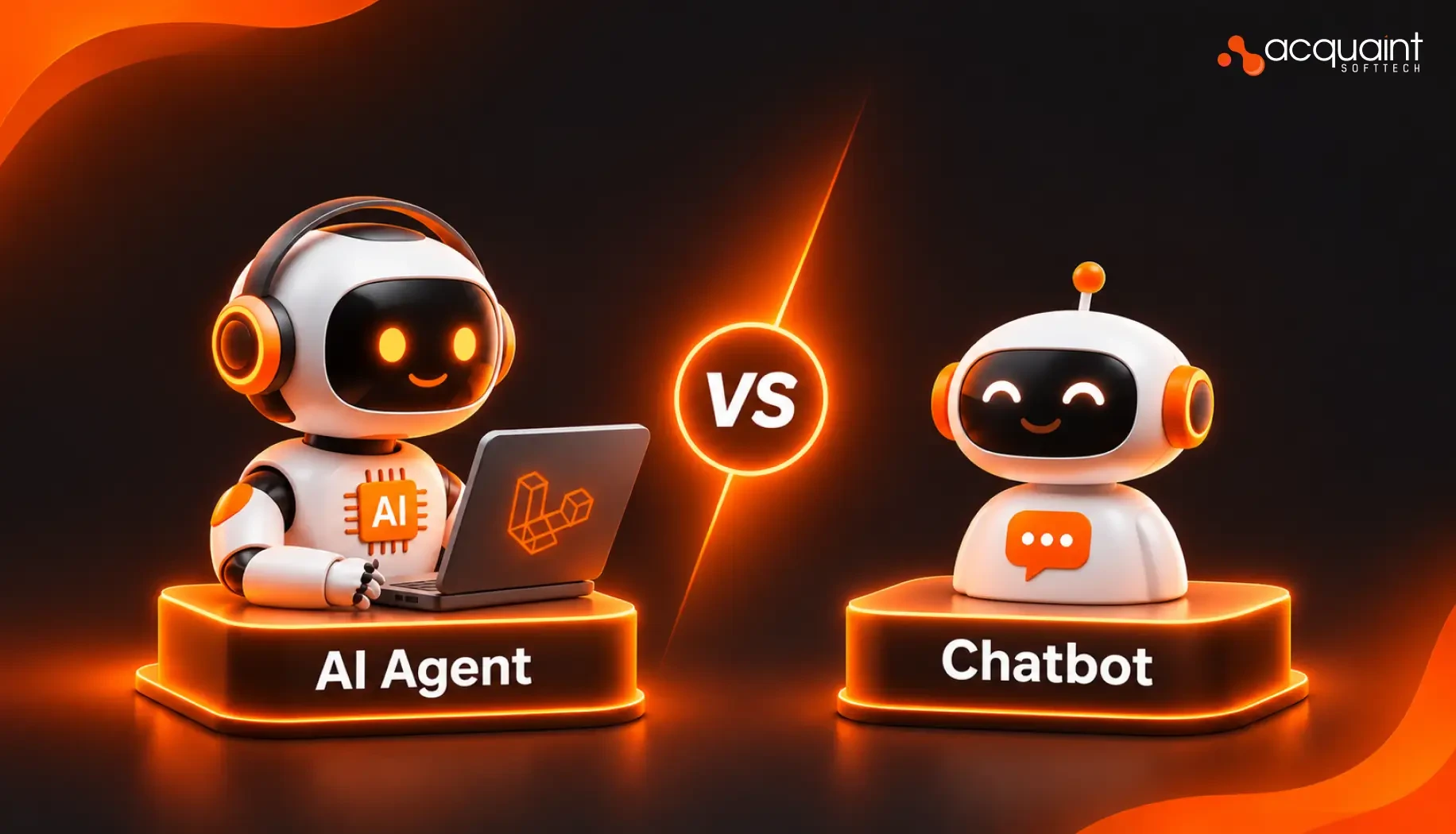
An AI agent is software that uses a large language model to understand a goal, plan the steps, call tools such as APIs, databases, or email, and keep acting until the task is done. A chatbot mainly answers questions. An agent completes work.
Concern | Chatbot | AI agent |
Main job | Answers questions | Plans and completes tasks |
Takes actions | Rarely | Yes, through tools |
Memory | Often per session | Persistent, if designed in |
Controls needed | Content checks | Approvals, limits and logs |
A useful test: if the output is a message for a person to read, you probably need a chatbot or an AI feature. If the output is a change in one of your systems, you need an agent, and you need the guardrails that come with it.
How an AI Agent Works in Laravel: The Architecture
A production Laravel agent is more than a prompt. It is a small system with clear layers, each of which maps to something Laravel already does well.
Layer | What it does in Laravel |
Entry point | A route, Livewire or Inertia screen, job, or scheduled command starts the agent |
Agent class | Holds instructions, provider and model settings, and the list of tools |
Tools | Small classes that wrap your models, services, and APIs with a JSON schema |
Memory | Conversation history stored in your database per user or team |
Knowledge | Embeddings in PostgreSQL with pgvector for retrieval (RAG) |
Execution | Queues for long tasks, streaming for live responses |
Guardrails | Middleware, step limits, approvals, policies, and logging |
How a request flows through the agent
A user asks, "Why has order 1042 not shipped, and can you fix it?" The agent receives the question with its instructions and tools. The model decides to call the order lookup tool, reads the result, calls the shipping status tool, finds a stuck label, and proposes reprinting it. Because reprinting is an action, an approval step asks a staff member to confirm. Once approved, the tool runs, the result is logged, and the agent replies with a summary. Every step happens inside your Laravel app, under your permissions.
Synchronous, streamed, or queued
Short agent tasks can respond directly. Conversational agents usually stream their responses so users see progress as it happens. Long tasks, such as researching across several systems or processing a batch of documents, should run on queues, with the result broadcast or stored when it is ready. Choosing the right mode for each agent is one of the biggest factors in how fast the product feels.
The Laravel Tools for Building AI Agents
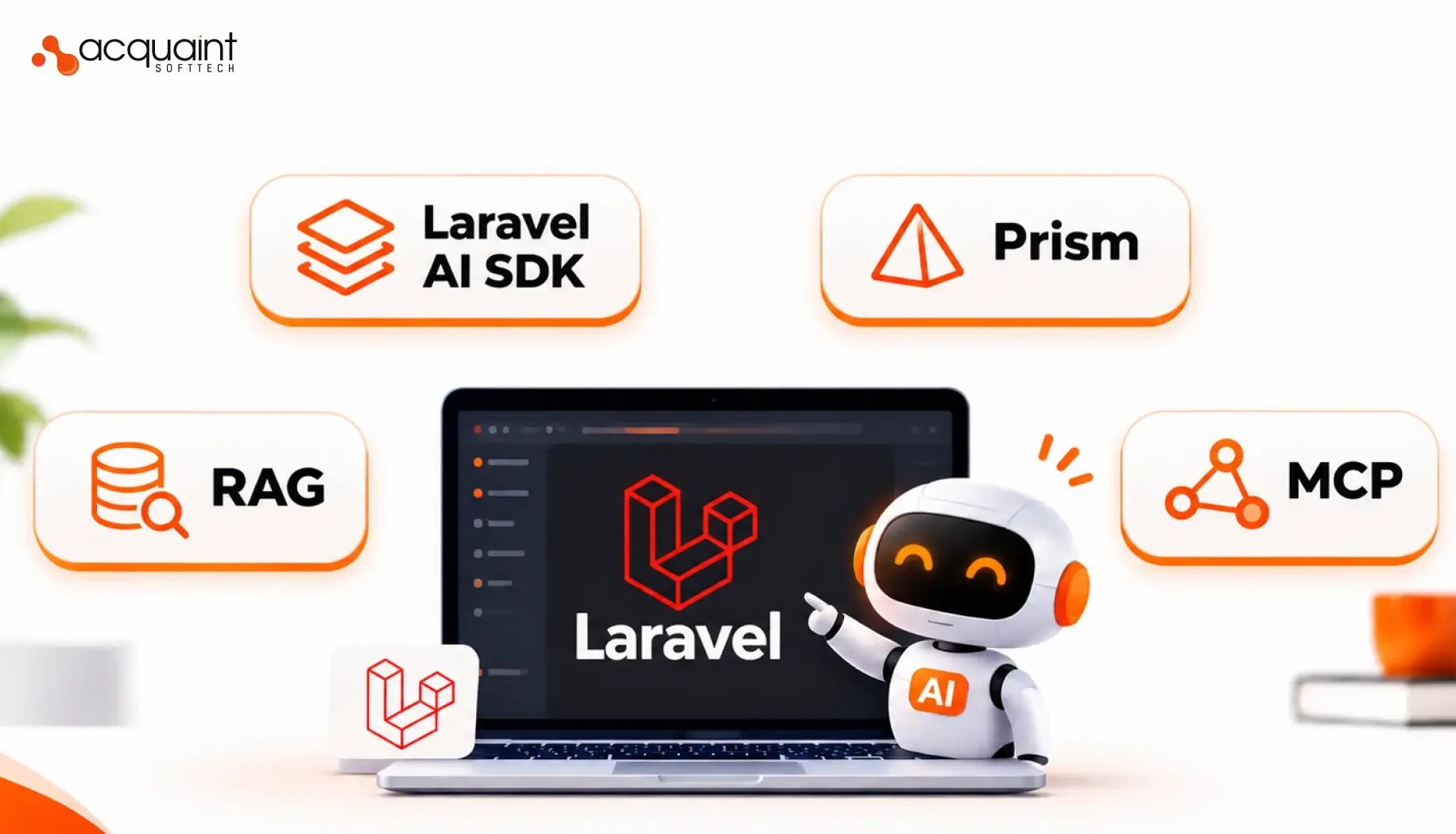
The Laravel AI SDK (the laravel/ai package) provides the building blocks for agents. These are the parts you will use most.
SDK feature | What it gives your agent |
Agent classes (make:agent) | Instructions, provider, model, timeouts, and step limits in one class |
Tools (make:tool) | A description, a JSON schema, and a handle method the model can call |
Structured output | Typed, validated responses from a schema instead of free text |
Conversation memory | History stored in your database so agents keep context |
Streaming and broadcasting | Live responses over server-sent events to your frontend |
Queueing | Long-running agent work processed in the background |
Agent middleware | Code that runs on every step to log, adjust or stop the run |
Similarity search | Retrieval from pgvector-backed models for RAG |
Sub-agents | Agents used as tools by other agents |
Testing fakes | Fake responses and assertions so agents can be tested |
What a simple agent looks like
Here is a simplified sketch of an order support agent with one tool. It shows the shape of the code rather than every detail, so check the official documentation for exact signatures.
// app/Ai/Tools/LookUpOrder.php (simplified) class LookUpOrder implements Tool { public function description(): string { return 'Find an order by its order number.'; }
public function schema(JsonSchema $schema): array { return ['order_number' => $schema->string()->required()]; }
public function handle(Request $request): string { $order = Order::where('number', $request['order_number'])->first(); return $order ? $order->toJson() : 'Order not found.'; } }
// Using the agent $response = (new SupportAgent)->prompt('Where is order 1042?'); |
The agent class itself holds the instructions ("You help customers track orders and never issue refunds without approval") and returns its tools. Laravel handles the loop of calling the model, running the tools the model asks for, and feeding the results back until the task is done or a step limit is reached.
Memory, retrieval and long tasks
For assistants that users return to, the SDK can store conversations automatically per user. For agents that need to answer from your own documents, embeddings stored with pgvector and the similarity search tool give you retrieval without a separate vector database. For heavy work, agents can be queued and their results delivered when complete.
For a wider look at what the SDK adds beyond agents, including text, images, audio, and embeddings, read how the Laravel AI SDK enhances modern web apps.
What Is Laravel MCP?
Laravel MCP is Laravel's first-party package for the Model Context Protocol (MCP), an open standard that lets AI assistants and agents connect to applications consistently. With Laravel MCP, you can build MCP servers that let AI clients interact with your Laravel application, and Laravel agents can use tools from other MCP servers.
Direction | What it means | Example |
Your app as an MCP server | AI clients can use your app's tools | An assistant creates a support ticket in your app |
Your agent as an MCP client | Your agent uses another server's tools | Your agent reads issues from a code host |
Why MCP matters for your product
Without MCP, every AI integration is custom: one connector for each assistant, each with its own format. With MCP, you describe your tools once, and any compatible AI client can use them, with authentication controlling who can do what. For SaaS products, that can turn "works with AI assistants" into a feature your customers can actually use.
What you need to use it
Laravel MCP requires PHP 8.2 or later and supports Laravel 11, 12, and 13 on recent minor versions. Agents built with the Laravel AI SDK can add tools from MCP servers alongside their own tools, so internal and external capabilities sit in one list.
The security question to ask first
Exposing your app through MCP means AI clients can trigger real actions. Treat every MCP tool like a public API endpoint: authenticate it, authorise it per user, validate every input, log every call and start with read-only tools.
Multi-Agent Patterns in Laravel
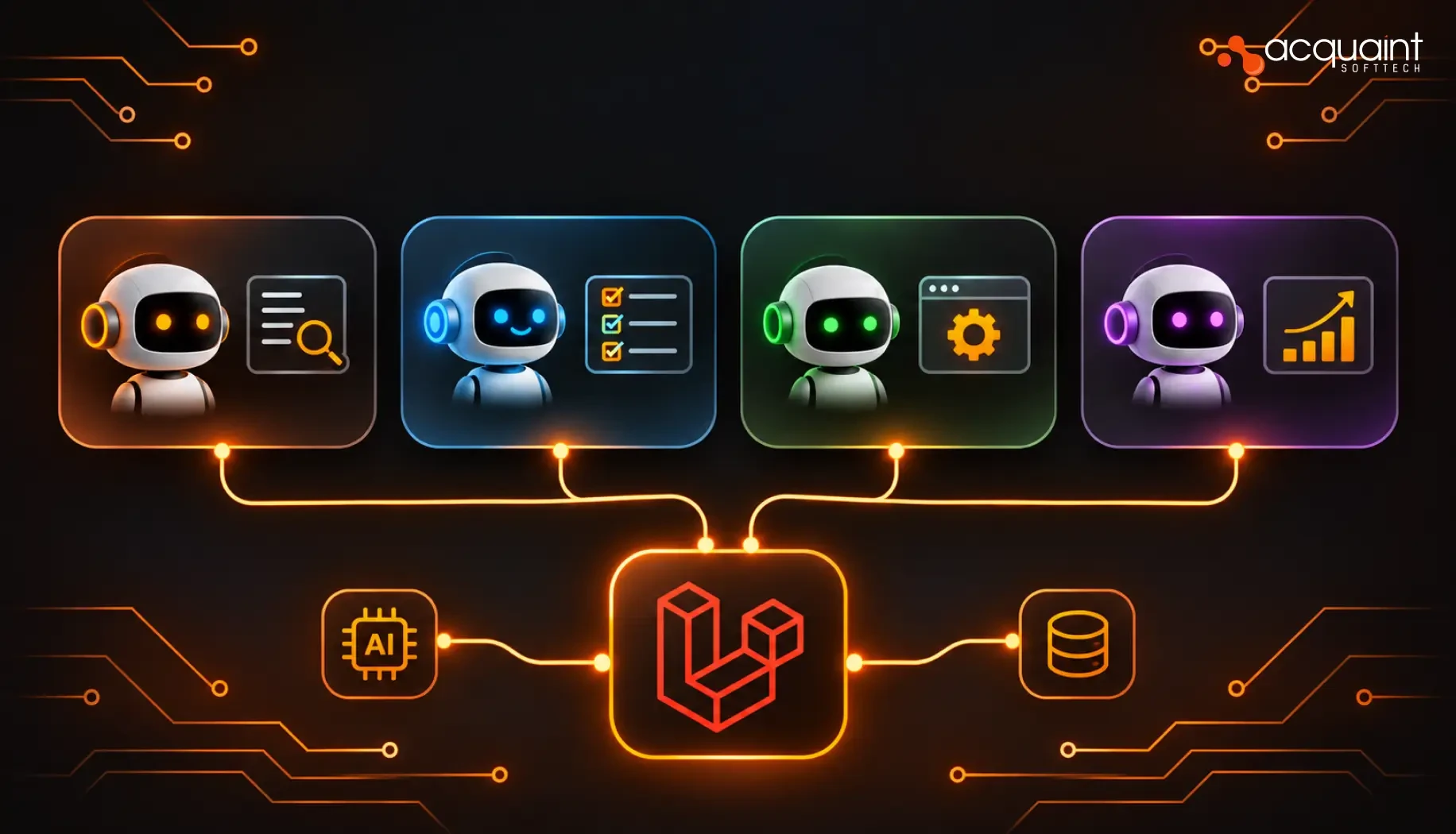
One agent with a few tools covers most first projects. When a workflow has several distinct stages or specialisms, multiple agents working together can be more reliable than one agent trying to do everything. These are the five patterns we use most, all of which can be built in Laravel.
Pattern | How it works | Good for |
Prompt chaining | One agent's output feeds the next | Draft, review, refine |
Routing | A classifier sends work to a specialist | Support triage |
Parallelisation | Agents run at the same time | Research across sources |
Orchestrator and workers | A coordinator delegates to sub-agents | Complex, variable tasks |
Evaluator and optimiser | One agent scores, another improves | Quality-critical output |
Keeping multi-agent systems affordable
Not every agent needs the most capable model. A routing agent that only classifies requests can use a cheaper, faster model, while the specialist that writes the final answer uses a stronger one. In Laravel, model choice can be set per agent, which keeps costs under control as the number of agents grows.
If your workflow genuinely needs several coordinated agents, our multi-agent AI services cover supervisor design, specialist agents, tracing, and cost control.
Guardrails That Make Laravel Agents Safe for Real Systems
An agent demo that works once is easy. An agent that works safely every day is engineering. These guardrails belong in every production Laravel agent.
Guardrail | How to build it in Laravel |
Scoped tools | Each tool does one thing, checks Laravel policies, and validates inputs |
Approval steps | Sensitive actions wait for a person before the tool runs |
Step and spend limits | Maximum steps, timeouts and token budgets per run |
Agent middleware | Log, inspect or stop every step of a run |
Full audit logs | Every prompt, tool call, result and approval stored |
Prompt injection defence | Treat content from emails, files and web pages as untrusted data |
Testing with fakes | Scenario tests for normal, edge and failure cases |
Start read-only, then earn the right to act
The safest rollout is gradual. First, the agent only looks things up and suggests actions. Then it acts with approval. Only when its suggestions are consistently right does it act on its own, and even then only for low-risk tasks. This sequence protects your data and gives your team confidence in the system.
Ownership checks on memory
If agents remember conversations, make sure a user can only continue conversations that belong to them. Authorise access to stored conversations the same way you would any other user data.
Want an agent your team can trust from day one?
Share the workflow you have in mind. A senior engineer will map the tools, approval steps and limits it needs, and tell you which actions are safe to automate first.
How Much Does an AI Agent Cost to Build?

How much does an AI agent cost to build? An AI agent proof of concept typically costs $12,000 to $20,000 over two to three weeks. A production agentic system with multiple tools, agents and full governance typically costs $80,000 to $300,000 over 16 to 24 weeks. A dedicated AI agent developer costs $4,400 a month.
Option | Typical cost | Timeline |
AI agent proof of concept | $12,000 to $20,000 | 2 to 3 weeks |
Production agentic system | $80,000 to $300,000 | 16 to 24 weeks |
Dedicated AI agent developer | $4,400/month | Starts in 48 hours |
Part-time AI help | From $30/hour | Flexible |
What drives the cost
Number of tools and systems: each integration needs permissions, error handling, and tests. This is usually the biggest factor.
Workflow complexity: more steps and branches mean more paths to test.
Number of agents: multi-agent systems need orchestration and tracing.
Approvals and compliance: governance, logs, and reviews add work, especially in regulated industries.
Memory and knowledge: retrieval over your documents and long-term memory add engineering.
Running costs after launch
Agents also cost money to run: model usage per task, hosting, vector storage, and monitoring. Estimate the cost per completed task early, and compare it with what the same task costs when a person does it. That comparison, not the build cost alone, tells you whether the agent pays back.
For a scoped proposal with milestones, timeline and budget, see our AI agent development services.
Not sure what your agent would cost?
Tell us the task, the systems it touches and the approvals it needs. We will send a scoped estimate for a two to three week proof of concept, including milestones and expected running costs.
An AI-Ready Laravel Platform in Practice
A good agent needs a solid application underneath it. A UK construction recruitment agency needed one platform to replace fragmented tools for candidate sourcing, job tracking, compliance, and client communication. A team of 5 to 8 professionals spent more than 1,500 hours building it on Laravel, ReactJS and MySQL. Read the full AI-ready recruitment platform case study.
What was built
Capability | What it does |
Unified recruitment system | Sourcing, jobs, compliance and client communication in one place |
Role-matching engine | Aligns candidate profiles with job requirements to speed up shortlisting |
Automated reminders and alerts | Follow-ups and compliance deadlines no longer missed |
Live dashboards | Real-time visibility for recruiters, managers and clients |
Mobile-ready experience | Consultants update records from sites and meetings |
Why it is an agent-ready foundation
To be clear, this project is described as an AI-ready platform with automation and role matching, not as an LLM agent. It is a useful example because it has exactly what an agent needs: clean data, well-defined actions such as updating a candidate stage or scheduling a follow-up, role-based permissions and an audit trail. Adding an agent to a platform like this means wrapping those existing actions as tools and putting approvals around the sensitive ones. The platform manages more than 10,000 candidate applications and 500+ active job openings with 99.9 percent availability, and the client's managing director described the project management as highly disciplined.
When to Build Agents in Laravel and When to Use Something Else
Build the agent in Laravel when
Your product already runs on Laravel, and the agent acts on its data and actions.
The workflow is clear, and the number of steps is manageable.
Your team wants one codebase and one deployment process.
You want agents inside your SaaS product, with per-tenant permissions and billing.
Consider a separate agent service when
The workflow is a long, stateful graph with many branches and checkpoints.
The agent spans many systems that are not part of your Laravel app.
You need specialised machine learning work alongside the agent.
Even then, Laravel usually remains the product layer: users, permissions, billing, and the interface, calling the agent service through an API or MCP.
For complex, cross-system workflows, our agentic AI development services help you choose the right framework and architecture before any agent code is written.
How Acquaint Softtech Builds Laravel AI Agents
At Acquaint Softtech, we are an Official Laravel Partner with 70+ in-house engineers, and we build AI agents the way this guide describes: workflow first, tools and limits second, code third.
Step | What we do | What you get |
Map the workflow | Goals, systems, risks and approvals | An agent blueprint |
Design tools and limits | Scopes, permissions and spend caps | Safe, narrow tools |
Build and connect | Laravel AI SDK, MCP, memory, queues | A working agent |
Test every path | Normal, edge, and failure cases | Confidence before launch |
Launch and improve | Gradual rollout with tracing | An agent that keeps working |
If you would rather add agent skills to your own team, you can hire Laravel developers with AI experience who start within 48 hours. You own all code, prompts, and tool definitions, and an NDA is signed before any discussion.
Have a task your team repeats every day?
Tell us about it. We will tell you honestly whether a Laravel AI agent can take it on safely, what it would cost and how to start with a low-risk proof of concept.
Frequently Asked Questions
-
Can Laravel run AI agents?
Yes. The first-party Laravel AI SDK supports agents with tools, memory, structured output, streaming, and queues, so no separate Python service is required.
-
What is Laravel MCP?
Laravel MCP is Laravel's first-party package for the Model Context Protocol. It lets AI clients use your app's tools, and lets your agents use tools from other MCP servers.
-
How much does an AI agent cost to build?
A proof of concept typically costs $12,000 to $20,000. Production agentic systems typically cost $80,000 to $300,000 over 16 to 24 weeks.
-
What is the difference between an AI agent and a chatbot?
A chatbot answers questions. An AI agent plans steps and takes actions through tools, so it needs approvals, limits, and logs.
-
Can Laravel agents use my own documents?
Yes. Embeddings stored in PostgreSQL with pgvector and the SDK's similarity search tool let agents retrieve answers from your data.
-
How do I keep a Laravel AI agent safe?
Give it narrow tools, check permissions in each tool, require approval for sensitive actions, set step limits, and log every action.
-
Can I build multi-agent systems in Laravel?
Yes. Agents can act as tools for other agents, and patterns such as routing, chaining and orchestrator-workers can all be built in Laravel.
I am Kalpesh Rajora, a Project Manager at Acquaint Softtech with 8+ years of experience leading Laravel and full-stack delivery teams. I specialise in sprint planning, client communication, and shipping complex software projects on time across distributed teams. I write about the delivery side of software: how projects are scoped, where timelines slip, and what keeps remote teams aligned.
Table of Contents
Get Started with Acquaint Softtech
- 13+ Years Delivering Software Excellence
- 1300+ Projects Delivered With Precision
- Official Laravel & Laravel News Partner
- Official Statamic Partner
Related Blog

How to Integrate AI Into Your Laravel App: A CTO's Practical Roadmap for 2026
Most CTOs know AI belongs in their Laravel app. Very few know the right order to add it. This phase-by-phase roadmap covers what to build, what to avoid, and how to ship AI features that stick.

Acquaint Softtech
March 12, 2026
How the Laravel AI SDK Enhances Modern Web Apps
The Laravel AI SDK is Laravel's official first-party package that enables developers to build AI-powered web applications using a single, unified API.

Chirag Daxini
April 15, 2026
Cost to hire Laravel developers in 2026
Laravel is a powerful PHP framework that streamlines web application development, offering speed, scalability, and security while reducing costs. Its regular updates and strong community support make it a preferred choice for developers and business owners alike.

Mukesh Ram
January 23, 2025India (Head Office)
203/204, Shapath-II, Near Silver Leaf Hotel, Opp. Rajpath Club, SG Highway, Ahmedabad-380054, Gujarat
USA
7838 Camino Cielo St, Highland, CA 92346
UK
The Powerhouse, 21 Woodthorpe Road, Ashford, England, TW15 2RP
New Zealand
42 Exler Place, Avondale, Auckland 0600, New Zealand
Canada
141 Skyview Bay NE , Calgary, Alberta, T3N 2K6