

Adding AI to Your SaaS: Build, Buy, or Wrap OpenAI
Adding AI to a SaaS product means embedding intelligent features such as semantic search, content generation, document Q&A, or smart automation. There are three paths: build your own model from scratch, buy a ready-made AI tool or platform, or wrap a hosted model API like OpenAI, Anthropic, or Gemini behind your own service layer. For almost every SaaS team in 2026, wrapping a hosted API is the right starting point: it ships fastest, costs the least upfront, and avoids the multi-million-dollar expense of training a model. Building from scratch is reserved for the rare cases where AI is the core product itself.

Ahmed Ginani

- Your users or investors are pushing for AI features, and you must decide how to deliver them.
- You cannot tell whether to train a model, buy a tool, or wrap an API like OpenAI.
- You are worried about AI costs spiralling once real users hit the feature.
- You want AI features without locking yourself to a single model provider.
- You are adding AI to an existing SaaS and need to know if your codebase is ready.
- You want to estimate the real cost and timeline of an AI feature.
Why the AI Feature Race Traps SaaS Teams

AI pressure hits SaaS teams fast. A competitor launches a feature, customers start asking for “AI everything,” and suddenly the roadmap shifts. In the rush, teams either overbuild with expensive custom models or underbuild by scattering raw API calls across the codebase.
Both extremes fail. One burns budget, the other creates chaos. The real approach is the middle path: treating AI as a structured service layer around hosted models, not a science experiment or a quick hack. Done right, it keeps costs predictable, systems maintainable, and features scalable as AI becomes a core part of modern SaaS.
The guidance here draws on Acquaint Softtech's AI development services delivered for SaaS products that needed AI features shipped quickly without betting the company on a model they did not need to own.
Choosing the right path is as much a product and architecture decision as a technical one, which is why many teams bring in senior guidance before committing. Acquaint Softtech's virtual CTO services help founders make the build-buy-wrap call against their actual roadmap, budget, and data, rather than against the hype. The guide How to Integrate AI Into Your Laravel App: CTO's Roadmap lays out the architecture decisions that determine whether an AI feature is cheap to run and easy to change later.
What Adding AI to Your SaaS Actually Means
Which AI features deliver the most value for SaaS?
Adding AI to SaaS means embedding machine learning models, usually large language models, into your product so it can understand, generate, and reason over data. It enhances existing software with features like search, content generation, summarization, and automation. The focus is on solving real user problems, not just using AI for hype.
The most valuable AI features in 2026 include semantic search, AI content drafting, document Q&A (RAG), and automated customer support. These features improve relevance, reduce manual effort, and speed up workflows. In real use cases, they can cut content time by 50–70% and significantly reduce support load.
Where does the intelligence actually come from?
The critical architectural insight is that, for most of these features, the intelligence comes from a model you do not own and did not train. You send a request to a hosted model, it returns a result, and your product wraps that result in a useful experience. The model is a service you call, like a payment gateway or an email provider. This reframing is what makes adding AI achievable for ordinary product teams rather than only for companies with ML research departments. Acquaint Softtech's software product development teams build AI features around this model-as-a-service reality, which is why they can ship a production AI feature in weeks rather than the months a from-scratch model would take.
The add AI to SaaS trends 2026 reinforce this. Framework-native AI support now provides a provider-agnostic interface to OpenAI, Anthropic, Google Gemini, and other major providers, so a SaaS product can add text generation, document processing, semantic search, and automation without introducing a separate technology stack.
The guide 6 Powerful Ways to Build Smarter Web Apps with Laravel AI shows how language models plug directly into product interfaces to turn static screens into adaptive, conversational experiences. Teams that hire Python developers for AI work build the data and retrieval layers that make these model calls return accurate, grounded results rather than generic output.
The Three Paths: Build, Buy, and Wrap Explained
Every approach to adding AI to a SaaS product falls into one of three strategies, and the entire decision comes down to choosing the right one for the specific feature. Confusing them, or defaulting to the most ambitious, is the root cause of most failed AI initiatives. Here is what each path actually means in practice.
Path | What It Means | Best For |
Wrap | Call a hosted model API behind your own service layer | Almost all SaaS AI features in 2026 |
Buy | Integrate a ready-made AI tool or embedded platform | Standard capabilities that match an existing product |
Build | Train or fine-tune your own model on your data | AI that is the core product or needs proprietary data |
What is the difference between build, buy, and wrap?
In SaaS AI, there are three paths: wrap, buy, or build. Wrapping means using powerful existing models like OpenAI or Anthropic through APIs and focusing only on product logic. Buying means plugging in a ready-made AI feature that works out of the box. Building means training or fine-tuning your own model, which is powerful but expensive and complex.
The common mistake is treating “building” as the goal. In reality, wrapping is often the smartest move; it ships faster, costs less, and lets you focus on user value instead of infrastructure. The right choice is not about prestige, but about what actually solves the problem efficiently and sustainably. Acquaint Softtech's dedicated software development teams start every AI engagement with this triage, because the path chosen determines the cost, the timeline, and the maintainability of everything that follows.
Most SaaS roadmaps hold several AI ideas at once, and each one can land on a different path. With AI consulting services, the full list can be reviewed in one session: each feature is scored on user value, data readiness, compliance limits, and expected running cost, then assigned to wrap, buy, or build with a rough budget and order of delivery. The team leaves with a plan it can defend to investors and customers, rather than a debate that restarts every time a new model launches.
These paths are not mutually exclusive over time. A common and healthy progression is to wrap a hosted API to validate that users want the feature, then, only if the volume and the data justify it, move to fine-tuning or a custom model for the parts where it pays off. Starting with the wrap de-risks the whole initiative.
The guide The Future of Laravel: AI and Machine Learning Integration describes how products combine hosted models for general intelligence with targeted ML for domain-specific logic. Teams that hire MERN stack developers build the product layer around whichever path is chosen, so the AI feature feels native rather than bolted on.
Not Sure Whether to Build, Buy, or Wrap?
Acquaint Softtech helps you choose the right AI path for each feature and ships it without vendor lock-in or runaway cost. 1,300+ projects delivered. Teams deployed within 48 hours.
Path 1: Wrapping a Hosted Model API (the Default)
Why route every AI call through one service layer?
Wrapping a hosted model API is the right starting point for almost every SaaS AI feature, and getting the wrap right is what separates a clean, maintainable AI capability from a fragile one. The core principle is simple but frequently ignored: never call the model API directly from your controllers or business logic. Instead, route every AI call through a single dedicated service layer that owns all interaction with the model.
This service layer, often called an AIService, is the most important architectural decision in API wrapping because it centralises control of all AI interactions. It handles error management, request logging, token usage tracking, rate limiting, and makes it easy to switch between providers without changing core application code. By isolating this logic, you prevent vendor lock-in and keep the system flexible and maintainable.
Acquaint Softtech's AI development services teams build this AIService abstraction as the foundation of every wrap, because it is the difference between an AI feature you can evolve and one you have to rebuild when prices change or a better model launches.
How does RAG ground the model in your own data?
The other defining feature of a good wrap is grounding the model in your own data through retrieval-augmented generation, or RAG. A raw model knows nothing about your product or your customers' data, so for features like document Q&A and intelligent search, you retrieve the relevant data first, then pass it to the model as context so the answer is grounded in real, current information rather than the model's general training.
This is implemented with vector embeddings stored in a vector database, and it is what turns a generic chatbot into a feature that actually answers questions about the user's own data. The guide How to Add AI Features to Laravel Apps details exactly this pattern, routing heavy calls to queues and caching safe prompts to keep the interface responsive and costs predictable.
Asynchronous processing completes the architecture. AI calls are slow compared to normal application requests, so non-interactive AI tasks should run as background jobs through a queue rather than blocking a web request, while interactive features stream their response so the user sees output as it generates. This keeps the product responsive no matter how slow the model is. Teams that hire DevOps developers configure the queue workers, streaming infrastructure, and provider failover that make a wrapped AI feature reliable under real user load rather than only in a demo.
Path 2: Buying a Ready-Made AI Tool or Platform
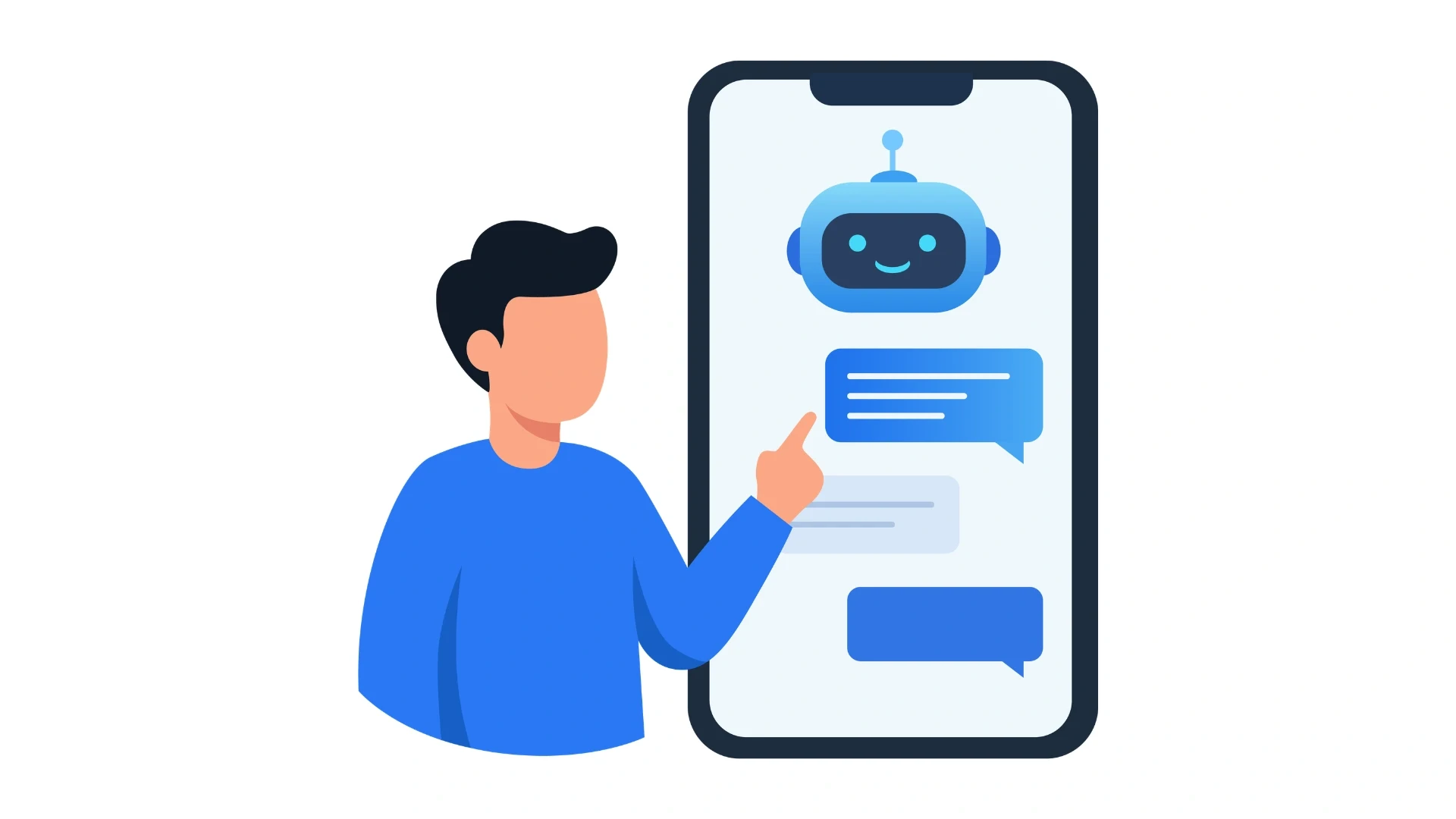
When does buying an AI tool make sense?
Buying means using a ready-made AI product instead of building the model or logic yourself. It is best when the feature already exists as a mature tool like search, transcription, or moderation. It saves time because you integrate it via API or SDK in just a few days. The main benefit is speed and reduced engineering effort since the vendor already handles scale and accuracy.
What are the trade-offs of buying versus wrapping?
The trade-offs of buying mirror those of any third-party dependency. You accept the vendor's pricing, their roadmap, and their limits on customisation, and you take on the risk that the vendor changes terms or shuts down. The capability also looks and behaves like the vendor's product, not yours, which matters when the AI feature is meant to be a differentiator. For commodity capabilities this is fine; for features central to your value proposition it is usually not. Acquaint Softtech's software product engineering teams help clients evaluate buy options against the cost and control of wrapping, so the decision is made on real trade-offs rather than on whichever vendor markets most aggressively.
Customer support assistants are the clearest example of this choice. An off-the-shelf support widget is quick to switch on, but it answers in its own voice, sees only the help articles you upload to it, and cannot act inside your product. With AI chatbot development services, the assistant is built on your own wrapped service layer instead: it answers from each tenant's data, follows your tone and escalation rules, can check an order or reset a setting through your own APIs, and its cost and logs sit in the same dashboard as every other AI feature.
A practical middle ground is to buy for the commodity layer and wrap for the differentiating layer. You might buy a transcription service but wrap a hosted model for the analysis that turns those transcripts into the insight your product is actually known for. The guide The Future of Laravel: AI and Machine Learning Integration on acquaintsoft.com covers how products combine bought services with hosted models inside a single coherent application. Teams that hire backend developers build the integration layer that makes a bought tool feel like a native part of the product rather than an obvious third-party bolt-on.
Path 3: Building or Fine-Tuning Your Own Model
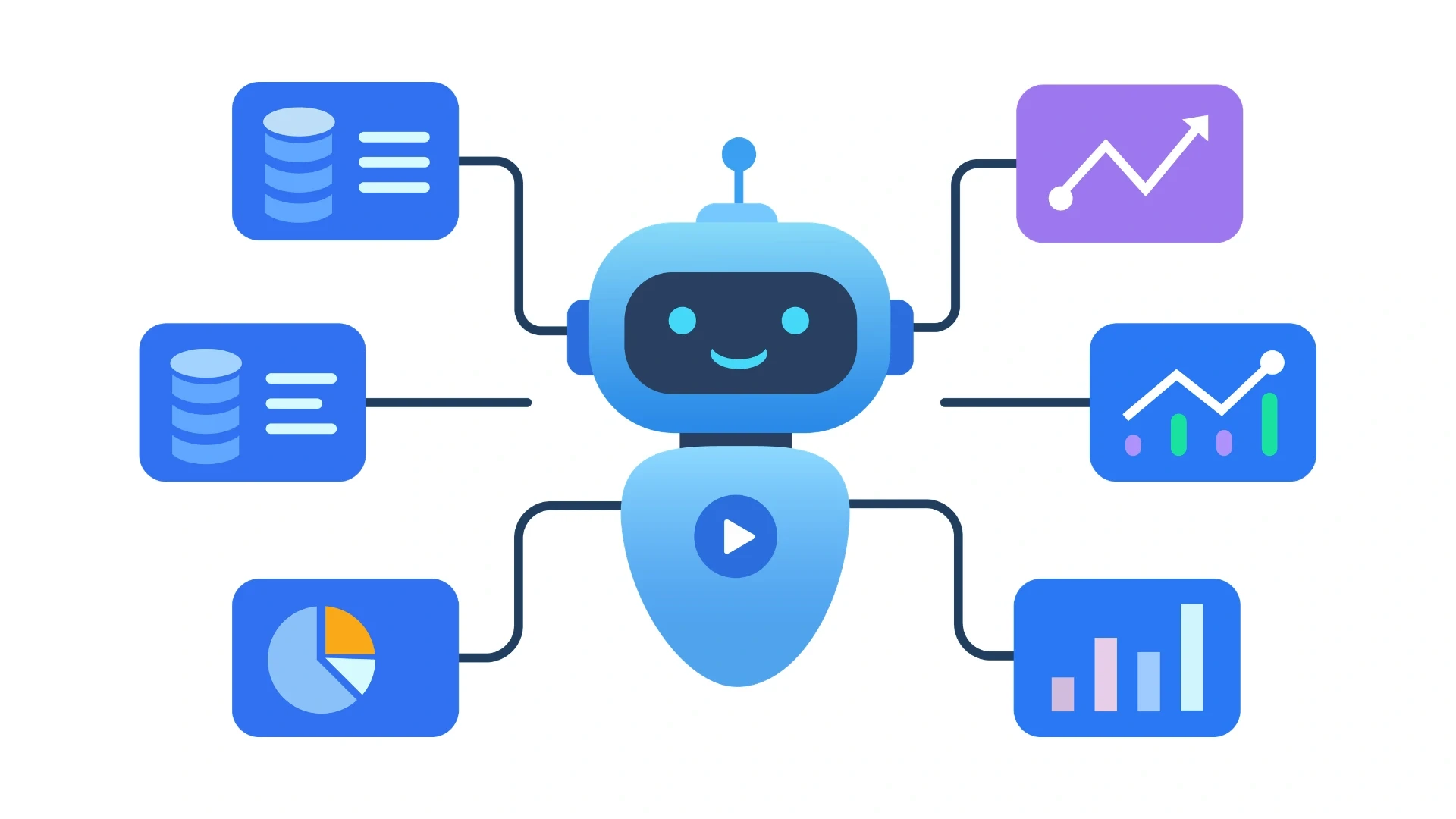
When is building your own model actually justified?
Building means creating your own AI model from scratch or heavily fine-tuning an existing model on your proprietary data. It is the most powerful but also the most expensive approach, and it is rarely needed for most SaaS products. It should only be chosen when there is a clear technical or business reason.
Building makes sense when AI is the core product, when you have unique proprietary data that creates a strong moat, or when strict compliance or scale makes external APIs unusable. Outside these cases, hosted models usually perform just as well at a much lower cost. For most SaaS companies, building is overkill compared to wrapping existing AI APIs.
Is fine-tuning a cheaper alternative to full training?
Even within the build path, full training from scratch is rare; fine-tuning a strong open or hosted base model on your data is the far more common and economical form of building. Fine-tuning adapts an existing capable model to your specific domain, tone, or task, capturing much of the benefit of a custom model without the enormous cost of training one from nothing. For products handling especially sensitive data, running an open model on your own infrastructure also keeps data in-house, which can be a regulatory requirement.
The work is mostly in the data, not the training run. With LLM fine-tuning services, a few thousand well-chosen examples from your own product, such as approved replies, correctly tagged records, or reviewed summaries, are cleaned and turned into a training set, the tuned model is tested against the wrapped baseline on the same questions, and it goes live only where it is clearly more accurate or cheaper to run. Many teams find a tuned smaller model can replace a flagship model for one narrow, high-volume task.
Acquaint Softtech's machine learning development teams implement fine-tuning and self-hosted open models for the specific cases that justify them, while steering clients away from training when a wrap would serve them better and cheaper.
The cost and team reality of building must be faced squarely. Training and fine-tuning require ML specialists, significant compute, a rigorous data pipeline, and ongoing evaluation to keep the model accurate as data drifts, which is a permanent operational commitment, not a one-time build. Most SaaS teams underestimate this by an order of magnitude. The guide How to Integrate AI Into Your Laravel App: CTO's Roadmap on acquaintsoft.com explains how to make your data AI-ready first, since a custom model is only as good as the data behind it.
Ship AI Features in Weeks, Not Quarters
Acquaint Softtech builds production AI features behind a clean service layer with cost controls and no vendor lock-in. Up to 40% lower cost than Western agencies. Deployed within 48 hours of brief.
The Decision Framework: Which Path Fits Your Feature
Rather than agonising over the choice, answer five questions about the specific AI feature you want to add. Your answers point clearly to build, buy, or wrap. This is the framework Acquaint Softtech applies in AI strategy sessions, and it resolves the great majority of decisions quickly.
THE 5-QUESTION AI PATH FRAMEWORK
1. Is AI the core product or a feature?
If AI is the whole product, building may be justified. If it is a feature that makes the product better, wrap or buy.
2. Does a ready-made tool already solve this well?
If a polished product solves your exact need as a commodity, buy it and move on. If not, wrap.
3. Do you have proprietary data that is a real moat?
Unique, large-scale data can justify fine-tuning. General data does not; a hosted model will match it.
4. What does compliance or data residency require?
If data cannot leave your infrastructure, you may need a self-hosted open model rather than a hosted API.
5. Have you validated that users want it?
If not, wrap a hosted API to ship fast and learn. Never build a custom model for an unvalidated feature.
Question five is the one most teams skip. With rapid AI prototyping services, a working version of the feature, wrapped around a hosted model and connected to a sample of real product data, can be in front of a handful of customers within two to three weeks. How often they use it, where the answers fall short, and what each request costs then become real figures, so the build, buy, or wrap decision is based on evidence rather than on what the team expects users to want.
What features does add AI to SaaS need to be production-ready?
Regardless of path, a production AI feature needs the same foundations: a single service layer that owns all model interaction, error handling and fallbacks for when the model is slow or unavailable, cost tracking per request, caching of repeated prompts, async processing for non-interactive tasks, and evaluation to catch when output quality degrades. These add AI to SaaS features are what separate a demo from a feature real users can rely on, and they apply whether you wrap, buy, or build.
For teams adding AI to an existing product, the readiness of the current codebase matters. A clean service layer makes adding AI straightforward; a tangled codebase makes it painful. Acquaint Softtech's discovery workshop services assess whether a product is ready for AI integration and map the cleanest path to the first feature.
The guide How to Add AI Features to Laravel Apps on acquaintsoft.com recommends starting with one high-traffic flow, such as a support chatbot or smart search, to prove the value before expanding. Teams that hire MEAN stack developers build the product layer that turns the model's output into a polished, usable feature.
Controlling AI Cost Before It Controls You
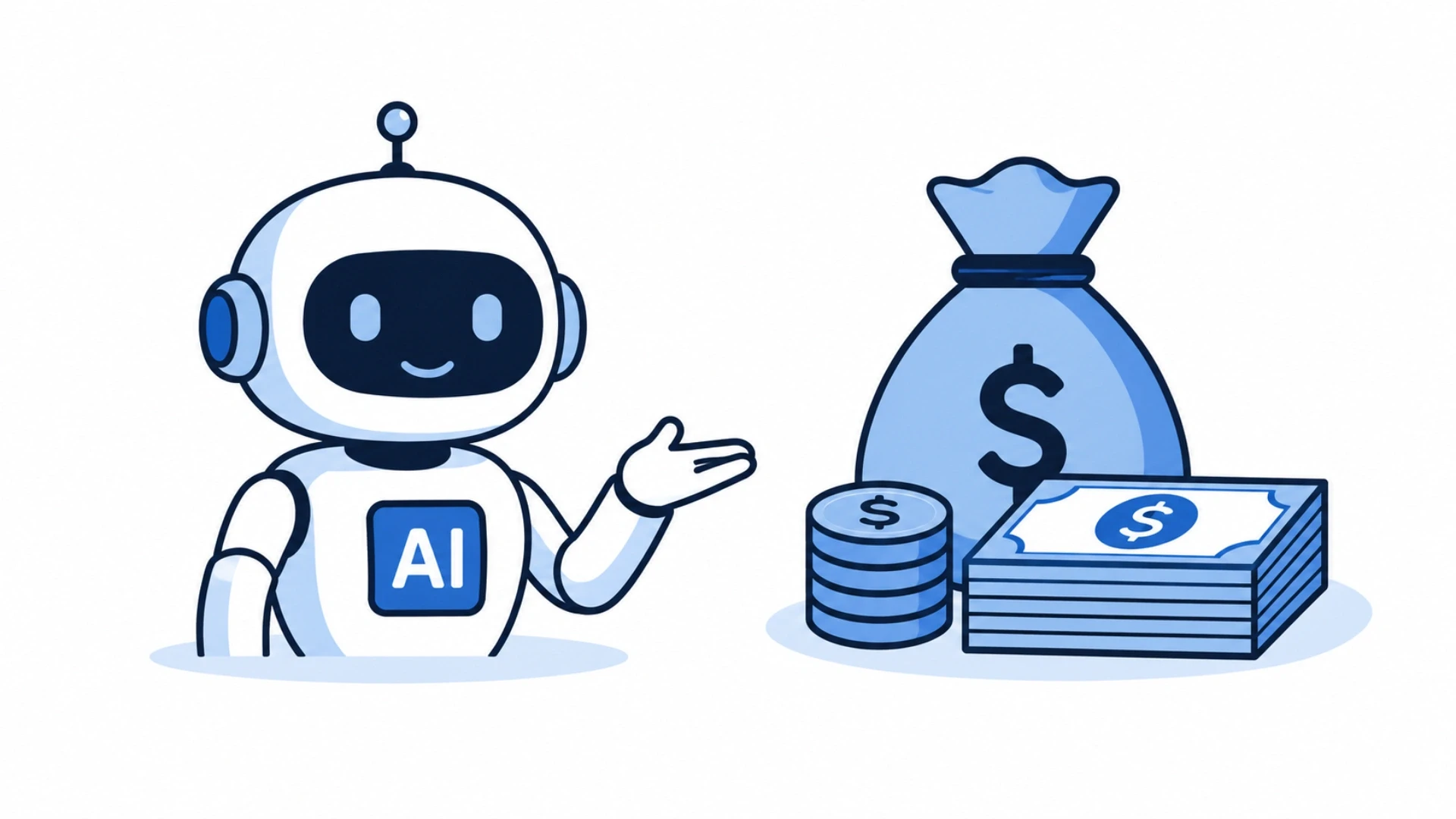
Why do AI costs spiral, and how do you cap them?
The biggest risk in adding AI to SaaS is uncontrolled cost growth, since every API call is charged per token. Without proper controls, usage can quickly become more expensive than revenue.
In 2026, costs range from about $0.02 per million tokens for embeddings to around $2.50 per million input tokens and $10 per million output tokens for advanced models like GPT-4o. This is managed through caching, prompt optimization, and routing simple tasks to cheaper models, often keeping costs under $500/month at mid-scale. Built properly in an AI service layer, cost stays predictable and scalable.
How does model routing cut AI costs?
Model routing deserves particular attention because it delivers the largest savings. Not every request needs the most powerful, most expensive model. A simple classification or short summary can run on a small, cheap model, while only genuinely complex reasoning needs the flagship model. Routing each request to the cheapest model that can handle it, and falling back to a larger model only when needed, can cut costs dramatically without users noticing any quality difference.
The guide 6 Powerful Ways to Build Smarter Web Apps with Laravel AI describes routing heavy calls to queues and using lighter models for non-critical paths to keep expenses predictable. Teams that hire Python developers build the routing and caching logic that makes an AI feature affordable at scale.
When One Model Call Is Not Enough: Multi-Step AI Features
The wrap pattern above covers features that need a single request and a single answer. Some of the most useful SaaS features need more: reading a contract, checking it against the customer's rules, drafting a summary, and creating follow-up tasks; or researching an account, scoring it, and writing a personalised email. Forcing all of that into one long prompt makes the output harder to check and more expensive, because every step runs on the largest model.
With multi-agent AI services, the work is split across small agents with one job each, such as one to extract, one to check, and one to write, each running on the cheapest model that can do its step and each calling the model through the same AIService layer. Every step's output is logged and can be reviewed, failed steps can be retried on their own, and a person can approve the result before anything is sent or saved. The feature stays inside the wrap path, with the same cost controls and the same freedom to switch providers.
Cost, Timeline, and Tech Stack to Add AI
The cost and timeline of adding AI to a SaaS product depend almost entirely on which path you choose. Wrapping is fast and cheap; building is slow and expensive. The figures below reflect Acquaint Softtech's delivery experience for a production-ready AI feature.
Path | Typical Timeline | Relative Cost |
Wrap a hosted API | 2 to 6 weeks per feature | Lowest build cost; pay-per-use after |
Buy and integrate a tool | 1 to 4 weeks | Low build; recurring licence cost |
Build or fine-tune a model | 3 to 9 months | Highest, plus ongoing ML operations |
How much does it cost to add AI to a SaaS?
For most startups and SaaS MVPs, adding an AI feature by wrapping a hosted API starts around $5,000 and scales with scope, with running costs often under $500 per month at mid-scale thanks to caching and model routing. A basic AI API integration runs roughly $3,000 to $8,000 in engineering; a full retrieval-augmented generation pipeline with document processing and context management runs $12,000 to $25,000.
Building or fine-tuning a custom model runs into six figures plus ongoing operations. Teams weighing an add AI to SaaS development cost estimate or deciding whether to hire developers for add AI to SaaS work should price the path, not just the feature. Acquaint Softtech delivers these builds at up to 40% lower cost than equivalent USA or UK agency rates.
What tech stack is best to add AI to a SaaS?
The strongest 2026 stack wraps a hosted model behind a clean service layer. For Laravel products, the first-party Laravel AI SDK or the openai-php package provides a provider-agnostic interface to OpenAI, Anthropic, Gemini, and others, combined with Horizon and Redis for async processing.
For Python products, direct provider SDKs with FastAPI and Celery cover the same ground. Retrieval-augmented generation uses pgvector in PostgreSQL or a dedicated vector database like Pinecone for embeddings. The guide How to Integrate AI Into Your Laravel App: CTO's Roadmap details using a provider-agnostic layer and routing all calls through a dedicated AIService class. For teams wanting senior AI architects on demand, Acquaint Softtech offers staff augmentation to add them within days, and a dedicated development team for longer engagements.
Case Study: An AI Feature Delivered by Acquaint Softtech
CASE STUDY: B2B Knowledge SaaS AI Assistant, UK
Client: Growth-stage B2B SaaS in the UK whose product is a knowledge base and support tool for mid-market companies, under pressure from competitors shipping AI assistants.
Situation: The founders believed they needed to train a custom model to compete on AI, and had begun scoping an expensive ML project with specialist hires. They wanted an AI assistant that could answer customer questions from each tenant's own knowledge base, auto-draft ticket replies, and offer semantic search. The custom-model plan would have taken many months and a large budget before shipping anything.
Diagnosis: Acquaint Softtech's review found no case for building a model. The feature needed general language understanding grounded in each tenant's data, which is exactly what a wrapped hosted API with retrieval-augmented generation delivers. Training a custom model would have cost far more, taken far longer, and performed worse on this task than a hosted model with proper RAG.
What Acquaint Softtech Built:
A central AIService layer wrapping a hosted model provider, with provider switching, logging, and cost tracking built in.
A retrieval-augmented generation pipeline using vector embeddings so the assistant answered from each tenant's own knowledge base, strictly isolated per tenant.
Async processing via queues for ticket-reply drafting, with streaming responses for the interactive assistant so the UI stayed responsive.
Model routing that sent simple queries to a cheap model and reserved the flagship model for complex questions, plus prompt caching.
Per-tenant rate limiting and a cost dashboard so the team could see and control AI spend in real time.
Outcome: The AI assistant shipped to production in seven weeks rather than the many months the custom-model plan would have required, at a fraction of the budget. Running cost stayed under control through routing and caching, well within the predictable range the team had set. Support-ticket resolution time dropped measurably as the assistant handled routine queries, and the semantic search noticeably reduced cannot-find complaints. Because everything ran through the AIService layer, the team later switched part of their traffic to a newer, cheaper model in a single afternoon with no other code changes.
Team and Timeline: One solutions architect, two backend engineers, one frontend engineer. Deployed within 48 hours of brief. Feature delivered in 7 weeks.
For SaaS teams under pressure to add AI without overspending, the guide How to Outsource SaaS Product Development Without Losing Control on acquaintsoft.com explains the engagement model that kept this client in full control of their codebase and roadmap throughout. Teams can also hire AI developers with AI integration experience to run a comparable feature build on their own product.
Join 200+ Companies Who Added AI the Smart Way With Acquaint Softtech
From a first wrapped feature to a full RAG pipeline, Acquaint Softtech adds AI to SaaS products without the cost and risk of building a model you do not need. 4.9/5 on Clutch. 50+ verified reviews. Premier Verified.
Frequently Asked Questions
-
What does it mean to add AI to a SaaS product?
Adding AI to SaaS means integrating machine learning models into features like chat, search, summarization, and automation. Most SaaS products use hosted APIs instead of building models from scratch. This makes software smarter and more efficient for users.
-
Should I build, buy, or wrap AI for SaaS?
Wrapping a hosted AI API is the best option for most SaaS products in 2026. Buying works for simple ready-made needs, while building is for core AI products only. Wrapping is fastest, cheapest, and easiest to scale.
-
What does it mean to wrap OpenAI?
Wrapping OpenAI means calling its API through your own service layer instead of directly in business logic. This layer handles logging, errors, cost tracking, and model switching. It keeps the system flexible and avoids vendor lock-in.
-
How much does it cost to add AI to SaaS?
Basic AI features cost around $3,000 to $8,000 using APIs. RAG systems cost $12,000 to $25,000, while custom models can exceed six figures. Running costs stay low with proper optimization.
-
How long does it take to add AI to SaaS?
Wrapping an AI API takes 2 to 6 weeks. Buying a tool takes 1 to 4 weeks, while custom AI models take 2 to 6+ months. Wrapping is the fastest option to launch.
-
What is RAG in SaaS AI?
RAG (Retrieval-Augmented Generation) connects AI with your own data before generating answers. It helps deliver accurate, context-aware responses instead of generic outputs. It is widely used in chatbots and document Q&A.
-
What tech stack is best for SaaS AI?
Common stacks include Laravel or Python with FastAPI for backend AI services. PostgreSQL with pgvector or Pinecone is used for embeddings and search. All AI requests should go through a single AIService layer.
-
Will adding AI to SaaS cost too much?
No, costs stay low with proper control. Caching, smaller prompts, and cheaper models reduce token usage. Most SaaS products stay under $500/month at mid scale.
-
What is an AI SaaS product?
AI SaaS is cloud software that not only stores data but also analyzes and predicts outcomes. It adds intelligence like recommendations and automation. This makes SaaS more proactive and user-focused.
-
How long does it take to build vs wrap vs buy AI?
Buying takes 1 to 4 weeks, wrapping takes 2 to 6 weeks, and building custom models takes 2 to 6+ months. Wrapping is best for fast launch and testing. Building is only needed for advanced AI products.
I help agencies and founders scale their tech teams with the right developers at the right time. At Acquaint Softtech, I focus on building long term partnerships and making remote hiring simple, predictable, and results driven. My goal is straightforward to help businesses grow faster with reliable dedicated developers.
Table of Contents
Get Started with Acquaint Softtech
- 13+ Years Delivering Software Excellence
- 1300+ Projects Delivered With Precision
- Official Laravel & Laravel News Partner
- Official Statamic Partner
Related Blog

How to Integrate AI Into Your Laravel App: A CTO's Practical Roadmap for 2026
Most CTOs know AI belongs in their Laravel app. Very few know the right order to add it. This phase-by-phase roadmap covers what to build, what to avoid, and how to ship AI features that stick.

Acquaint Softtech
March 12, 2026
5 Real-World AI Features You Can Add to Laravel Apps Today
Discover practical AI features in Laravel like chatbots, recommendation engines, and intelligent search to build smarter apps.
Acquaint Softtech
October 7, 2025
Laravel AI Development in 2026: 6 Ways to Build Smarter Web Apps
Discover 6 advanced Laravel AI development strategies in 2025, including GPT integration, ML models, AI SaaS tools, chatbots, and token-based billing.
Acquaint Softtech
September 18, 2025India (Head Office)
203/204, Shapath-II, Near Silver Leaf Hotel, Opp. Rajpath Club, SG Highway, Ahmedabad-380054, Gujarat
USA
7838 Camino Cielo St, Highland, CA 92346
UK
The Powerhouse, 21 Woodthorpe Road, Ashford, England, TW15 2RP
New Zealand
42 Exler Place, Avondale, Auckland 0600, New Zealand
Canada
141 Skyview Bay NE , Calgary, Alberta, T3N 2K6