

AWS EKS Setup and Management: What a DevOps Engineer Delivers and What It Costs in 2026
AWS EKS is the default Kubernetes choice for most SaaS startups on AWS. Here is exactly what a DevOps engineer sets up, what the ongoing management involves, and what it costs in 2026.

Taukir katava
As a DevOps Engineer at Acquaint Softtech, a software development partner, AWS EKS is the most common Kubernetes platform I set up for SaaS startups and growing tech companies. EKS abstracts the Kubernetes control plane so the team manages worker nodes and applications rather than the Kubernetes master infrastructure itself. This guide covers what a DevOps engineer actually builds during EKS setup, what the ongoing management involves, and the accurate 2026 cost breakdown for both the initial setup and the monthly running cost.

- SaaS CTOs who have decided to use Kubernetes on AWS and want to understand what EKS setup involves before briefing a DevOps engineer
- Engineering leads evaluating whether EKS is the right Kubernetes option for their AWS infrastructure
- Teams currently using EC2-based Docker deployments who are evaluating EKS as the next step
- Founders hiring a DevOps engineer and wanting to include EKS setup and management in the engagement brief
AWS EKS is a managed Kubernetes service. AWS run the Kubernetes control plane (the API server, etcd, scheduler, and controller manager) across multiple Availability Zones. You are responsible for the worker node groups where your application containers actually run. This division means EKS eliminates the most complex part of self-managed Kubernetes while still requiring significant expertise to configure correctly. A DevOps engineer sets up the cluster, the node groups, the networking, and the CI/CD integration that make EKS operational for a production SaaS product.
For the broader context on when Kubernetes is the right move for a startup, the Kubernetes startup readiness guide covers the 5 signals that indicate a startup is ready for Kubernetes versus when simpler container orchestration is sufficient.
What a DevOps Engineer Builds During EKS Setup: The 8 Components

EKS setup is not a single command. A production-grade EKS cluster for a SaaS startup requires configuring 8 interconnected components. Skipping any one of them creates a gap that compounds into an incident.
1. VPC and Networking Configuration
EKS requires a VPC with specific subnet configuration: public subnets for load balancers, private subnets for worker nodes, and correct CIDR block sizing to accommodate pod-level IP addresses. EKS in VPC mode assigns each pod its own IP from the VPC CIDR range. A DevOps engineer sizes the VPC and subnets to accommodate the expected number of pods without exhausting the IP space. Incorrect CIDR sizing is one of the most common EKS setup mistakes that requires a full cluster rebuild to fix.
2. EKS Cluster Provisioning (Terraform or eksctl)
The EKS cluster is provisioned using Terraform (recommended for full infrastructure reproducibility) or eksctl. Terraform configuration covers: EKS cluster resource, IAM roles for the cluster and node groups, CloudWatch logging configuration, and cluster add-on versions (CoreDNS, kube-proxy, VPC CNI). The cluster is provisioned in private mode (no public API endpoint) with VPN or bastion host access for security.
3. Managed Node Groups
Managed node groups are AWS-managed EC2 instances that run as Kubernetes worker nodes. A DevOps engineer configures: node group instance type (t3.medium for small clusters, m5.large for production), minimum and maximum node count, launch template with AMI and user data, and separate node groups for on-demand (critical workloads) and Spot instances (non-critical workloads). Node group updates are rolling by default, replacing one node at a time.
4. IAM Roles for Service Accounts (IRSA)
IRSA allows Kubernetes pods to assume AWS IAM roles without storing AWS credentials in environment variables. A DevOps engineer creates IRSA configuration for every application that needs AWS access: S3 buckets, SQS queues, DynamoDB tables, Secrets Manager. This is the secure way to grant AWS permissions to Kubernetes workloads. Applications without IRSA either have no AWS access or store static credentials in Kubernetes Secrets, which is a security risk.
5. AWS Load Balancer Controller
The AWS Load Balancer Controller creates and manages Application Load Balancers (ALB) from Kubernetes Ingress resources. A DevOps engineer installs and configures the Load Balancer Controller using Helm, configures the IRSA role for controller AWS permissions, and creates the initial Ingress resources for the application services. This allows Kubernetes-native service definitions to create AWS ALBs automatically.
6. Cluster Autoscaler or Karpenter
Node-level autoscaling adds EC2 nodes when pods cannot be scheduled due to insufficient capacity and removes nodes when they are underutilised. A DevOps engineer installs and configures either the Cluster Autoscaler (simpler, compatible with managed node groups) or Karpenter (newer, more flexible, Spot Instance integration). Configuration covers scale-down threshold, scale-down delay, and node group selection.
7. Helm and Application Deployment
Applications are deployed to EKS using Helm charts. A DevOps engineer creates or configures Helm charts for each service, sets up a Helm chart repository (or uses a Git-based GitOps approach with ArgoCD), and configures values files for each environment. The CI/CD pipeline is connected to Helm upgrades so code pushes trigger automated deployments to the correct environment.
8. Monitoring and Logging
A DevOps engineer deploys the Prometheus and Grafana stack (using the kube-prometheus-stack Helm chart) for cluster and application metrics. CloudWatch Container Insights is configured for node-level metrics. Fluent Bit is deployed as a DaemonSet to ship pod logs to CloudWatch Logs. Alerts are configured for pod crash loops, node resource pressure, and deployment failures.
For the CI/CD pipeline configuration specifically (GitHub Actions, Helm deployment steps, and staging-to-production promotion flow), the CI/CD for Kubernetes EKS guide covers the full pipeline setup in detail alongside the EKS cluster.
Planning an EKS Setup? Get the Right Architecture Before You Start.
Tell Acquaint Softtech your application stack, the number of services you run, and your current AWS setup. A vetted DevOps engineer will design the right EKS architecture for your scale and send a matched profile within 24 hours.
Ongoing EKS Management: What a DevOps Engineer Does Every Month
EKS setup is a one-time engagement. EKS management is an ongoing responsibility. Here is what a DevOps engineer handle monthly on a production EKS cluster.
Kubernetes version upgrades | AWS supports each EKS version for approximately 14 months. A DevOps engineer tracks the current supported version, tests the upgrade in the staging cluster, and applies the upgrade to production. Upgrades involve: updating the control plane version (AWS-managed, no downtime), then rolling out updated managed node groups one node at a time. Frequency: typically one minor version upgrade every 3 to 4 months. |
Add-on version management | EKS add-ons (CoreDNS, kube-proxy, VPC CNI, EBS CSI driver) are versioned independently of the cluster. A DevOps engineer reviews and applies add-on updates as part of the upgrade cycle to prevent compatibility gaps between add-on versions and the cluster version. |
Resource requests and limits tuning | As applications are updated and traffic patterns change, pod resource requests and limits require ongoing tuning. A DevOps engineer reviews kubectl top pod output, identifies over-provisioned and under-provisioned pods, and adjusts resource specifications. Correct resource requests enable the Cluster Autoscaler to make better bin-packing decisions. |
HPA and autoscaling review | HorizontalPodAutoscaler configurations are reviewed quarterly or after significant traffic changes. Min and max replica counts, metric thresholds, and scale-down stabilisation windows are adjusted based on observed traffic patterns and incident history. |
Security patching | Node AMIs are updated to include OS security patches. Managed node group rolling updates replace nodes with the new AMI one at a time, maintaining cluster availability during the patch cycle. Container image vulnerability scanning is reviewed and flagged images are updated. |
Cost optimisation review | Monthly review of node group utilisation, Spot Instance interruption rates, and pod density. A DevOps engineer adjusts node group configurations, Spot Instance mix, and resource requests to maintain cost efficiency as the application evolves. |
For the Terraform code that manages EKS cluster configuration alongside the rest of the AWS infrastructure, the Terraform infrastructure automation guide covers how EKS cluster resources are defined as code for reproducibility and version control.
EKS Cluster Running But Nobody Managing It? Here Is What That Costs You Over Time.
Unmanaged EKS clusters accumulate version debt, resource misconfiguration, and security vulnerabilities that compound each quarter. Acquaint Softtech DevOps engineers conduct EKS cluster audits and take over ongoing management. Tell us your current cluster version and service count.
What EKS Costs in 2026: The Full Picture

The EKS cost has three components: the AWS infrastructure cost, the DevOps engineer setup cost, and the ongoing management cost. Here is the complete 2026 breakdown at Acquaint Softtech rates.
AWS EKS infrastructure cost (monthly)EKS control plane: $0.10/hour = $73/month (per cluster) Worker nodes (example): 3x m5.large on-demand: $207/month 2x m5.large Spot (70% discount): $42/month Total nodes: $249/month ALB (Load Balancer Controller): $18/month + data transfer CloudWatch logs and metrics: $20 to $60/month depending on log volume NAT Gateway (worker nodes in private subnets): $32/month + transfer Total AWS infrastructure (typical 5-service startup cluster): $392 to $432/month This scales with node count, traffic, and log volume as the product grows. |
DevOps engagement type | Cost at $22/hour | What is delivered |
EKS cluster setup from scratch (8 components) | 8 to 14 days: $1,408 to $2,464 | Full production cluster: VPC, node groups, IRSA, ALB controller, autoscaler, Helm, monitoring |
EKS + CI/CD pipeline (GitHub Actions + ArgoCD) | 12 to 18 days: $2,112 to $3,168 | Full cluster plus GitOps deployment pipeline with staging-to-production promotion |
EKS cluster audit and remediation | 3 to 5 days: $528 to $880 | Version assessment, security review, resource tuning, upgrade plan |
Monthly EKS management retainer | $3,200/month | Version upgrades, resource tuning, security patching, cost optimisation, incident response |
Acquaint Softtech's hire DevOps engineers service provides pre-vetted engineers with AWS EKS production experience. Every engineer has set up EKS clusters with Terraform, configured Managed Node Groups, and managed production clusters through version upgrades. Starting at $22/hour or $3,200/month.
For the full rate comparison across regions, the DevOps engineer cost guide covers what each price tier delivers. Acquaint Softtech's starting rate is $22/hour.
For individual DevOps capacity on a monthly retainer, Acquaint Softtech's staff augmentation model provides a dedicated engineer at $3,200/month. Available in 48 hours.
Ready to Set Up AWS EKS? Acquaint Softtech Has DevOps Engineers With EKS Production Experience.
Pre-vetted DevOps engineers with AWS EKS setup and management experience. Starting at $22/hour or $3,200/month. Cluster architecture plan in 48 hours. Full EKS setup in 2 to 3 weeks. Matched profile in 24 hours.
Frequently Asked Questions
-
What is AWS EKS and why do startups use it?
AWS EKS (Elastic Kubernetes Service) is a managed Kubernetes service where AWS runs the Kubernetes control plane. Startups use EKS to get production-grade Kubernetes without managing the master infrastructure. AWS handles control plane availability, security patches, and version upgrades of the master components. The team manages worker nodes and applications.
-
How much does AWS EKS setup cost?
A full production EKS cluster setup (all 8 components: VPC, cluster, node groups, IRSA, ALB controller, autoscaler, Helm, monitoring) takes 8 to 14 days at $22/hour, costing $1,408 to $2,464. Adding a CI/CD pipeline (GitHub Actions or ArgoCD) adds 4 to 6 days and $704 to $1,056.
-
What is the monthly AWS cost of running an EKS cluster?
For a typical 5-service startup cluster: EKS control plane $73/month, worker nodes $200 to $300/month (mix of on-demand and Spot), ALB $18/month, CloudWatch $20 to $60/month, NAT Gateway $32/month. Total: approximately $343 to $483/month in AWS infrastructure cost, separate from the DevOps engineer cost.
-
How long does AWS EKS setup take?
A full production EKS cluster setup takes 8 to 14 working days for an experienced DevOps engineer. This includes VPC configuration, cluster provisioning, node group setup, IRSA, Load Balancer Controller, Cluster Autoscaler, Helm chart configuration, and monitoring stack deployment.
-
What is IRSA in AWS EKS?
IRSA (IAM Roles for Service Accounts) allows Kubernetes pods to assume AWS IAM roles without storing static AWS credentials in environment variables or Kubernetes Secrets. Each pod that needs AWS access (S3, SQS, DynamoDB) has a dedicated IAM role assigned via IRSA. It is the secure, AWS-recommended way to grant pods AWS permissions.
-
How often does an EKS cluster need to be upgraded?
AWS releases a new Kubernetes minor version approximately every 4 months. Each version is supported for 14 months. A DevOps engineer plans one or two cluster upgrades per year. Upgrades are tested in staging first, then applied to production with rolling node group updates. Ignoring upgrades until end-of-life creates a larger, more risky upgrade gap.
-
What is the difference between EKS Managed Node Groups and self-managed nodes?
Managed Node Groups are AWS-managed EC2 instances where AWS handles node lifecycle operations (AMI updates, scaling, rolling upgrades). Self-managed nodes give more configuration flexibility but require manual AMI management and rolling upgrades. For most SaaS startups, Managed Node Groups are the right choice as they reduce operational overhead significantly.
Taukir Katava is a DevOps Engineer at Acquaint Softtech with 4+ years of experience across AWS, Azure, and GCP. He specialises in Kubernetes cluster administration, CI/CD pipeline automation, and cloud infrastructure design for high-traffic platforms. Taukir writes about the practical side of production DevOps: what infrastructure decisions cost and what they actually deliver.
Table of Contents
Get Started with Acquaint Softtech
- 13+ Years Delivering Software Excellence
- 1300+ Projects Delivered With Precision
- Official Laravel & Laravel News Partner
- Official Statamic Partner
Related Reading
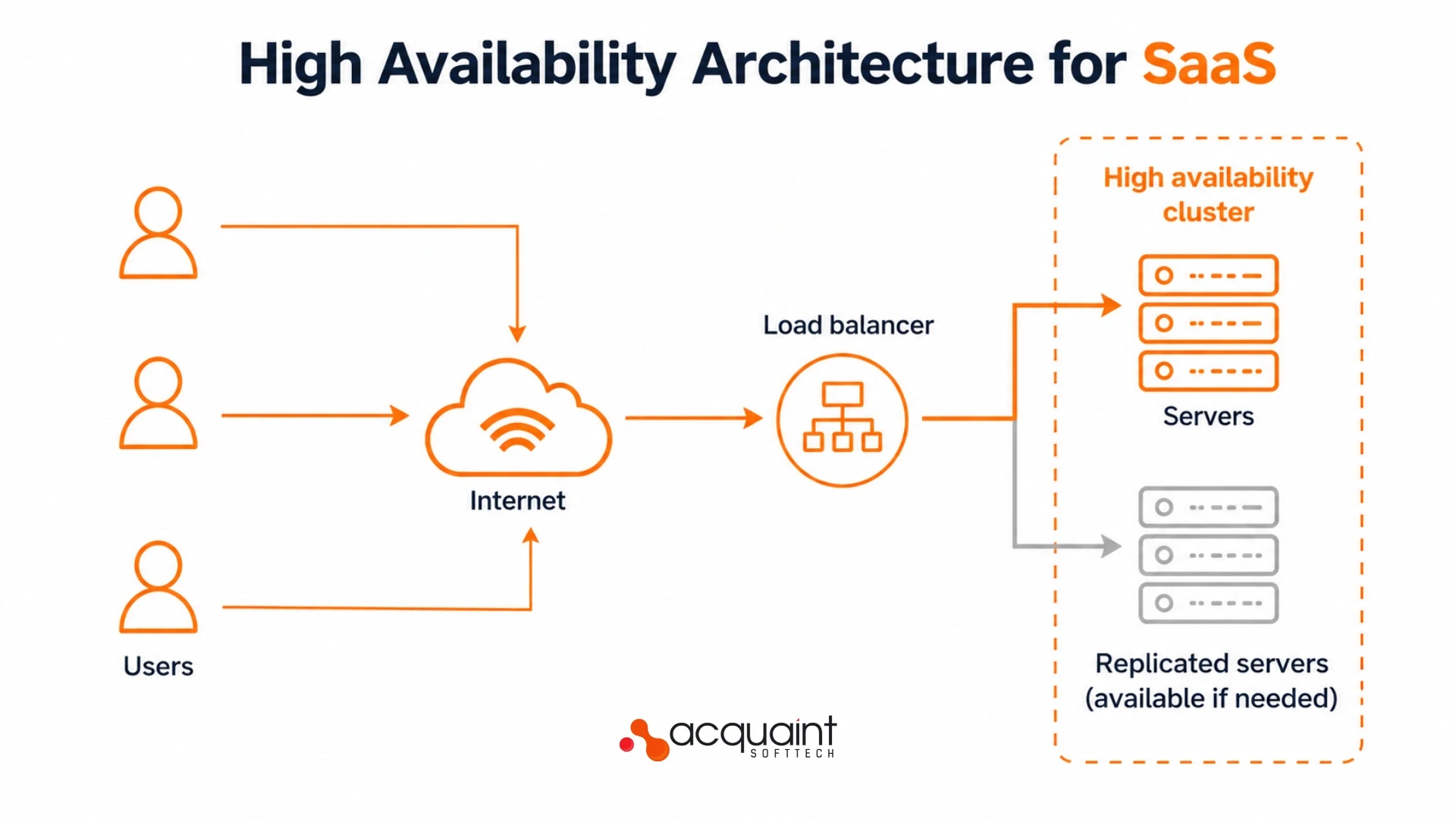
High Availability Architecture for SaaS: What a DevOps Engineer Builds and What It Costs in 2026
A single-server SaaS product is one failure away from full downtime. Here is what a DevOps engineer builds for high availability, which components matter most, and what it costs in 2026.
Taukir katava
June 2, 2026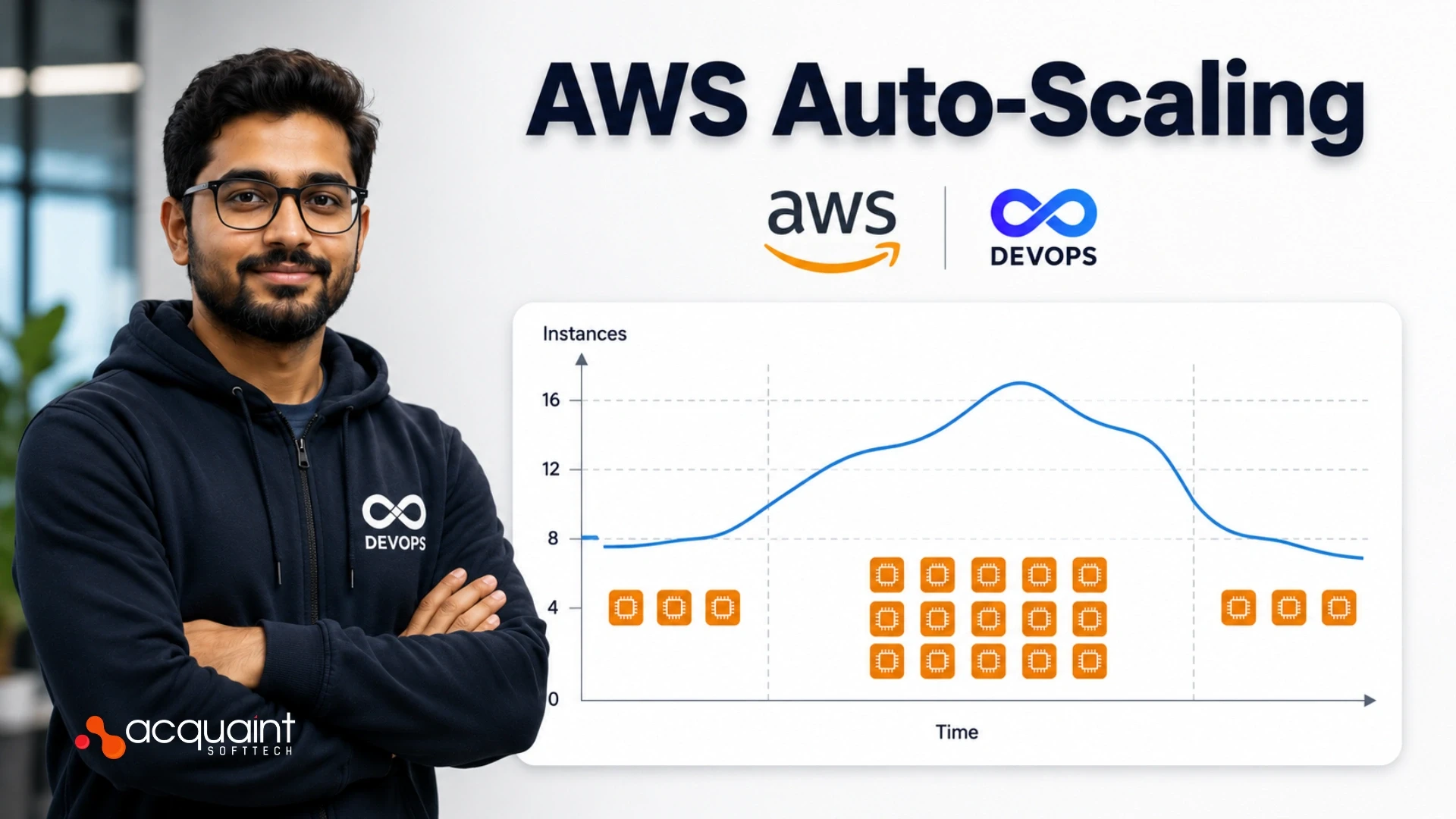
AWS Auto-Scaling: What a DevOps Engineer Configures for Traffic Spikes and What It Costs in 2026
AWS Auto Scaling prevents traffic spike crashes and eliminates idle compute costs. Here is exactly what a DevOps engineer configures, which policies they set, and what it costs in 2026.
Taukir katava
June 1, 2026
The Complete Guide to Hiring a DevOps Engineer in 2026: CI/CD, Cloud, Kubernetes, and What It All Costs
Everything you need before hiring a DevOps engineer in 2026. What the role covers, CI/CD to Kubernetes, what it costs in India vs the US, and how to start with a vetted engineer in 48 hours.

Acquaint Softtech
May 1, 2026India (Head Office)
203/204, Shapath-II, Near Silver Leaf Hotel, Opp. Rajpath Club, SG Highway, Ahmedabad-380054, Gujarat
USA
7838 Camino Cielo St, Highland, CA 92346
UK
The Powerhouse, 21 Woodthorpe Road, Ashford, England, TW15 2RP
New Zealand
42 Exler Place, Avondale, Auckland 0600, New Zealand
Canada
141 Skyview Bay NE , Calgary, Alberta, T3N 2K6