

Android Q Became Android 10: What Shipped, and Why It Still Matters in 2026
Android Q launched as Android 10 on 3 September 2019, and it was the first version to drop the dessert names. It shipped full gesture navigation, a system-wide dark theme, scoped storage, more granular location permissions, and built-in screen recording, most of the features rumoured at the time. Its importance now is that it set the direction Android has followed ever since, and those same rules, especially around storage and permissions, are what decide whether an app still works and stays on the Play Store today.

Mukesh Ram
As the Founder and CEO at Acquaint Softtech, I enjoy reading this article back because it is a time capsule of a moment when nobody yet knew what Android Q would be called. It guessed at dessert names starting with Q, wondered whether the back button would survive, and hoped for built-in screen recording. The answers arrived in September 2019, and some were surprising. There was no dessert.
Google dropped the sweet-treat naming entirely and called it, plainly, Android 10. The gestures stayed and improved. The screen recorder shipped. What began as speculation is now settled history, and rereading the guesses against the outcomes is more instructive than another round of prediction.
So rather than pretend the future is still open, this rewrite records what actually happened and, more usefully for anyone running an app today, why that 2019 release still shapes the mobile app development decisions we make in 2026.

- You remember Android Q and want to know how the rumours turned out.
- You want to understand where modern Android behaviour came from.
- You have an older Android app and are not sure it still meets Play's rules.
- You are deciding how much to budget for keeping an app current.
- You want the short version of what Android versions mean for your business.
The reason this matters beyond nostalgia is simple. Android 10 was not just another version; it was the release where the modern rules of the platform were laid down. The way apps handle storage, the way they ask for location, the way people navigate, all of it took the shape it still has now. An app written as though those rules do not exist is an app heading for trouble on the Play Store, which is why the second half of this article is about upkeep rather than history.
What Android Q Actually Became
Android Q was released as Android 10 on 3 September 2019, and it marked the end of the dessert-name era. After a decade of Cupcake, KitKat, Oreo and Pie, Google switched to plain version numbers, partly because dessert names did not translate clearly across every language and market.
The rumour the original spent most time on, the name, turned out to have no answer, because there was no dessert. Everything else the article hoped for was clarified by Google's own Android 10 release notes, which set out the final feature list. The beta timeline the original described, running through six releases toward a September launch, played out much as expected, and the version shipped on schedule.
Which 2019 Rumours Were Right
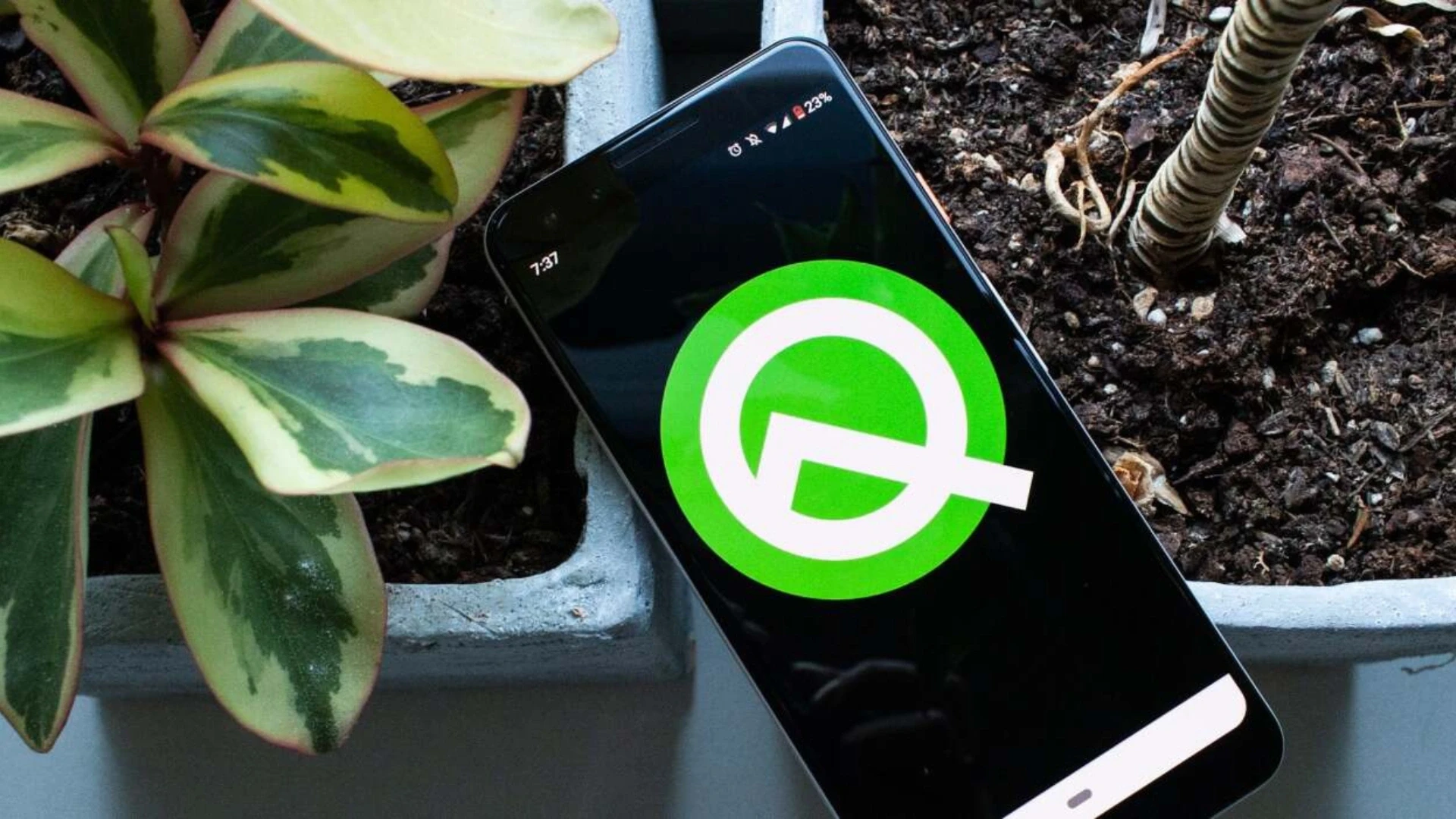
Most of the article's predictions were correct, which is unusual for a rumour piece. Here is how each one resolved.
2019 rumour or wish | What actually happened | Verdict |
A dessert name starting with Q | No dessert; named Android 10 | Wrong, pleasantly |
Back button replaced by gestures | Full gesture navigation shipped | Right |
Built-in screen recording | Shipped, no third-party app needed | Right |
System dark theme | Shipped system-wide | Right, and beyond |
Better foldable support | Foldable and large-screen APIs added | Right |
Improved permissions | Granular location control added | Right, and central |
One-handed mode | Not a core stock feature | Left to device makers |
An iOS-style floating button | Did not arrive | Wrong |
The two that missed are telling. The floating navigation button never came because Google went the opposite way, toward invisible gestures rather than more on-screen controls. And one-handed convenience was largely left to phone manufacturers rather than built into stock Android. The pattern across the correct predictions is that Android moved toward fewer visible controls and stronger user privacy, and that direction has only intensified since.
The Features That Set the Direction
Two Android 10 changes mattered far more than the visible ones, because they reshaped how every app is allowed to behave. These are the features the original could not have known would become the platform's spine.
Scoped storage
Android 10 began restricting how apps access the shared file system, giving each app its own sandboxed storage and limiting free access to everything on the device. It was disruptive for developers at the time, and it is now simply how Android works. An old app that assumes it can read and write anywhere on storage is an app that breaks on modern devices, and this is one of the most common reasons a neglected app stops functioning.
Granular permissions
The article correctly anticipated better permissions, and the reality went further than the guess. Android 10 introduced the ability to grant location only while an app is in use rather than always, and later versions extended that principle across the permission model. For any app that touches location, contacts, or files, the permission rules that started here are now a gate at Play review, not an optional courtesy.
Gesture navigation, the other headline change, is the visible one, and it settled the back-button debate the original spent so long on. Gestures stayed, matured, and became the default, and the on-screen buttons that once defined Android are now the legacy option rather than the norm.
Not sure your older Android app still meets today's rules?
Send me your app's package name, and I will check how it handles storage, permissions, and the current Play target level, then tell you what needs attention.
Why a 2019 Release Still Affects Your App
The rules that began with Android 10 are enforced today through Google Play's annual target requirements, so an app that ignores them does not just feel dated; it becomes undistributable. This is where a history lesson turns into a live business concern.
According to Google Play's target API level requirements, apps must target a recent Android version to remain available to users on newer devices, and that target moves upward every year. An app last updated against the assumptions of 2019 will fail these checks, and the scoped-storage and permission changes introduced back then are exactly the kind of behaviour that must be brought current to pass. The history and the compliance problem are the same story told at two different times.
Each new Android version also ships behaviour changes that can affect existing apps, documented by Google for every release, such as the behaviour changes for the current version. Reading that document for the version you are moving to is how you find what will break before your users do, and treating it as an annual habit is the difference between a smooth upgrade and an emergency one.
Keeping an Android App Alive in 2026
An Android app is not a finished object; it is a subscription to the platform's yearly release cycle. A few habits keep it healthy and on the store.
Treat the annual target bump as scheduled work
Every year, budget one to three weeks to move to the new target API level, absorb the behaviour changes, and regression-test. Apps that skip two cycles cost several times more to bring current than apps that never fall behind, which is the ordinary economics of deferred maintenance, and it is why we scope this inside support and maintenance services rather than treating it as a project each time.
Modernise storage and permissions if you have not
If your app predates or ignored the Android 10 storage and permission changes, that is the first thing to fix, because it is both the most likely cause of breakage on modern devices and a Play requirement. Bringing an older app current here is a defined piece of work rather than an open-ended one, and it is a common reason businesses turn to version upgrade services for a bounded modernisation.
Keep a real device test matrix
Android fragmentation is still the platform's defining difficulty. Test on the devices and Android versions your own analytics show your users actually run, not a single emulator or the newest flagship. The gap between what works on your desk and what works in your users' hands is where most avoidable Android bugs live, and closing it is routine work for whoever you hire DevOps engineers to own the build and test pipeline.
If you are weighing whether to keep a native app current or move to a shared codebase across platforms, our comparison of React Native development companies sets out the trade-off, and our guide to the 10 steps of the mobile app development process covers the sequence for anything larger than an upgrade.
Proof: Apps That Stay Current
The mark of a well-run mobile engagement is not a launch; it is an app that is still compliant and healthy years later. Our record is verifiable.
Acquaint Softtech, verifiable delivery record 1,300+ delivered projects across 13+ years. 95% on-time sprint delivery. Average engineer tenure beyond 24 months. 4.9 out of 5 across verified Clutch reviews. NDA before work begins and 100% client ownership of everything produced. The relevant figure here is longevity: 13+ years and long engineer tenure mean we have carried apps through many Android versions, including the changes that began with Android 10. |
That span is the point. A team that has maintained apps across the whole arc from the dessert-name era to numbered versions has already handled the storage migration, the permission tightening, and the target-level bumps that catch neglected apps out.
Knowing where the platform has been is what makes keeping pace with where it is going straightforward rather than alarming. Our mobile app case studies and client testimonials cover the long-running engagements where that upkeep is genuinely tested.
Need a team that keeps your app compliant, not just launched
Book a free 30-minute call, and I will show you the engineers who would look after your app and how they keep it current with each Android release.
What Keeping Current Costs
Keeping an Android app current is a small annual cost; letting it fall behind is a large recovery one. This table prices the upkeep against the neglect.
The work | What it prevents | Cost and timing (USD) |
Annual target API upgrade | Falling off the Play Store | 3,000 to 12,000, yearly |
Storage and permission modernisation | Breakage on modern devices | 4,000 to 18,000, once |
Behaviour-change regression testing | Users finding the bugs first | 2,000 to 8,000, yearly |
Device matrix test setup | Fragmentation surprises | 3,000 to 10,000, once |
Rescue of a two-cycle-behind app | A near-rewrite | 15,000 to 60,000+ |
The contrast between the first row and the last is the whole argument. A planned yearly upgrade costs a few thousand; a rescue of an app that has drifted two or three cycles behind can approach the cost of building it again, because you are relearning a codebase and clearing years of accumulated change at once. Small and regular beats large and late every time in mobile maintenance.
Where the work is done | Senior Android rate | Relative cost |
New York, USA | USD 110 to 200 / hour | Highest |
United States (national) | USD 90 to 170 / hour | Very high |
Australia | AUD 110 to 200 / hour | High |
United Kingdom | GBP 65 to 130 / hour | High |
Europe (EU) | EUR 70 to 140 / hour | High |
India (Acquaint Softtech) | USD 25 to 49 / hour | Up to 40% lower |
Because upkeep is bounded and measurable, with an upgrade, a passing test matrix, and a compliant target level, it suits offshore delivery well and costs a fraction of the onshore equivalent. Where the constraint is capacity rather than budget, adding an engineer through IT staff augmentation for a short period usually covers a full modernisation, and our guide to building a mobile app for SaaS covers the wider product picture.
Bring an older Android app back into compliance
Book a free 30-minute call, and I will scope exactly what your app needs to meet current Play rules, with a fixed cost and timeline in your own currency.
Frequently Asked Questions
-
What was Android Q called?
Android Q was released as Android 10 in September 2019. It was the first version to drop the dessert names, ending the run from Cupcake through Pie.
-
When did Android 10 come out?
Android 10 launched on 3 September 2019, following the beta programme that ran through the first half of that year.
-
What were the main features of Android 10?
Full gesture navigation, a system-wide dark theme, scoped storage, more granular location permissions, built-in screen recording, and improved support for foldable and large screens.
-
Why did Google stop using dessert names?
Google moved to plain version numbers partly because dessert names did not translate clearly across all languages and markets, making Android 10 easier to understand worldwide.
-
What is scoped storage and why does it matter?
It restricts how apps access shared files, giving each app sandboxed storage. Older apps that assume free access to all storage break on modern devices, so it must be handled.
-
Does an app built for Android 10 still work today?
It may, but it likely needs updating to meet current Play target rules and later behaviour changes. The storage and permission model from Android 10 is the baseline, not the ceiling.
-
Why does my old Android app keep getting removed from search on Play?
Most likely, it targets an old Android version below Google Play's current requirement, so it stops being discoverable on newer devices. An annual target upgrade fixes this.
-
How much does it cost to keep an Android app current?
A planned yearly upgrade runs from USD 3,000 to 12,000. Rescuing an app that has fallen two or three cycles behind can approach the cost of rebuilding it.
-
How often does Android release a new version?
Roughly once a year, each with behaviour changes that can affect existing apps, and Google enforces a matching Play target level about a year after each release.
-
Should I keep my native Android app or go cross-platform?
Native when the app leans heavily on device features or peak performance. Cross-platform when you need both platforms on one budget and the app is mostly screens and data.
I love to make a difference. Thus, I started Acquaint Softtech with the vision of making developers easily accessible and affordable to all. Me and my beloved team have been fulfilling this vision for over 15 years now and will continue to get even bigger and better.
Table of Contents
Get Started with Acquaint Softtech
- 13+ Years Delivering Software Excellence
- 1300+ Projects Delivered With Precision
- Official Laravel & Laravel News Partner
- Official Statamic Partner
Related Blog
Mobile Commerce Development: Native Apps, React Native, and PWAs for E-Commerce
Mobile commerce development is the practice of building shopping experiences for mobile devices through native apps, cross-platform React Native apps, or Progressive Web Apps. Native apps offer the highest performance and retention, React Native delivers both platforms from one codebase at 40 to 60 percent lower cost, and PWAs give app-like speed in the browser with zero install friction.

Manish Patel
June 26, 2026
Rome Was Not Built in a Day: The Journey to Developing a Unicorn SaaS
Building a unicorn SaaS company is a marathon, not a sprint. Just like Rome, great products aren’t built overnight. From refining your MVP to scaling for growth.
Mukesh Ram
September 26, 2024
Bootstrap vs Material
Develop a state-of-the-art solution by picking the best technology after reading more about Bootstrap and Material UI

Shivang P
September 4, 2023India (Head Office)
203/204, Shapath-II, Near Silver Leaf Hotel, Opp. Rajpath Club, SG Highway, Ahmedabad-380054, Gujarat
USA
7838 Camino Cielo St, Highland, CA 92346
UK
The Powerhouse, 21 Woodthorpe Road, Ashford, England, TW15 2RP
New Zealand
42 Exler Place, Avondale, Auckland 0600, New Zealand
Canada
141 Skyview Bay NE , Calgary, Alberta, T3N 2K6