

Kubernetes Cost Optimisation With Spot Instances: How a DevOps Engineer Reduces Your Cloud Bill by 60 to 80%
AWS Spot Instances reduce Kubernetes node costs by 60 to 80%. Here is what a DevOps engineer configures to make Spot work safely in a production K8s cluster and what you save.

Taukir katava
As a DevOps Engineer at Acquaint Softtech, a software development partner, Spot Instance configuration is the single highest-ROI infrastructure change I make in an existing Kubernetes cluster. A platform running 6 nodes of m5.large on-demand at $138/month per node spends $828/month in EC2 compute. The same capacity with a properly configured Spot Instance mix costs $280 to $350/month, a saving of $478 to $548/month from a single configuration engagement. This guide covers exactly what a DevOps engineer configures to make Spot Instances work safely in a production Kubernetes cluster.

- CTOs running Kubernetes clusters on AWS EKS and paying on-demand prices for all worker nodes
- Engineering leads who have heard about Spot Instances but are worried about the interruption risk in production
- Teams using Kubernetes who want to reduce cloud spend without reducing capacity or reliability
- Founders whose Kubernetes cluster node costs have grown significantly and want to know whether Spot Instances are safe to use
The objection to Spot Instances in production Kubernetes is almost always about reliability: 'What happens when AWS reclaims a Spot Instance?' The answer depends entirely on what is running on that instance. A Spot Instance reclaimed while running a stateless web API pod costs 2 minutes of that pod being rescheduled to another node. A Spot Instance reclaimed while running a database or a pod holding session state cause a real problem. The configuration work a DevOps engineer does before enabling Spot is precisely the separation of which workloads are safe on Spot and which must stay on on-demand.
For teams who are new to Kubernetes and have not yet set up their cluster, the AWS EKS setup and management guide covers the full cluster setup including the initial node group configuration. Spot Instance node pools are typically added in the second phase of an EKS engagement.
What a DevOps Engineer Configures: The Full Spot Setup
Running Spot Instances in Kubernetes safely requires 6 configuration steps. Skipping any one of them creates the reliability risk that makes teams avoid Spot in the first place.
Step 1: Workload Classification |
Before any Spot configuration, a DevOps engineer classifies every workload in the cluster into two categories. Spot-eligible: stateless API services, background job workers, batch processing pods, development and staging workloads, non-critical data processing. On-demand only: databases (if running in cluster), stateful services with local storage, ingress controllers, monitoring stack (Prometheus, Grafana), and any pod where a 2-minute interruption creates a user-visible outage. |
This classification is the most important step. Everything that follows flows from this list. |
Step 2: Separate Node Groups (On-Demand and Spot) |
Two managed node groups are created in EKS: an on-demand node group (minimum 2 nodes across 2 AZs for critical workloads) and a Spot node group (multiple instance types configured across multiple AZs for cost efficiency and interruption resilience). The Spot node group specifies 4 to 6 instance types of similar size so AWS can find available Spot capacity across multiple instance families when one is unavailable. |
Step 3: Pod Tolerations and Node Affinity |
Kubernetes tolerations and node affinity rules route pods to the correct node group. Spot-eligible pods get a toleration for the Spot node group taint. Critical pods get a node affinity rule that prevents them from being scheduled on Spot nodes. This separation ensures that a Spot interruption only affects the pods intentionally placed on Spot nodes. |
Step 4: Pod Disruption Budgets (PDBs) |
Pod Disruption Budgets define the minimum number of pods that must remain available during a disruption, including Spot interruptions. A DevOps engineer creates a PDB for each critical service: minAvailable: 1 ensures at least 1 replica of each service is always running. When AWS sends a 2-minute Spot termination notice, the node drains gracefully, rescheduling pods to other nodes before the instance is reclaimed. |
Step 5: Karpenter or Cluster Autoscaler Configuration |
Karpenter (recommended for new setups) or Cluster Autoscaler manages node-level provisioning. For Spot, Karpenter is configured with a NodePool that specifies on-demand as the fallback when Spot capacity is unavailable. Karpenter automatically provisions the cheapest available Spot Instance type that fits pending pod requirements, and falls back to on-demand if Spot is unavailable. |
Step 6: Spot Interruption Handler |
When AWS reclaims a Spot Instance, it sends a 2-minute termination notice. The AWS Node Termination Handler (NTH) daemon set watches for these notices and begins graceful pod draining immediately, ensuring in-flight requests complete and pods reschedule before the node is terminated. Without NTH, pods may be abruptly terminated rather than gracefully drained. |
For teams who are also looking at EC2-level auto-scaling outside Kubernetes, the AWS Auto Scaling configuration guide covers how EC2 Auto Scaling Groups and Spot Instance configuration works at the non-Kubernetes layer.
Running Kubernetes on On-Demand Nodes Only? Get a Spot Instance Audit.
Tell Acquaint Softtech your current EKS node configuration and the services running in your cluster. A vetted DevOps engineer will assess which workloads are Spot-eligible and estimate the monthly saving for your cluster. Matched profile in 24 hours.
The Savings: What Spot Instances Actually Save in 2026
AWS Spot Instance pricing varies by instance type, region, and availability zone. Here are the realistic saving for common Kubernetes node configurations, based on the actual Spot discount at Acquaint Softtech's standard deployment regions.
Node configuration | On-demand monthly cost | Spot monthly cost (70% saving) |
1x m5.large (2 vCPU, 8GB RAM) | $69/month | $21 to $28/month |
1x m5.xlarge (4 vCPU, 16GB RAM) | $138/month | $41 to $55/month |
1x m5.2xlarge (8 vCPU, 32GB RAM) | $277/month | $83 to $111/month |
Cluster: 3x m5.large on-demand + 3x m5.large Spot | $207 + $63 to $84 = $270 to $291/month | vs $414/month all on-demand = save $123 to $144/month |
Cluster: 2x m5.large on-demand + 4x m5.large Spot | $138 + $84 to $112 = $222 to $250/month | vs $414/month all on-demand = save $164 to $192/month |
Cluster: 2x m5.large on-demand + 6x m5.large Spot | $138 + $126 to $168 = $264 to $306/month | vs $552/month all on-demand = save $246 to $288/month |
Real-world saving example: 8-service SaaS platform
Current: 6x m5.large all on-demand = $414/month
After Spot configuration:
2x m5.large on-demand (critical: ingress, monitoring, stateful) = $138/month
4x m5.large Spot (stateless APIs, background jobs, batch) = $84 to $112/month
Total node cost: $222 to $250/month
Monthly saving: $164 to $192/month
Annual saving: $1,968 to $2,304
DevOps engineer cost for Spot configuration: 3 to 5 days at $22/hour = $528 to $880
Payback period: 3 to 5 months. Saving continues indefinitely after setup.
For the full cloud cost optimisation framework covering all 8 waste categories beyond Spot Instances, the cloud infrastructure cost optimisation guide covers S3 lifecycle policies, reserved instances, idle resource removal, and NAT Gateway optimisation alongside Spot Instances.
Acquaint Softtech's hire DevOps engineers service provides pre-vetted engineers with Karpenter and Spot Instance configuration experience on EKS. Starting at $22/hour or $3,200/month.
Want to Know Exactly How Much Your Kubernetes Cluster Can Save With Spot Instances?
Tell Acquaint Softtech your current node configuration (instance type, count, and whether on-demand or mixed) and which services run in your cluster. A DevOps engineer will calculate your specific saving and configure Spot in the first sprint.
Karpenter vs Cluster Autoscaler for Spot: Which to Use
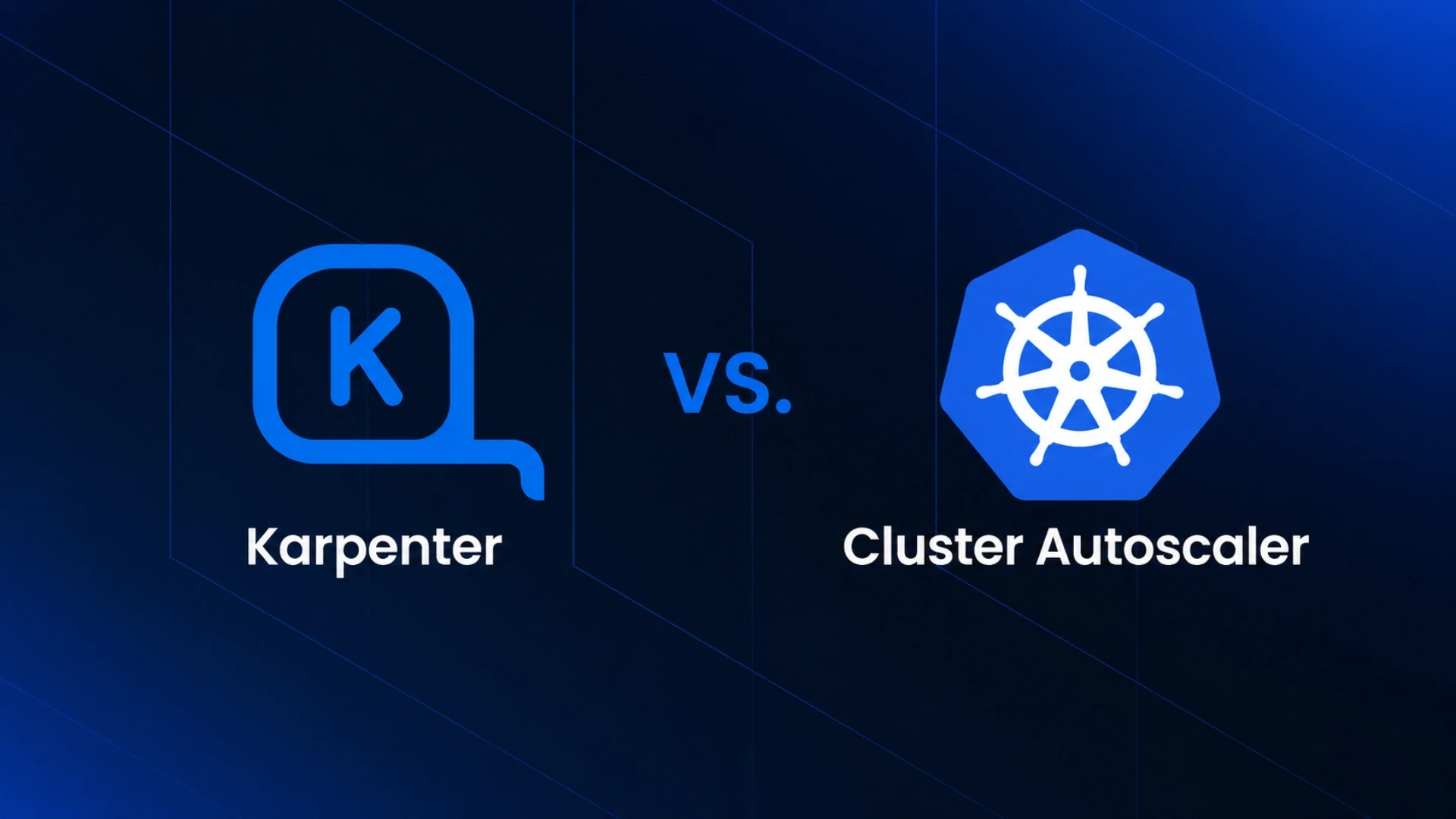
Both Karpenter and Cluster Autoscaler supports Spot Instances in EKS. The choice affects how Spot capacity is managed and how quickly the cluster responds to Spot interruptions.
Cluster Autoscaler |
Works with pre-defined managed node groups. Spot configuration requires setting up separate Spot node groups in EKS. Scale decisions happen at the node group level. When a Spot Instance is reclaimed, Cluster Autoscaler requests a replacement from the same node group. Simpler to configure. Works well with EKS Managed Node Groups. |
Best for: teams already running Cluster Autoscaler who want to add Spot without migrating to a new autoscaler. |
Karpenter |
Provisions individual EC2 instances rather than scaling node groups. Karpenter selects the cheapest available instance type from a configured list that fits the pending pod requirements. Automatically tries multiple instance types and AZs when one Spot pool is unavailable. Significantly faster provisioning (30 to 60 seconds vs 2 to 3 minutes for Cluster Autoscaler). |
Best for: new EKS setups and teams who want maximum Spot savings with the fastest interruption recovery. |
For individual DevOps capacity on a monthly retainer covering Spot optimisation and cluster management, Acquaint Softtech's staff augmentation model provides a dedicated engineer at $22/hour or $3,200/month. Available in 48 hours.
For the Kubernetes readiness guide and 8 ongoing management domains, the Kubernetes for startups guide covers what a DevOps engineer manages monthly alongside cost optimisation.
For teams building their first Kubernetes infrastructure and wanting cost efficiency from day one, Acquaint Softtech's software product development service covers the full product team structure including DevOps.
Ready to Cut Your Kubernetes Node Costs by 60 to 80%? Acquaint Softtech Has Spot-Experienced Engineers.
Pre-vetted DevOps engineers with Karpenter and Spot Instance configuration experience on EKS. Starting at $22/hour or $3,200/month. Spot configuration completed in the first sprint. Matched profile in 24 hours.
Frequently Asked Questions
-
How do Spot Instances reduce Kubernetes costs?
AWS Spot Instances are unused EC2 capacity available at 60 to 80% discount versus on-demand. In Kubernetes, a DevOps engineer configures separate Spot node groups for stateless, interruption-tolerant workloads. When Spot Instances are reclaimed by AWS, Kubernetes reschedules the pods to other nodes. The 2-minute termination notice allows graceful draining before reclamation.
-
How much can you save with Kubernetes Spot Instances?
A typical 6-node cluster running all on-demand at $414/month can save $164 to $192/month by moving 4 nodes to Spot. Annual saving: $1,968 to $2,304. For larger clusters, the absolute saving scales linearly with node count. The configuration cost at Acquaint Softtech is $528 to $880, with payback in 3 to 5 months.
-
Is it safe to run production workloads on Spot Instances?
Stateless workloads (APIs, background workers, batch jobs) are safe on Spot with proper configuration: Pod Disruption Budgets, node tolerations, and the AWS Node Termination Handler. Stateful workloads (databases, services with local storage) should remain on on-demand nodes. The safety comes from workload classification and configuration, not from avoiding Spot entirely.
-
What is a Pod Disruption Budget and why does it matter for Spot?
A Pod Disruption Budget (PDB) defines the minimum number of pod replicas that must remain available during a disruption. When a Spot Instance is reclaimed, Kubernetes drains the node respecting PDBs before the instance is terminated. A PDB of minAvailable: 1 ensures at least 1 replica of each service is always running, even if a Spot node is reclaimed.
-
What is the difference between Karpenter and Cluster Autoscaler for Spot?
Cluster Autoscaler scales pre-defined node groups. Karpenter provisions individual instances directly, selecting the cheapest available Spot type from a configured list. Karpenter is faster (30 to 60 seconds vs 2 to 3 minutes) and more flexible for Spot, automatically trying multiple instance types and AZs when one Spot pool is unavailable. Karpenter is the recommended choice for new EKS setups.
-
How long does Spot Instance configuration take at Acquaint Softtech?
A full Spot configuration (workload classification, node group setup, tolerations, PDBs, Karpenter or Cluster Autoscaler, Node Termination Handler) takes 3 to 5 days at $22/hour, costing $528 to $880. This is typically absorbed into the first sprint of a $3,200/month monthly retainer.
-
What happens to my pods when a Spot Instance is reclaimed?
AWS sends a 2-minute termination notice. The Node Termination Handler begins draining the node, moving pods to other nodes. In-flight requests are allowed to complete (connection draining on the load balancer). The pod restarts on another available node within 30 to 60 seconds after draining. With proper PDB configuration, the service continues serving requests throughout.
Taukir Katava is a DevOps Engineer at Acquaint Softtech with 4+ years of experience across AWS, Azure, and GCP. He specialises in Kubernetes cluster administration, CI/CD pipeline automation, and cloud infrastructure design for high-traffic platforms. Taukir writes about the practical side of production DevOps: what infrastructure decisions cost and what they actually deliver.
Table of Contents
Get Started with Acquaint Softtech
- 13+ Years Delivering Software Excellence
- 1300+ Projects Delivered With Precision
- Official Laravel & Laravel News Partner
- Official Statamic Partner
Related Reading
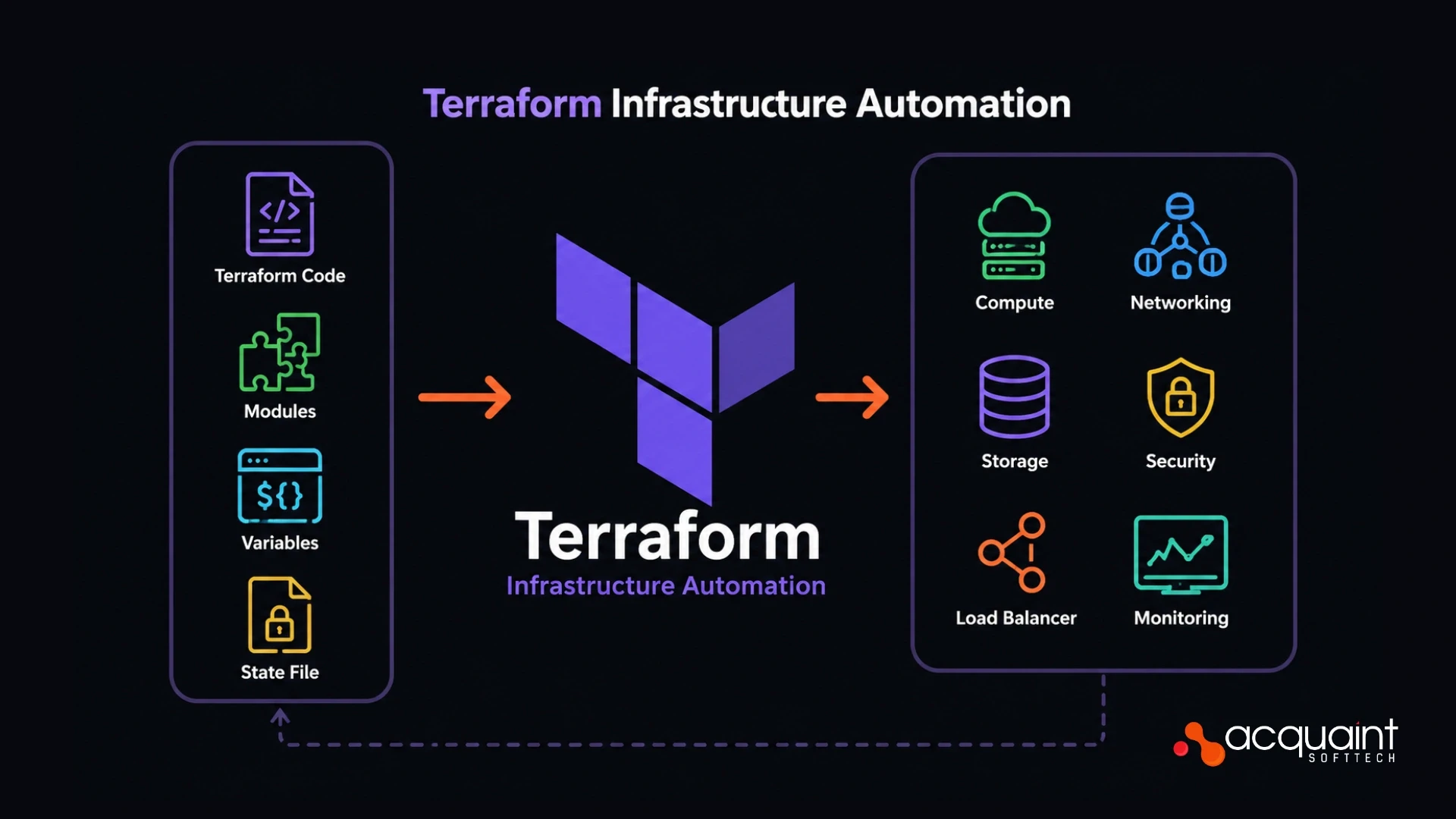
Terraform Infrastructure Automation: What a DevOps Engineer Builds and What It Saves You in 2026
Terraform turns cloud infrastructure into version-controlled, reproducible code. Here is what a DevOps engineer builds with it, what it prevents, and what the setup costs in 2026.
Taukir katava
June 1, 2026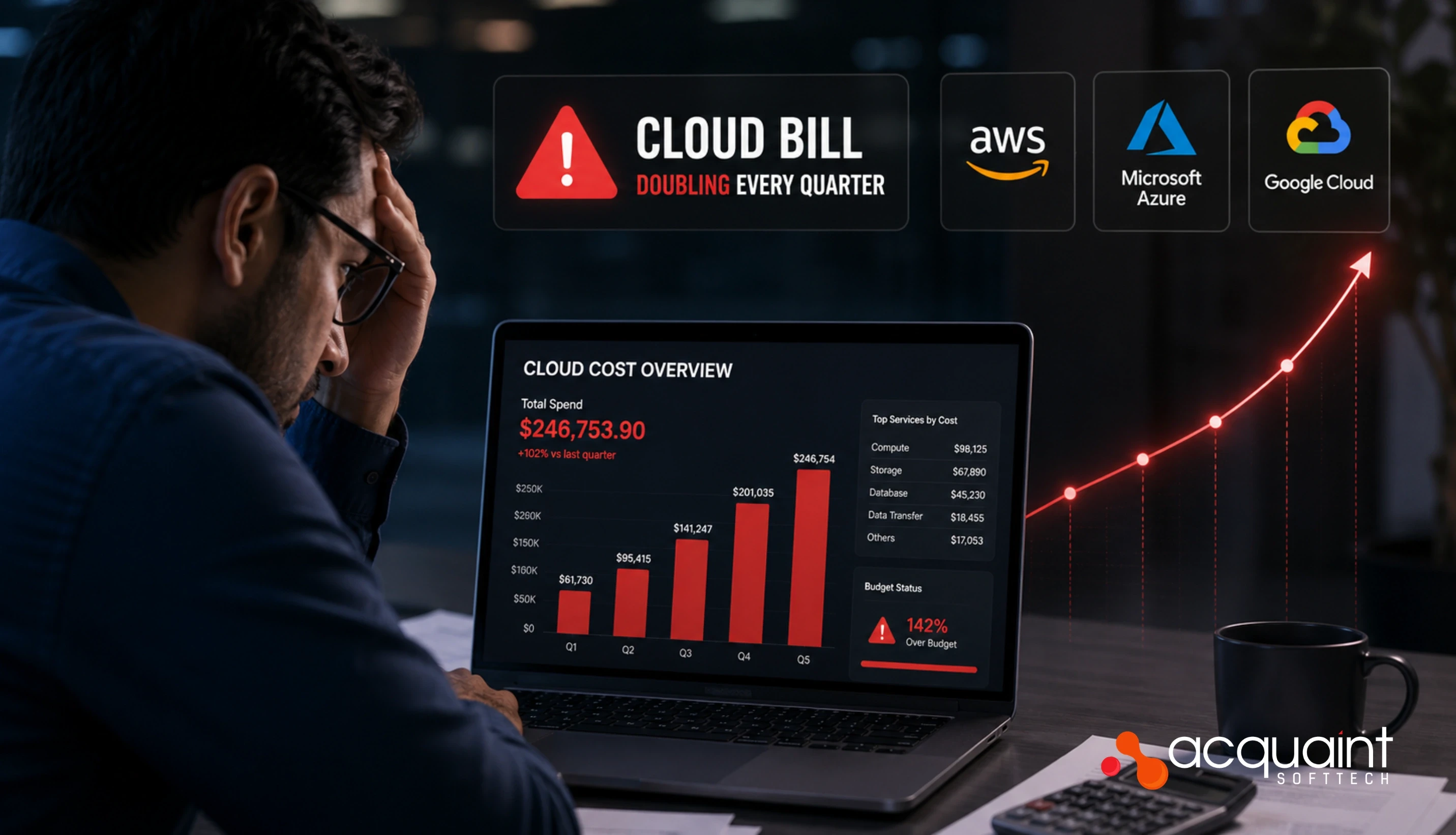
Cloud Bill Doubling Every Quarter: What a DevOps Engineer Finds and Fixes in 30 Days
AWS bill doubling every quarter without a clear reason? A DevOps engineer typically finds 20 to 40% of cloud spend as waste. Here are the 7 categories they fix first.
Taukir katava
May 8, 2026
DevOps Engineer Hourly Rate in 2026: India vs US vs Eastern Europe - The Honest Rate Comparison
DevOps engineer rates in 2026 range from $22/hour in India to $100+ in the US for the same seniority level. Here is the honest regional rate comparison and what each price tier actually delivers.

Ahmed Ginani
May 21, 2026India (Head Office)
203/204, Shapath-II, Near Silver Leaf Hotel, Opp. Rajpath Club, SG Highway, Ahmedabad-380054, Gujarat
USA
7838 Camino Cielo St, Highland, CA 92346
UK
The Powerhouse, 21 Woodthorpe Road, Ashford, England, TW15 2RP
New Zealand
42 Exler Place, Avondale, Auckland 0600, New Zealand
Canada
141 Skyview Bay NE , Calgary, Alberta, T3N 2K6