

Google Shopping in 2026: How to Sell on It, and What Happened to Google Express
Google Express was folded into Google Shopping around 2019, and the standalone Shopping app that replaced it was itself shut down in 2021. Google Shopping now lives as a tab inside Google Search, not an app. To sell on it, you list your products through Google Merchant Center, which offers both free listings and paid Shopping ads. The real lesson from this history is platform risk: Google discontinues products often, so your store and data should live somewhere you control.

Mukesh Ram
As the Founder and CEO at Acquaint Softtech, I kept the address of this article but replaced its subject, because the thing it described no longer exists. It was written in 2019 to explain that Google was rebranding its Express delivery service into a Google Shopping app. That app is gone: Google shut it down in 2021, and its universal Buy on Google checkout followed in 2023.
What survives, and what a business owner actually wants to know, is how you sell products through Google Shopping today, which is now a tab inside Google Search rather than an app. So instead of narrating a rebrand that has since been undone twice over, this rewrite answers the useful question the URL implies: how do I get my products in front of shoppers on Google in 2026? This is the practical side of e-commerce development we deal with constantly.

- You sell products online and want them to appear on Google Shopping.
- You remember Google Express and wonder what became of it.
- You are not sure how free listings and paid Shopping ads differ.
- You want to get your product feed and Merchant Center set up right.
- You are wary of depending too heavily on a single platform.
There is a second, quieter lesson worth drawing out, and it is the one thread that connects the old article to the new. Google discontinues products constantly, and the Express-to-app-to-tab journey is a small monument to that habit.
Any business that builds too much of its sales on a single platform it does not control is exposed when that platform changes, which it will. So this article both shows you how to use Google Shopping well and reminds you why your own store and data should never live entirely inside someone else's product.
What Happened to Google Express
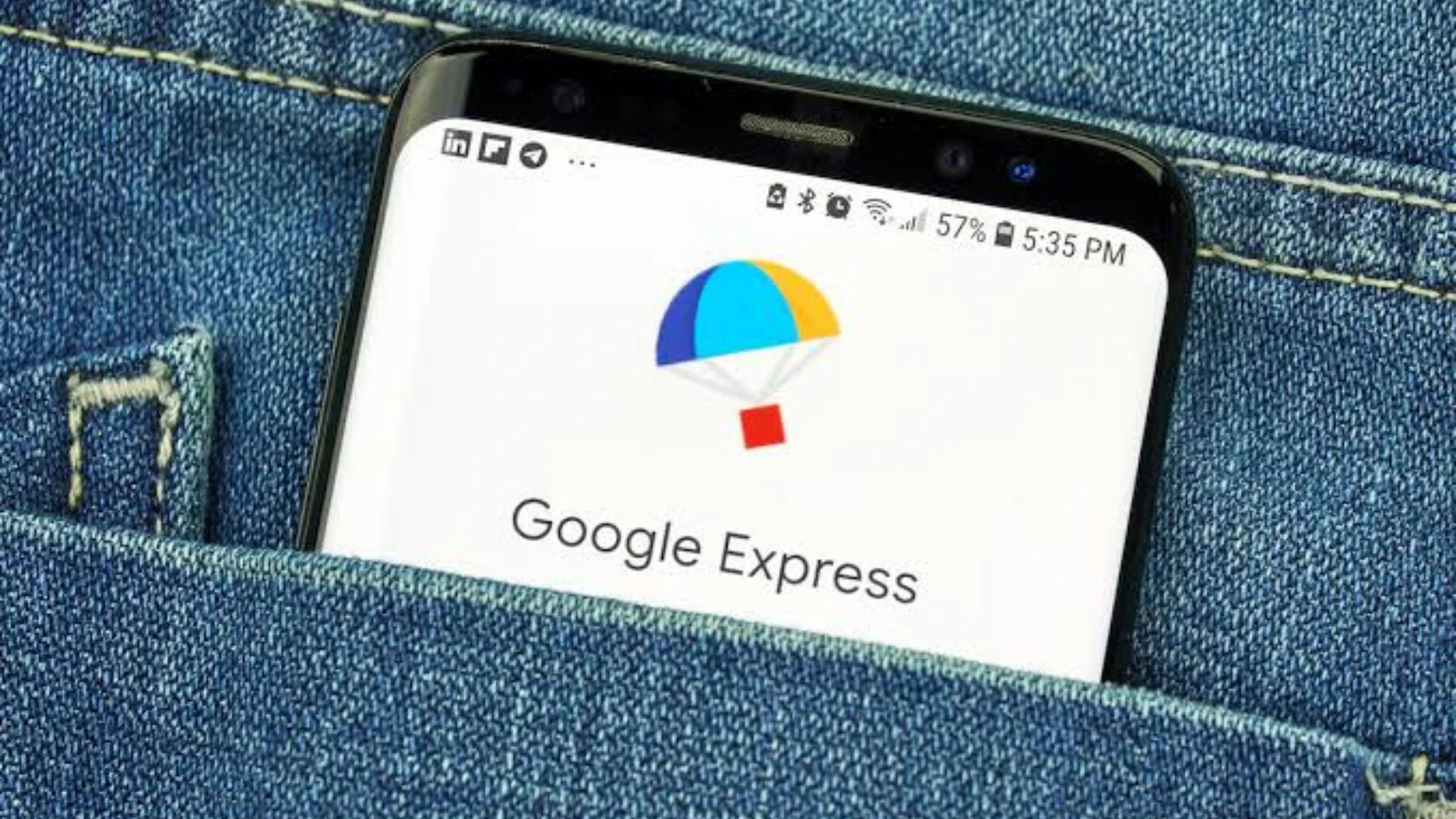
Google Express was Google's Amazon-style delivery marketplace, and it was folded into Google Shopping around 2019 before the standalone Shopping app itself was discontinued in 2021. The rebrand the original described was only one step in a longer unwinding.
Express launched in 2013 as a same-day delivery service connecting shoppers with retailers like Target and Costco, and it never seriously challenged Amazon. Google merged it into a revamped Google Shopping, and on Android the old Express app was rebranded to Shopping, which is the moment the original article captured.
But the story did not stop there. Google shut down the Shopping apps on both Android and iOS in 2021, directing users to the web, and ended its universal Buy on Google checkout in 2023.
What began as a delivery service became an app, then a rebranded app, then no app at all. Understanding that arc matters because it is the clearest possible illustration of how much a Google product can change under a business's feet.
What Google Shopping Is Now
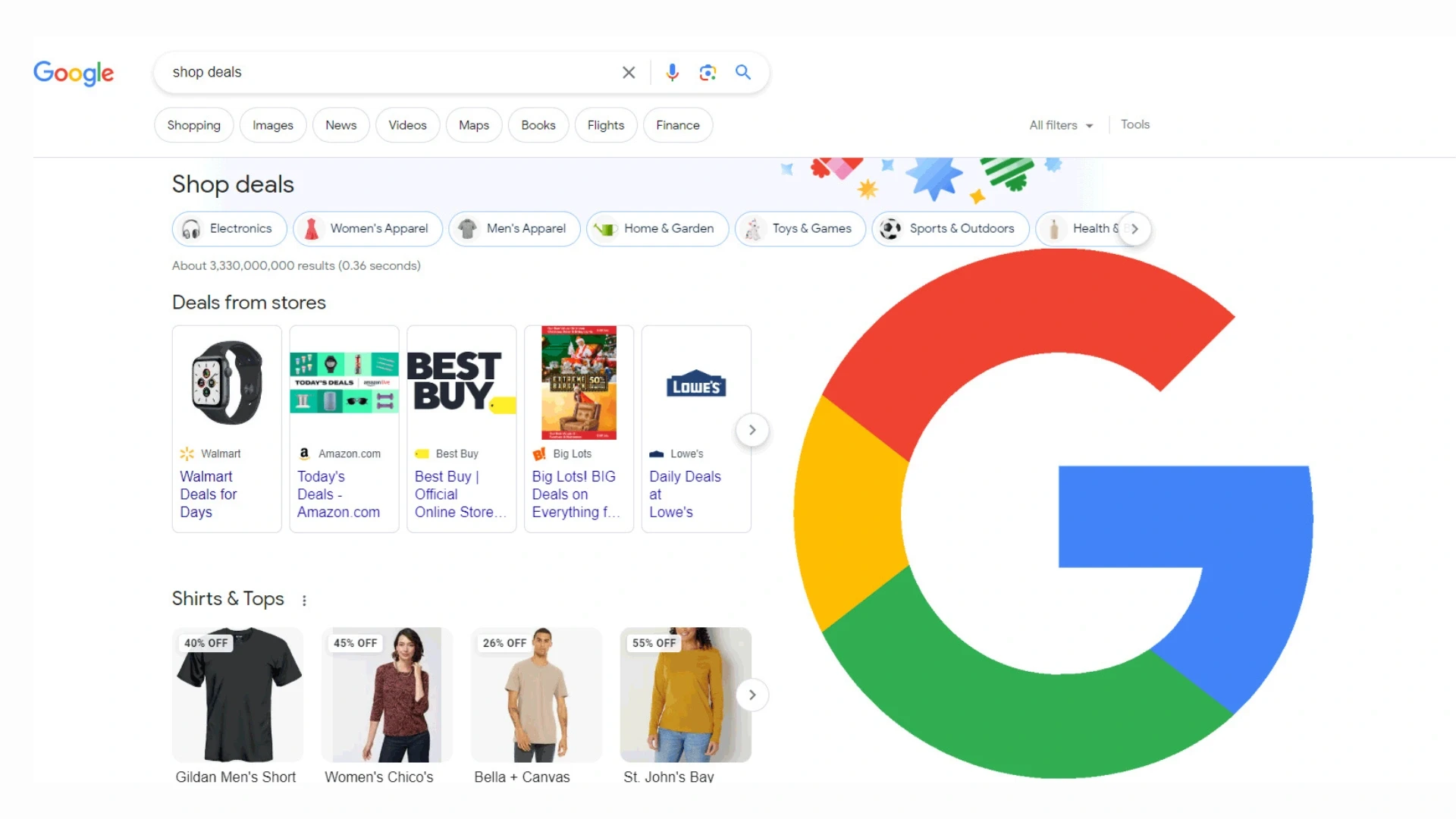
Google Shopping in 2026 is a tab within Google Search where product listings appear, not a separate app or marketplace. Shoppers search, then filter to Shopping to compare products across sellers.
When someone searches for a product, Google shows relevant listings, images, prices, and sellers in the Shopping tab and increasingly within Search itself. Google no longer runs the checkout for most sellers; instead, it sends the shopper to your store to buy, which means your own site is where the sale actually happens.
That is an important shift from the Buy on Google era: Google is the shop window, but your store is the till. The practical consequence is that appearing on Google Shopping is worth little unless the store it sends people to is fast, trustworthy and easy to buy from, which is where most of the real work sits.
How to List Your Products
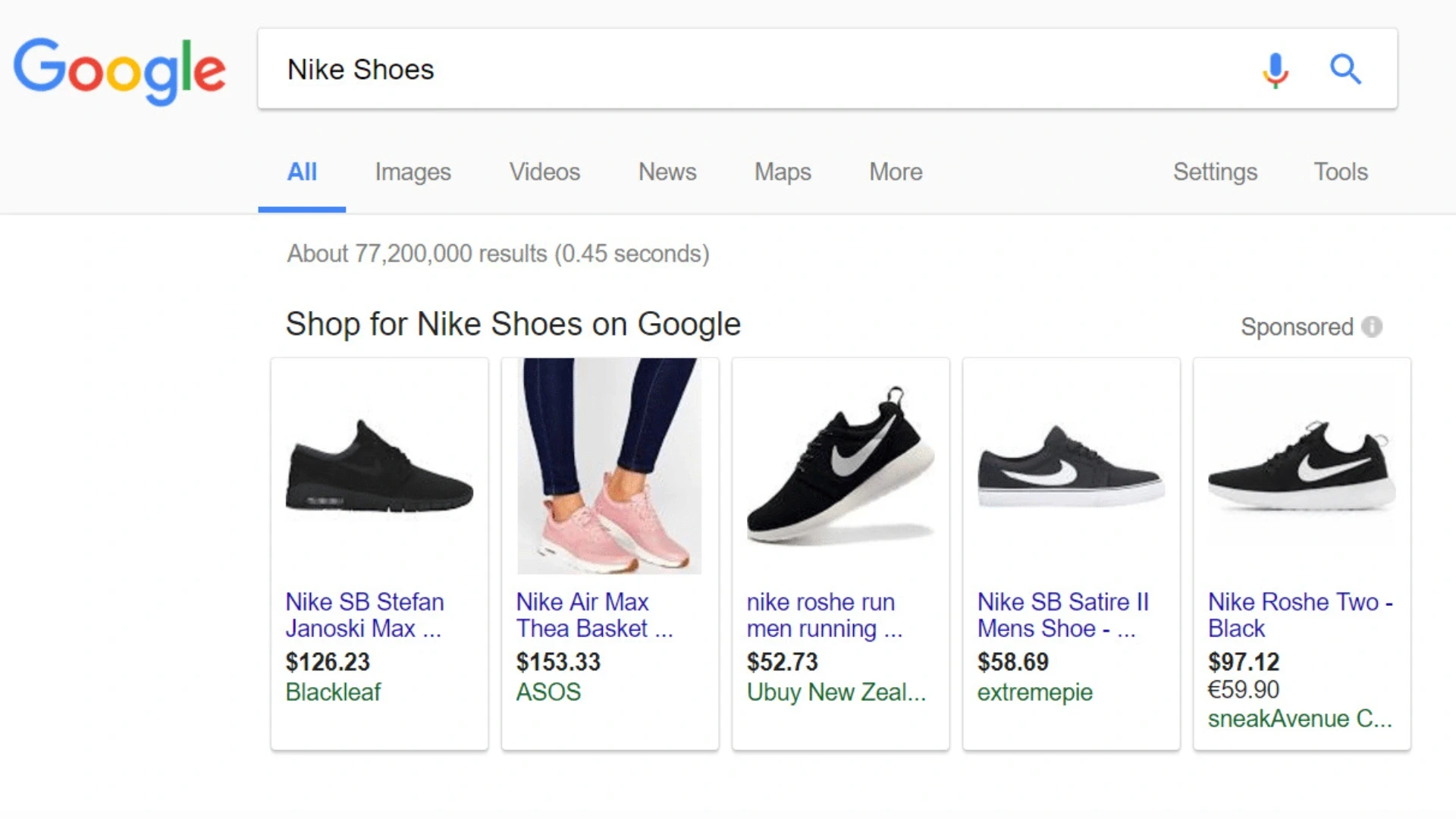
You list products on Google Shopping through Google Merchant Center, which connects your product data to Google's surfaces. This is the single tool everything else runs through.
Create a Google Merchant Center account and verify your store's website.
Prepare a product feed, a structured file of your products with titles, prices, images, availability, and identifiers.
Upload the feed to Merchant Center, or connect it automatically from your store platform.
Enable free listings so your products can appear at no cost, and set up Shopping ads if you want paid placement.
Keep the feed accurate and current, since wrong prices or stock get products rejected or shoppers annoyed.
The official reference for this is Google's Merchant Center guidance, which sets out the requirements in detail. For most stores, the feed is generated automatically by the e-commerce platform or a connector, so the work is less about manual uploading and more about keeping your product data clean, which is exactly what a well-built store does by default and what teams hire data engineers to keep reliable.
Free Listings vs Shopping Ads
Google Shopping offers both free product listings and paid Shopping ads, and most sellers use both. The difference is placement and cost, not the underlying product data.
| Free listings | Shopping ads |
Cost | No cost to appear | Pay per click |
Placement | Shopping tab, some Search | Top of results, prominent |
Setup | Merchant Center feed | Feed plus Google Ads campaign |
Best for | Baseline visibility | Competitive, high-intent terms |
Control | Limited | Bidding and targeting |
Free listings, introduced after the era the original described, mean your products can appear on Google Shopping at no cost, which every seller should enable as a baseline. As Google's documentation on free listings explains, they use the same product feed as paid ads, so the setup work is shared. Shopping ads then buy prominence on top of that for the products and terms where it pays to compete.
The sensible approach is to take the free visibility always, and add paid ads selectively where the margin justifies the click cost, rather than paying for placement you might have had for nothing.
Want your products showing on Google Shopping properly?
Send me your store, and I will check your Merchant Center setup, product feed, and store speed, then tell you what is blocking your listings.
Getting Your Product Feed Right
Your product feed is the foundation of everything on Google Shopping, and most listing problems trace back to it. A clean, complete, accurate feed is what gets products approved and shown.
The feed is a structured file describing each product: an accurate title, a clear image, the correct price and availability, and the right identifiers such as GTINs. Google is strict about this, because a feed with wrong prices, missing data, or poor images gets products disapproved or, worse, shown wrongly to shoppers who then distrust you.
The common failures are prices that do not match your site, stock that is out of date, and titles stuffed with keywords rather than describing the product plainly.
Keeping the feed synced automatically with your store, rather than uploaded by hand, is what prevents these, and building that reliable connection is standard work for whoever builds and maintains your store's APIs. A right feed stays quietly effective; a feed that is wrong quietly costs you sales.
The Platform Risk This History Reveals
The whole Express-to-Shopping saga is a lesson in platform dependency: Google changes and discontinues products constantly, so build on it but do not depend on it entirely. This is the strategic point beneath the how-to.
Google's record of shutting products down is long and well documented, catalogued publicly on sites such as the Killed by Google archive, and Shopping itself has repeatedly changed shape. Even the machinery behind it is not always stable: in early 2026, a Merchant Center feed disruption left many sellers' products affected for over two weeks. The lesson is not to avoid Google Shopping, which is a valuable channel, but to treat it as one channel among several and to keep the things you cannot afford to lose, your store, your customer relationships, your data, under your own control.
A business whose entire sales depend on a single Google product is one policy change away from a crisis, and settling which of your channels are load-bearing is worth doing deliberately in a discovery workshop.
Proof: Stores Built to Sell Anywhere
The right foundation for selling on Google Shopping is a store you own that feeds any channel cleanly, so the relevant proof is a record of building exactly that. Ours is verifiable.
Acquaint Softtech, verifiable delivery record 1,300+ delivered projects across 13+ years. 95% on-time sprint delivery. 4.9 out of 5 across verified Clutch reviews. NDA before work begins and 100% client ownership of everything produced. For selling on Google, the relevant point is ownership: we build stores you control, with clean product data that feeds Google Shopping and any other channel, rather than trapping your catalogue inside one platform. |
That ownership is the practical answer to the platform risk above. A store you own, with a clean, well-structured product catalogue, can feed Google Shopping today, another channel tomorrow, and survive any single platform's changes, because the data lives with you rather than inside a service that might be discontinued.
A store trapped in a rigid platform, by contrast, is only as flexible as that platform allows. Because clients own everything we build, the catalogue and the store are yours to point anywhere. Our case studies and client testimonials cover the e-commerce builds behind that record.
Want a store that sells everywhere and depends on no one platform?
Book a free 30-minute call, and I will show you how a store you own can feed Google Shopping and any other channel from clean product data.
What Selling on Google Shopping Costs
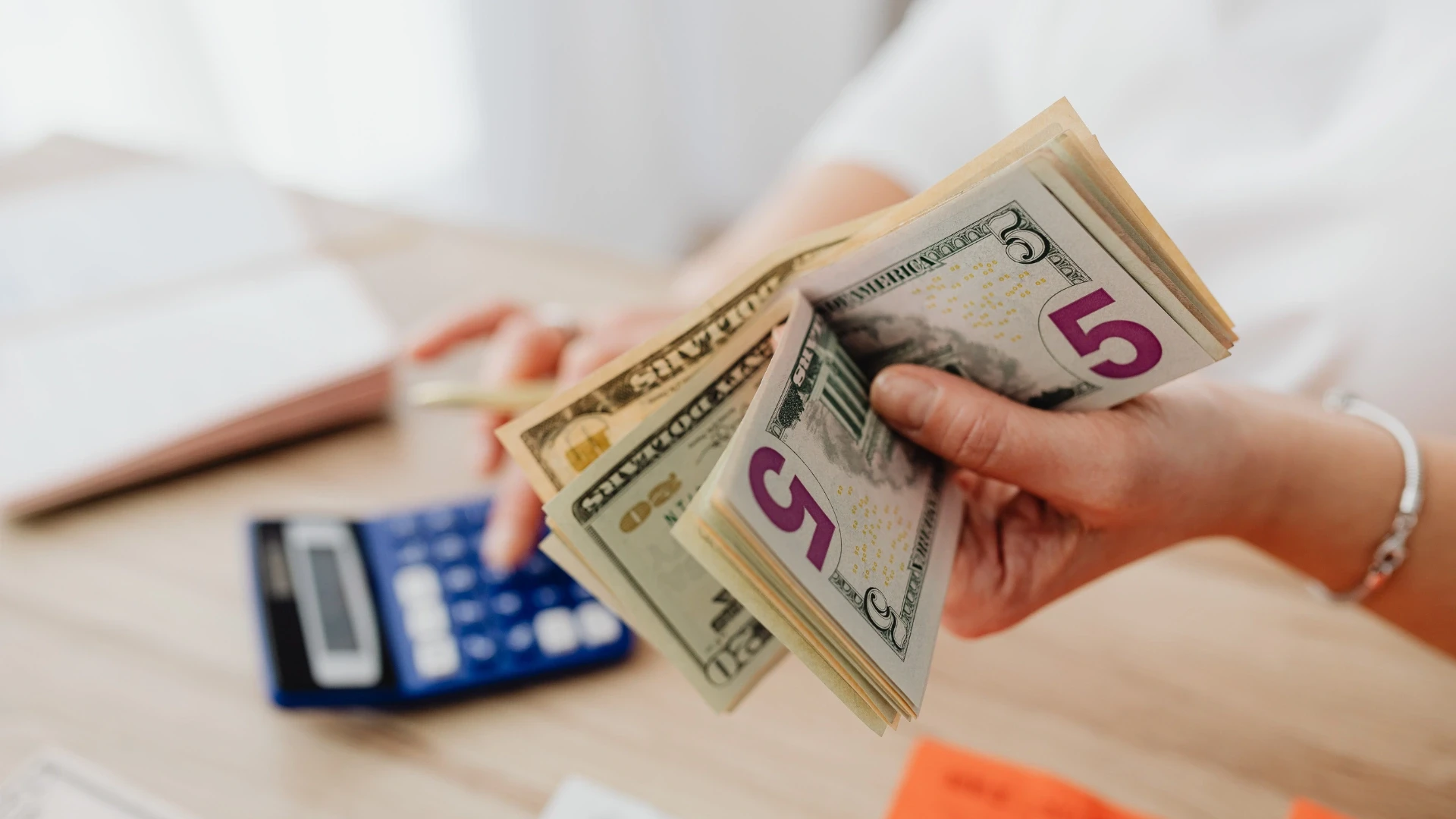
Appearing on Google Shopping ranges from free to whatever you choose to spend on ads, but the real cost is getting the store and feed right behind it. This table prices the routes to selling on Google.
What you are paying for | What it gives you | Cost (USD) |
Free listings setup | Baseline visibility, no ad spend | Setup only, 500 to 3,000 |
Product feed integration | Clean, auto-synced listings | 2,000 to 10,000 |
Shopping ads management | Paid prominence, managed | Ad spend plus management |
A store worth sending traffic to | Conversions, not just clicks | Store build cost |
Ongoing feed and store upkeep | Staying approved and fast | 15 to 20% of build, per year |
The point the numbers make is that the listing is the cheap part; the store it sends shoppers to is where the money is won or lost. Free listings cost nothing to appear on, and a good product-feed integration is a modest one-off, but sending Google's traffic to a slow or hard-to-buy store wastes all of it.
Spend where it converts, which is usually the store itself, before spending heavily on ads to drive traffic to it. Our guide to web application development cost sets out how the store fits a wider budget.
Where the work is done | Senior rate | Relative cost |
New York, USA | USD 110 to 200 / hour | Highest |
United States (national) | USD 90 to 170 / hour | Very high |
Australia | AUD 110 to 200 / hour | High |
United Kingdom | GBP 65 to 130 / hour | High |
Europe (EU) | EUR 70 to 140 / hour | High |
India (Acquaint Softtech) | USD 25 to 49 / hour | Up to 40% lower |
Feed integration and store work are bounded, testable tasks, so they suit offshore delivery well and cost a fraction of the onshore equivalent.
Where you want it done alongside other store improvements, adding capacity through IT staff augmentation is often quickest, and for how the storefront choice interacts with mobile, our guide to mobile commerce development covers the ground.
Turn Google Shopping traffic into actual sales
Book a free 30-minute call, and I will scope your feed and store work with a fixed cost and timeline in your own currency.
Frequently Asked Questions
-
What happened to Google Express?
It was folded into Google Shopping around 2019, and the standalone Shopping app that replaced it was shut down in 2021. Google Shopping now lives as a tab inside Google Search, not an app.
-
Is there still a Google Shopping app?
No. Google discontinued the Shopping apps for Android and iOS in 2021 and directed users to the web. Shopping is now a tab within Google Search rather than a separate app.
-
How do I sell my products on Google Shopping?
Set up a Google Merchant Center account, verify your store, and upload a product feed. Enable free listings to appear at no cost, and add Shopping ads for paid prominence where it pays.
-
Are Google Shopping listings free?
Yes, free listings let your products appear on the Shopping tab at no cost. Paid Shopping ads buy more prominent placement at the top, using the same product feed.
-
What is Google Merchant Center?
The tool where you manage your product data for Google. It connects your feed to Google Shopping and ads, handling your product titles, prices, images, availability, and identifiers.
-
What is a product feed?
A structured file describing your products, their titles, prices, images, availability, and identifiers that Google uses to list them. A clean, accurate feed is essential to getting approved.
-
Does Google still handle checkout with Buy on Google?
No. Google ended the Buy on Google universal checkout in 2023 for most sellers. Google now sends shoppers to your own store to complete the purchase, so your store is where the sale happens.
-
Why do my products get rejected on Google Shopping?
Usually a feed problem: prices that do not match your site, missing identifiers, poor images, or out-of-date stock. Keeping the feed synced automatically with your store prevents most rejections.
-
Should I rely on Google Shopping for all my sales?
No. Google changes and discontinues products often, so treat it as one channel among several and keep your store, data, and customer relationships under your own control.
-
How much does it cost to sell on Google Shopping?
Free listings cost nothing to appear on. A product-feed integration is a modest one-off, and Shopping ads cost per click. The larger investment is a store good enough to convert the traffic.
I love to make a difference. Thus, I started Acquaint Softtech with the vision of making developers easily accessible and affordable to all. Me and my beloved team have been fulfilling this vision for over 15 years now and will continue to get even bigger and better.
Table of Contents
Get Started with Acquaint Softtech
- 13+ Years Delivering Software Excellence
- 1300+ Projects Delivered With Precision
- Official Laravel & Laravel News Partner
- Official Statamic Partner
Related Blog
Rome Was Not Built in a Day: The Journey to Developing a Unicorn SaaS
Building a unicorn SaaS company is a marathon, not a sprint. Just like Rome, great products aren’t built overnight. From refining your MVP to scaling for growth.
Mukesh Ram
September 26, 2024
Bootstrap vs Material
Bootstrap and Material (such as Material UI) are both popular front-end tools, but they have different goals. Bootstrap is a broad CSS and HTML framework focused on fast, general-purpose responsive web design, while Material is a design system by Google focused on layered components, depth, and specific UI/UX guidelines. In 2027, both remain widely used, with Bootstrap strong in enterprise and Material UI strong in React apps.

Shivang P
September 4, 2023
10 Must Follow Steps of Mobile App Development Process
The mobile app development process is a structured set of 10 steps that moves an idea from concept to a published app: ideation, target audience and monetization, choosing the platform, UI/UX design, picking tools, choosing the right partner, fast development, testing and deployment, marketing, and post-launch maintenance. Following the steps in order, rather than rushing to publish, is what separates apps that get downloads from the ones that get ignored.
Mukesh Ram
July 29, 2019India (Head Office)
203/204, Shapath-II, Near Silver Leaf Hotel, Opp. Rajpath Club, SG Highway, Ahmedabad-380054, Gujarat
USA
7838 Camino Cielo St, Highland, CA 92346
UK
The Powerhouse, 21 Woodthorpe Road, Ashford, England, TW15 2RP
New Zealand
42 Exler Place, Avondale, Auckland 0600, New Zealand
Canada
141 Skyview Bay NE , Calgary, Alberta, T3N 2K6