

How to Write Clean Android Code in 2026: 4 Principles That Still Hold
Clean Android code comes from four durable habits: name things clearly, delete dead code, keep a consistent style, and reuse trusted libraries instead of reinventing. What has changed since these were first written is that tooling now enforces most of them automatically. A linter and formatter such as ktlint handles style, static analysis flags dead code, and continuous integration blocks anything that fails. The principles are the same; the difference in 2026 is that a good team makes them automatic rather than relying on discipline alone.

Mukesh Ram
As the Founder and CEO at Acquaint Softtech, I judge code by a single test that has nothing to do with how clever it is: can the next person understand it quickly? Most software is read far more often than it is written, and most of the reading is done by someone other than the author, often months later, often under pressure to fix something.
Clean code is simply code that is kind to that future reader, and on a mobile app that will be maintained across years of platform changes, that kindness is the difference between an app that stays cheap to run and one that quietly becomes expensive. This is not an aesthetic preference; it is the economics of mobile app development, and it is why we treat readability as a delivery requirement rather than a nicety.

- You write Android apps and want them to stay maintainable over years.
- You lead a team and want consistent code without policing every commit.
- Your app has become slow and expensive to change.
- You use AI to generate code and are not sure how to keep it clean.
- You want the tooling that enforces clean code so discipline is not the only defence.
The original version of this article set out four clean-code habits that have not dated at all, so this rewrite keeps every one of them and sharpens it. What it adds is the part that has changed since 2019: the tooling that now enforces these habits automatically, the shift to Kotlin and Compose as the modern Android stack, and the new question of what to do with code an AI wrote for you, which turns out to need the same scrutiny as any snippet copied from the internet.
Why Clean Code Is a Business Concern

Clean code is cheaper code, because most of a software budget is spent changing code after it is first written, not writing it. That is the business case the original gestured at, and it deserves to be stated plainly.
When code reads clearly, a developer changing it understands it in minutes rather than hours, makes the change without breaking three other things, and moves on. When it does not, every change is an investigation, every fix risks a new bug, and the app grows slower and riskier to touch until people are afraid to change it at all.
That fear is the real cost of messy code, because an app nobody dares modify is an app that cannot keep up with the platform, and on Android the platform never stops moving. Readability is what keeps an app changeable, and changeable is what keeps it alive.
Name Things So the Code Explains Itself
A good name removes the need for a comment, because it says what the thing is and does. This was the original's first point, and it remains the highest-value habit in clean code.
A variable called d means nothing; daysSinceLastLogin needs no explanation. A function called handle() could do anything; validatePaymentAmount() announces its job. The test is simple: if a reader has to open the implementation to understand what a name refers to, the name has failed.
Good names are the cheapest documentation there is, because they never fall out of date the way comments do, and they turn code into something you read like prose rather than decode like a cipher. Spend the extra seconds naming things properly; they are repaid every time anyone reads the code again.
Delete Code That Is No Longer Used
Dead code should be removed the moment it is dead, not commented out or kept just in case. The original was right, and version control makes the case even stronger than it did in 2019.
The instinct to keep old code, in case you need it later, is understandable and wrong. Every unused function and commented-out block is something the next reader must understand, work around, and wonder whether it is safe to touch. It is clutter that slows everyone down to protect against a need that rarely comes.
And the safety net already exists: version control keeps every line you ever wrote, so deleted code is never truly gone and can be recovered in seconds if you genuinely need it. Delete freely, trust the history, and keep the working code clean of the code that no longer works.
Is your Android codebase slow and risky to change?
Send me your repository, and I will review how it is structured, where the dead weight is, and what would make it cheaper to maintain.
Keep One Consistent Style
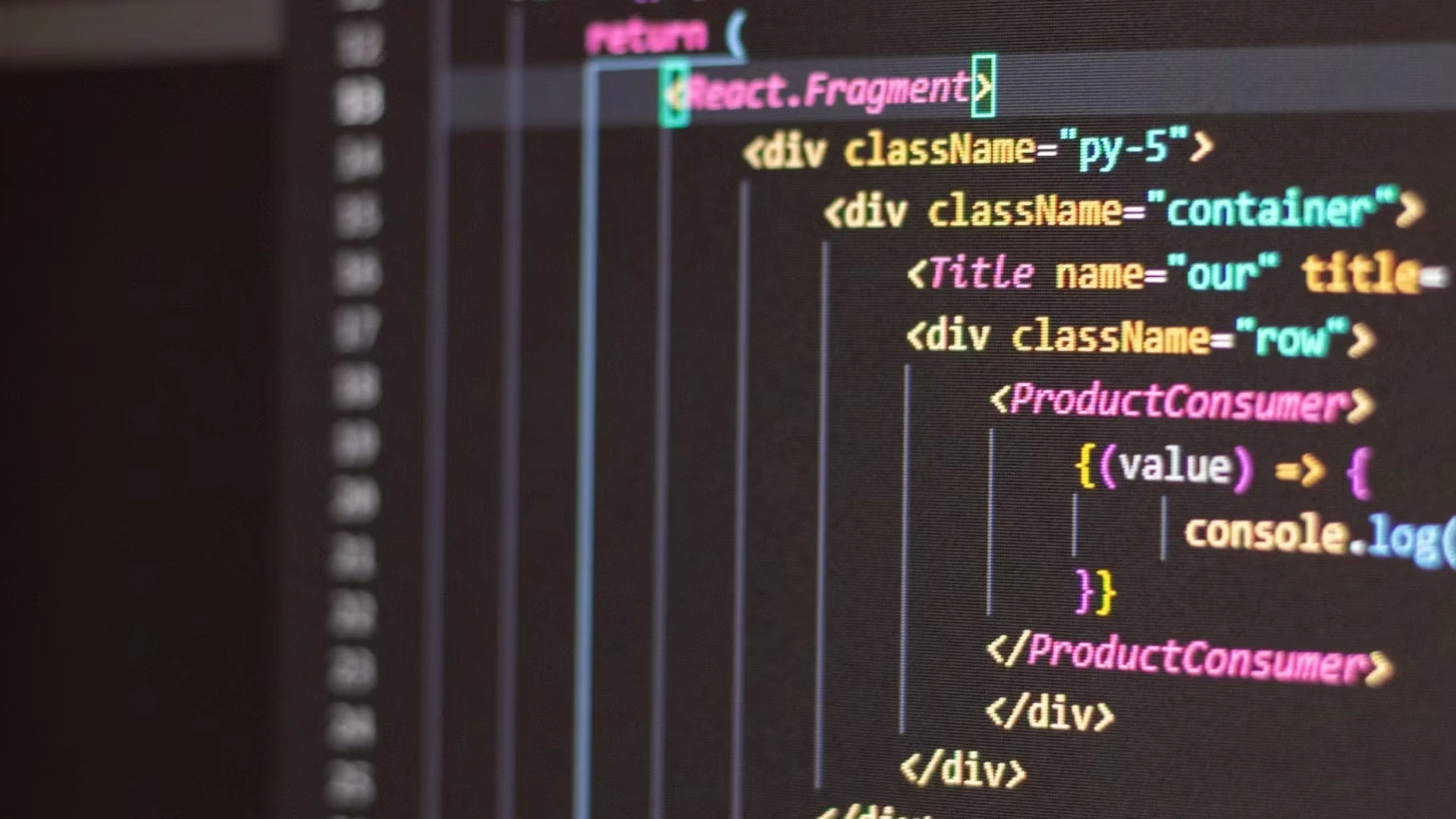
A codebase should read as though one person wrote it, however many people actually did. The original made this point about personal consistency; the stronger 2026 version is team consistency, enforced automatically.
Consistency matters because inconsistency is friction. When formatting, naming conventions, and structure vary from file to file, every reader spends effort adjusting to each author's habits instead of understanding the logic. A single agreed style removes that tax entirely.
The original advised developers to find a style they are comfortable with, which is right for an individual but not enough for a team, where the goal is not personal comfort but shared convention. The good news is that this no longer depends on discipline, because a formatter applies the agreed style automatically on every save, which is the subject of the tooling section below.
Reuse, but Review What You Reuse
Reusing trusted, well-maintained code is smart; pasting in code you have not read is how bugs and security holes enter. The original encouraged reuse, and the 2026 update is about doing it safely, because the sources have changed.
Do not reinvent what a solid library already does well; a widely used, actively maintained dependency is almost always better than your own first attempt. The original suggested searching the internet and respecting Creative Commons licences, which was reasonable then.
Today the mechanics are package managers and proper licence hygiene, and the newer wrinkle is code written by an AI assistant, which raises the same question a copied snippet always did: do you understand what it does, and would you have written something you trust as much?
AI-generated code is a fast first draft, not a finished answer, and it needs exactly the review any borrowed code needs, because a confident, plausible-looking function that is subtly wrong is more dangerous than an obvious mistake. Reuse and generation both save time only when what you take in is code you have actually read.
Let Tooling Enforce the Rules
The biggest change since these principles were first written is that machines now enforce most of them, so clean code no longer relies on memory or willpower. This is what a modern Android team sets up once and benefits from forever.
Formatter and linter
A linter and formatter apply your agreed style automatically and flag problems as you type, which settles the consistency question without a single code-review argument about spacing. Android Studio's built-in inspections catch a wide range of issues, including unused code, before it is ever committed. Style stops being a matter of opinion and becomes a matter of configuration.
Static analysis and continuous integration
Static analysis tools scan for dead code, likely bugs, and risky patterns, and continuous integration runs all of these on every change so that nothing failing the standard can be merged. The effect is that clean code becomes the default path rather than an act of ongoing discipline: the pipeline simply will not accept code that breaks the rules. Setting this up is a one-time job with a permanent payoff, and it is standard practice for the engineers you hire DevOps developers to own the build and quality pipeline.
The Kotlin and Compose Reality
Modern Android is written in Kotlin, with Jetpack Compose for the interface, and both make clean code easier than the Java era did. The original mentioned Kotlin only as something to study on the side; in 2026 it is the centre.
Google recommends Kotlin as the preferred language for Android, as its own Kotlin documentation makes clear, and Kotlin's concise, expressive syntax removes much of the boilerplate that used to clutter Android code and hide its intent. Compose does the same for the user interface, replacing verbose layout code with a clearer, more declarative style.
Writing clean code also means following a sensible architecture, and Google's app architecture guidance sets out patterns such as separating UI, business logic and data, so that clean code at the line level sits inside a clean structure at the whole-app level. Clean naming inside a tangled architecture only goes so far; the two work together.
Proof: Code Built to Be Maintained
The real test of clean code is not how it looks at launch but how cheap it stays to change years later. Our record speaks to exactly that longevity.
Acquaint Softtech, verifiable delivery record 1,300+ delivered projects across 13+ years. 95% on-time sprint delivery. Average engineer tenure beyond 24 months. 4.9 out of 5 across verified Clutch reviews. NDA before work begins and 100% client ownership of everything produced. Two figures matter for clean code: long engineer tenure means the people writing your code are experienced, and 95% on-time delivery holds only when code stays cheap to change sprint after sprint. |
The link is direct. On-time delivery across long engagements is impossible on a messy codebase, because a codebase that fights every change eventually swallows the schedule. Clean code is one of the quiet reasons the sprint figure holds, and it is also why you own everything we build outright: readable, well-structured code is code you or anyone else can pick up and maintain, not a black box that ties you to its original authors. Our mobile app case studies and client testimonials cover the long-running engagements where maintainability is genuinely tested over time.
Want an Android team that writes code you can maintain?
Book a free 30-minute call, and I will introduce the engineers who would work on your app and show you how they keep code clean and changeable.
What Messy Code Costs

Messy code is not free to keep; you pay for it in every future change, slowly and then suddenly. This table prices clean practice against its absence.
The shortcut | What it costs later | The clean habit |
Cryptic names | Hours relearning the code | Descriptive naming |
Dead code left in | Confusion and false leads | Delete, trust version control |
Inconsistent style | Friction on every read | Automated formatting |
Unreviewed pasted or AI code | Hidden bugs and holes | Review before you keep it |
No tooling or CI | Standards slip silently | Enforce in the pipeline |
The cost of messy code is invisible at first and then dominant. Early on, a shortcut saves an afternoon; two years later, the accumulated shortcuts mean a change that should take a day takes a week, and eventually a rewrite is cheaper than another change, which is the most expensive outcome of all. Clean code spreads a small, steady cost across the life of the app to avoid that cliff, and teams that skip it are not saving money but deferring a much larger bill.
Where the work is done | Senior Android rate | Relative cost |
New York, USA | USD 110 to 200 / hour | Highest |
United States (national) | USD 90 to 170 / hour | Very high |
Australia | AUD 110 to 200 / hour | High |
United Kingdom | GBP 65 to 130 / hour | High |
Europe (EU) | EUR 70 to 140 / hour | High |
India (Acquaint Softtech) | USD 25 to 49 / hour | Up to 40% lower |
Clean code matters most where engineering time is expensive, because every hour saved on future maintenance is an hour of senior rate not spent. Offshore delivery lets you buy that discipline at a lower rate without lowering the standard, since the tooling that enforces clean code is the same everywhere.
Where you need to modernise an older, tangled app, a bounded version upgrade or added capacity through IT staff augmentation is usually the most efficient route, and our guide to the 10 steps of the mobile app development process covers where quality fits the wider build.
Modernise a messy Android app into one you can trust
Book a free 30-minute call, and I will scope what your codebase needs to become maintainable again, with a fixed cost and timeline in your own currency.
Frequently Asked Questions
-
What is clean code in Android?
Code that is easy for the next person to read and change: clear names, no dead code, a consistent style, and trusted, reused libraries. The goal is code kind to its future reader.
-
Why does clean code matter for an app?
Because most of a software budget is spent changing code after launch. Clean code stays cheap and safe to change, while messy code grows slower and riskier until a rewrite becomes necessary.
-
What language should I write Android apps in?
Kotlin. Google recommends it as the preferred Android language, and its concise syntax with Jetpack Compose for the UI makes clean, readable code easier than the older Java approach.
-
How do I keep code style consistent across a team?
Use a formatter and linter such as ktlint to apply an agreed style automatically and enforce it in continuous integration so nothing inconsistent can be merged. It stops being a matter of opinion.
-
Should I delete unused code or comment it out?
Delete it. Commented-out code clutters the next reader must understand and work around. Version control keeps every line you ever wrote, so deleted code is always recoverable.
-
Is it safe to use AI-generated code?
Only after you review it. AI code is a fast first draft that can be subtly and confidently wrong, so it needs the same scrutiny as any copied snippet. Keep only code you have actually read.
-
What tools help write clean Android code?
A formatter and linter like ktlint, Android Studio's built-in inspections, static analysis for dead code and bugs, and continuous integration to enforce all of it on every change.
-
Does clean code make an app faster?
Indirectly and importantly. Clean code is easier to profile and optimise, and it avoids the tangled logic that hides performance problems, but its main payoff is cheaper, safer maintenance.
-
What is the difference between clean code and good architecture?
Clean code is clarity at the line and function level; architecture is clean structure at the whole-app level. Both are needed, since clear names inside a tangled structure only go so far.
-
How much does messy code cost a business?
A great deal over time. Early shortcuts save hours; later, they turn day-long changes into week-long ones and can force an expensive rewrite. Clean code avoids that cliff.
I love to make a difference. Thus, I started Acquaint Softtech with the vision of making developers easily accessible and affordable to all. Me and my beloved team have been fulfilling this vision for over 15 years now and will continue to get even bigger and better.
Table of Contents
Get Started with Acquaint Softtech
- 13+ Years Delivering Software Excellence
- 1300+ Projects Delivered With Precision
- Official Laravel & Laravel News Partner
- Official Statamic Partner
Related Blog
.webp "Building a Native Mobile App for Your SaaS: Strategic and Technical Trade-Offs")
Building a Native Mobile App for Your SaaS: Strategic and Technical Trade-Offs
A SaaS mobile app lets users access your platform on iOS and Android with push notifications, offline access, and a native-like experience. For most SaaS businesses, React Native is the most cost-effective choice, using one codebase for both platforms.

Zubair Pateljiwala
July 15, 2026
Top React Native App Development Companies
React Native is an open-source JavaScript framework developed by Meta, widely used for building high-performance. According to Statista, React Native holds a 32% market share, making it the most widely used cross-platform mobile framework globally with brands like Facebook, Instagram, and Shopify relying on it for production-grade mobile experiences. This growing adoption has made finding a reliable React Native development company a top priority for businesses aiming to deliver scalable, native-like applications faster.
However, searching for the top React Native app development companies often surfaces hundreds of vendors claiming similar expertise - making evaluation frustrating for founders and product teams. To simplify this, we reviewed 100+ React Native service providers across Clutch, GoodFirms, and industry directories, shortlisting firms with 10+ years of experience, verified client feedback, and proven large-scale mobile project delivery.

Acquaint Softtech
April 8, 2026
Rome Was Not Built in a Day: The Journey to Developing a Unicorn SaaS
Building a unicorn SaaS company is a marathon, not a sprint. Just like Rome, great products aren’t built overnight. From refining your MVP to scaling for growth.
Mukesh Ram
September 26, 2024India (Head Office)
203/204, Shapath-II, Near Silver Leaf Hotel, Opp. Rajpath Club, SG Highway, Ahmedabad-380054, Gujarat
USA
7838 Camino Cielo St, Highland, CA 92346
UK
The Powerhouse, 21 Woodthorpe Road, Ashford, England, TW15 2RP
New Zealand
42 Exler Place, Avondale, Auckland 0600, New Zealand
Canada
141 Skyview Bay NE , Calgary, Alberta, T3N 2K6