

EdTech App Development for Students, Teachers & Enterprises
EdTech app development builds mobile learning apps for students, teachers, and professionals. Modern apps support offline learning, personalized experiences, and secure user data.

Manish Patel
What if your learners experienced your platform almost entirely through their phones?
As Head of Technology and Client Success at Acquaint Softtech, I have seen how expert React Native developers build mobile-first EdTech apps that deliver seamless learning experiences across devices. The challenge is not adapting a website for mobile. It is designing a learning experience that is built for the way today's learners actually study.

- You are building a learning app for students, teachers, or employees.
- You are choosing between native and cross-platform for your app.
- You need learning that works offline and on low-end phones.
- You want engagement that brings learners back, not just content.
- You need a clear cost and timeline before you build.
It also raises the stakes on privacy. Learning apps used by children must follow the FTC's Children's Online Privacy Protection Rule, which sets strict requirements for collecting data from users under 13, so child safety is a design constraint from the first screen.
This article covers the platform choice, the three core audiences, offline-first design, engagement, and real cost figures. It sits under our complete EdTech software development guide, which frames the wider learning technology landscape.
Acquaint Softtech has delivered 1,300+ software projects across 20+ industries in 13+ years, with a team of 70+ in-house engineers. Clients across the USA, UK, Europe, Australia, New Zealand, and India deploy their first dedicated engineer within 48 hours of the brief.
Why learning is going mobile-first

Learning is going mobile-first because that is where learners already are: in short pockets of time, on the device they always carry. A learning mobile app captures the commute, the lunch break, and the evening ten minutes that a desktop product never reaches, which is why mobile-first programs consistently post higher completion rates than desktop-only ones.
How do you build an EdTech mobile app?
You build it mobile-first, not web-first: design for small screens, intermittent connectivity, and short sessions from the start, then decide what the app must do offline before adding features. The product that wins is the one a learner actually opens daily, not the one with the longest feature list.
Treating mobile as the primary surface is a strategy decision as much as a technical one, which is why it belongs in a structured software product development process rather than an afterthought to a web build. Scoping which audiences and journeys to ship first is exactly what a discovery workshop is for, since a student app and a corporate training app share little beyond a login screen.
For organizations that need technical leadership during this phase, partnering with a Virtual CTO service can help align product strategy, architecture, and development priorities from the start.
Native vs cross-platform: why React Native fits EdTech
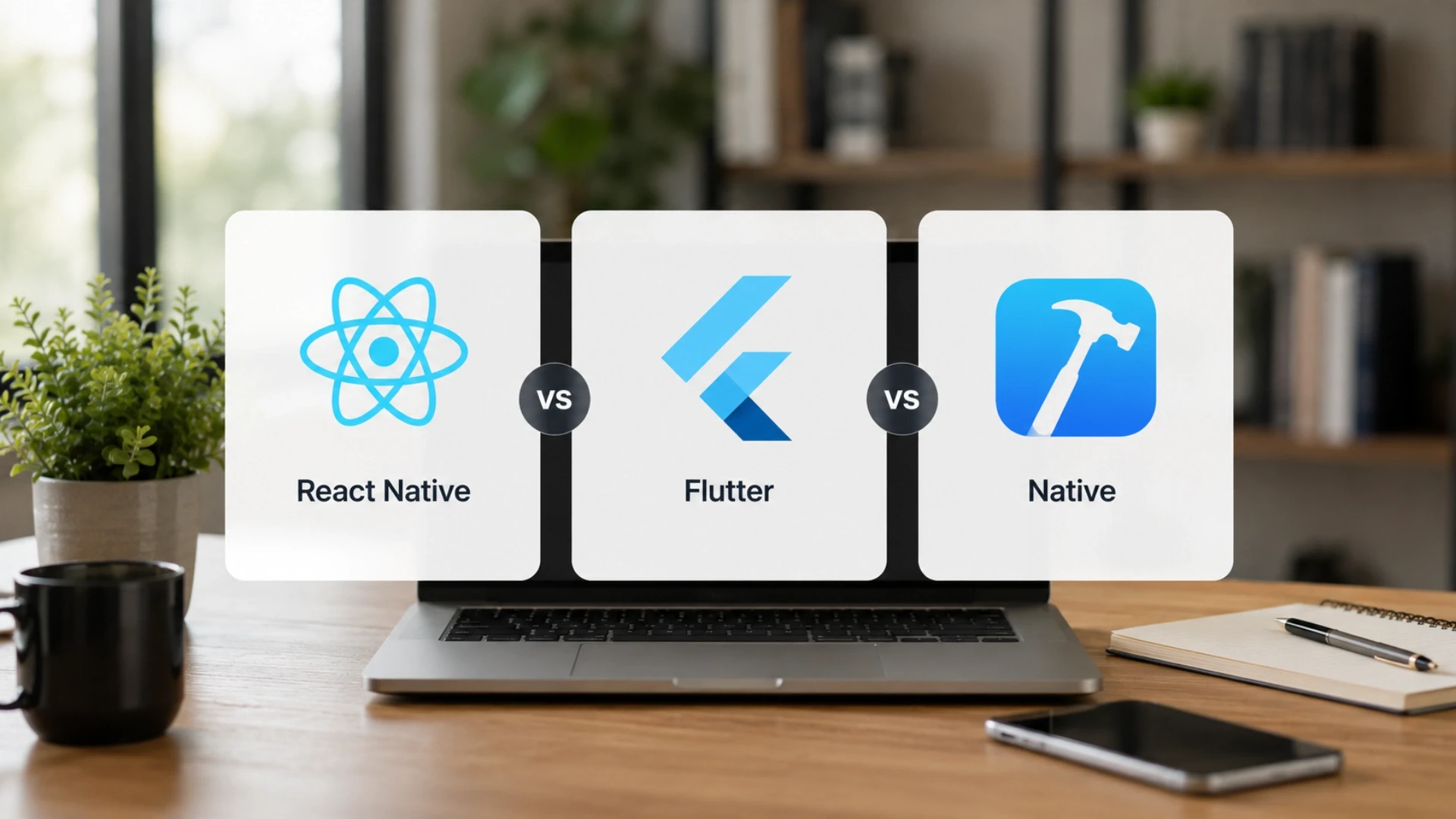
Most EdTech apps are best built cross-platform, because one codebase serving both iOS and Android cuts cost and keeps features in sync, which matters when budgets are tight, and audiences span every device. Fully native makes sense only when an app leans heavily on cutting-edge device hardware, which most learning apps do not.
Is React Native good for education apps?
React Native is a strong fit for most education apps because it delivers near-native performance from a single codebase, has a mature ecosystem for video, offline storage, and notifications, and lets a small team ship to both platforms at once. For typical learning, practice, and assessment apps, it is fast to build and easy to maintain.
Choosing React Native for learning is a common default for EdTech founders, and a dedicated React Native team can ship a polished app to both stores far faster than building two native codebases.
Where a JavaScript-heavy backend and shared web platform are also in play, pairing the app with MERN stack keeps the whole product in one language across mobile, web, and API. The build-versus-configure tradeoffs for the learning layer underneath are explored in our guide to developing virtual classroom and e-learning software.
Designing for three audiences: students, teachers, corporate
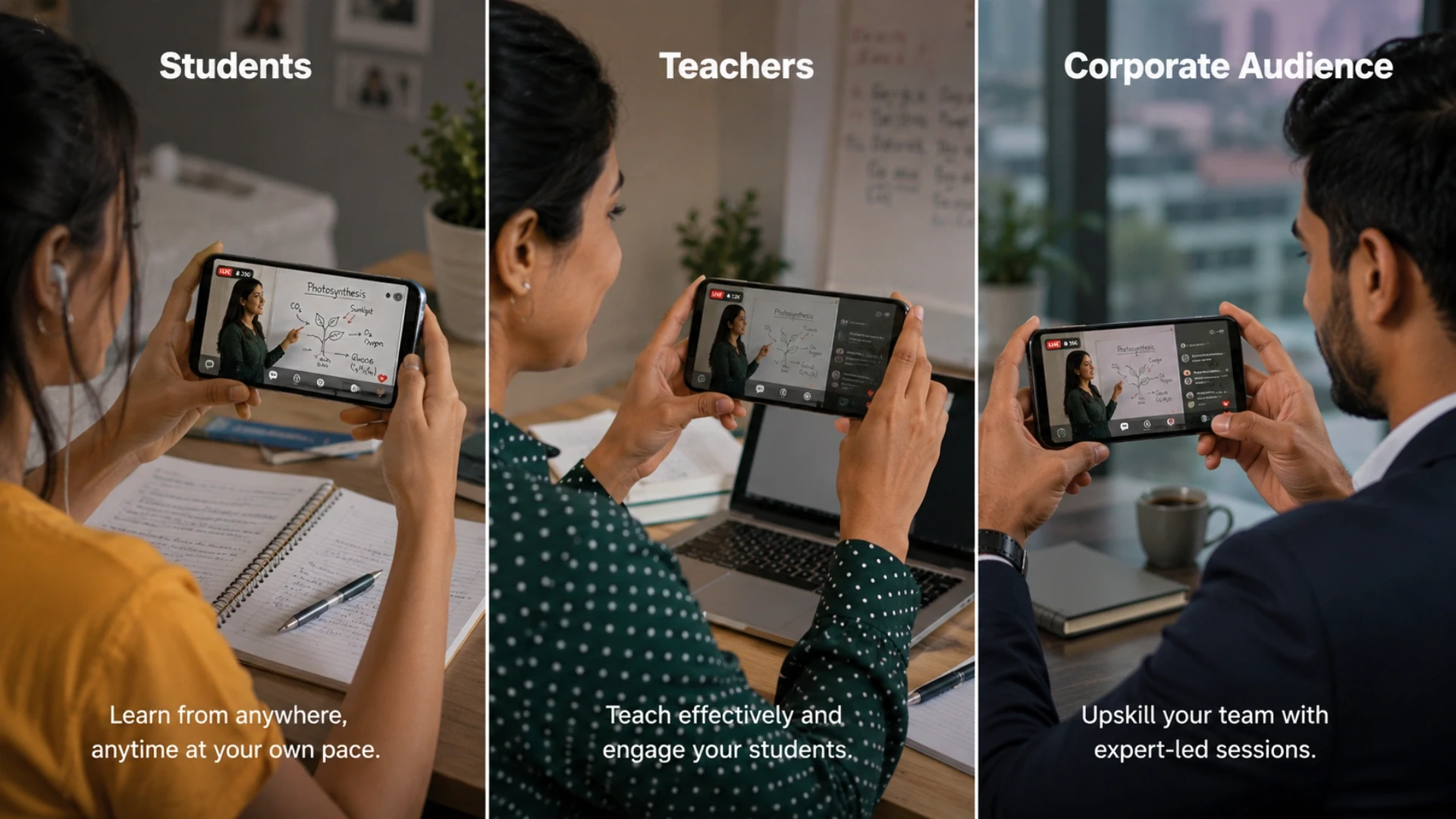
A learning app rarely serves one user. Students, teachers, and corporate learners want different things from the same content, and treating them as one audience produces an app that satisfies none. The strongest EdTech products design distinct experiences on a shared platform, with each role getting the screens that fit how it actually learns or works.
Mapping these roles before building keeps scope sane, and resourcing parallel role-based experiences without a permanent team is why teams often add capacity through staff augmentation.
Audience | What they want | Key features |
Students | Learn and stay motivated | Lessons, practice, streaks |
Teachers | Create and oversee | Content, classes, progress |
Corporate | Quick, relevant skilling | Microlearning, compliance |
Phasing the build by audience keeps spend aligned with priorities, which many teams manage through structured software development outsourcing rather than building all three at once.
How role-based experiences connect across a learning system is illustrated in our guide to building a virtual classroom platform, which maps student and teacher journeys together.
Building an EdTech learning app?
Acquaint Softtech designs and builds React Native learning apps, from student and teacher experiences to corporate microlearning, for EdTech founders and institutions across the USA, UK, Europe, Australia, New Zealand, and India. Your first engineer deploys within 48 hours.
The student app: learning, practice, and motivation
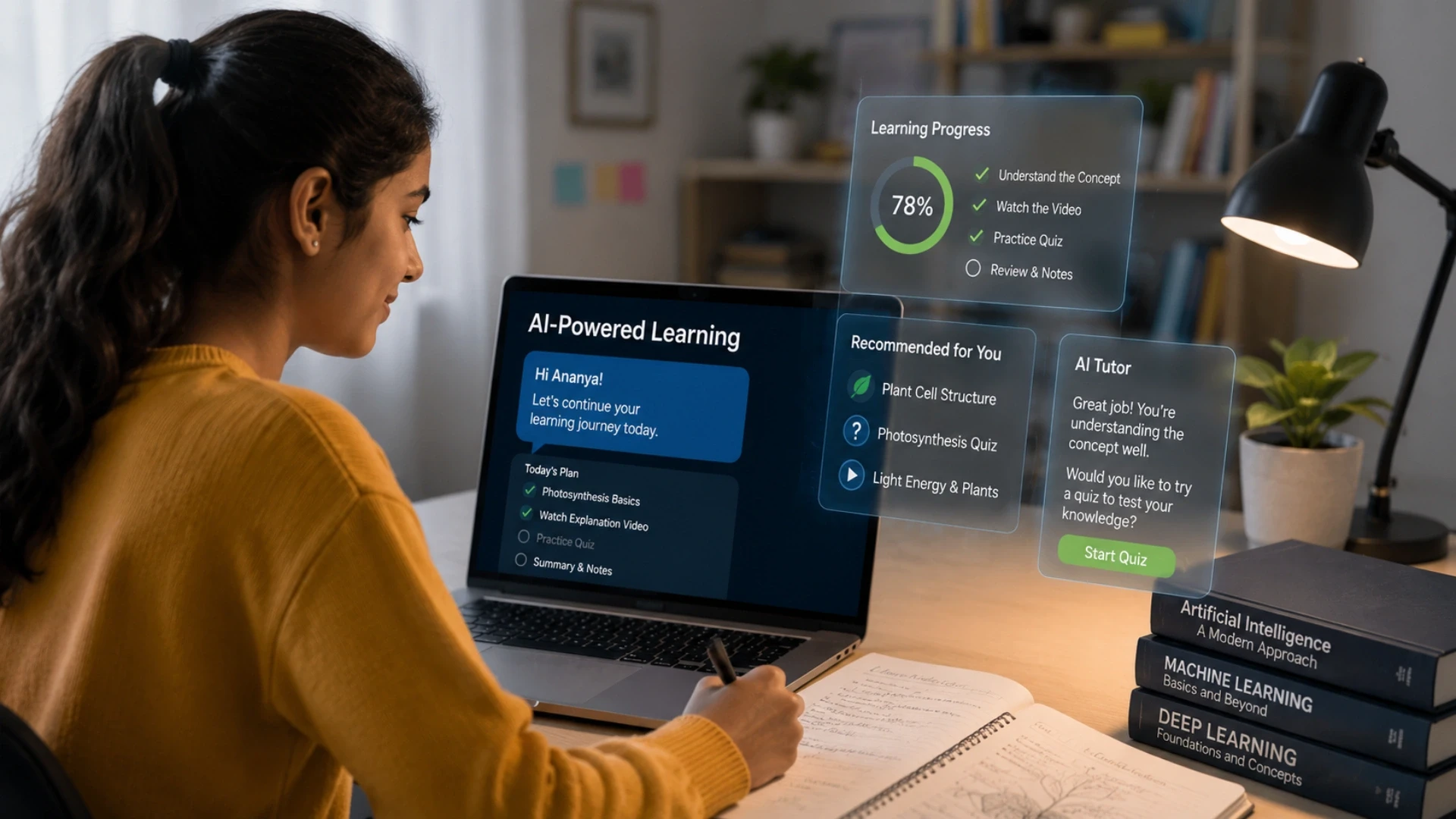
The student app has one job above all others: get a learner to come back tomorrow. Strong student app features pair clear lessons with active practice and visible progress, so learning feels like momentum rather than a chore, with streaks, goals, and small wins that keep motivation high.
Practice beats passive viewing. The best student apps turn every lesson into something the learner does, through quizzes, flashcards, and short exercises, because retention comes from recall, not from watching a video to the end. Progress should be visible at a glance, so effort always feels rewarded.
Delivering this smoothly on every phone, including older and low-end devices, is a real engineering constraint that belongs in disciplined software product development, where performance is designed in rather than patched later.
Personalized practice that adapts to a learner's level is increasingly built by an AI development team, turning a static course into a path that adjusts as the student improves.
The learning and tracking mechanics behind these features build on the foundations in our guide on how learning management systems work.
The teacher app: content, classes, and oversight
The teacher mobile platform is the supply and oversight side of the app: it lets educators create or assign content, manage classes, and see how learners are doing, all from a phone. A teacher app earns its place by saving time, automating grading, attendance, and reminders that would otherwise eat a teacher's evening.
Visibility is the feature teachers value most. A clear view of who is struggling, who has fallen behind, and which lesson confused the class lets a teacher intervene early, which is the difference between an app that supports teaching and one that just adds admin.
The dashboards, rosters, and grading logic here are business-logic heavy, the kind of work a senior Laravel development team builds so numbers always reconcile across the class.
Keeping the teacher and student apps in sync as both evolve is why platforms keep a dedicated development team rather than treating each app as a one-off build.
The corporate learner app: microlearning on the go
The corporate learner app is built for employees who learn in the gaps between work, so it favors short, relevant, just-in-time content over long courses. Microlearning, push reminders, and offline access let a sales rep review a product update before a meeting or an employee finish a compliance module on the commute.
Relevance and brevity win here. Corporate learners will not sit through an hour-long course on a phone, but they will complete a focused five-minute module tied to their role, especially when the app remembers where they stopped and nudges them to finish.
Scaling these role-specific experiences without a large permanent team is why companies hire dedicated developers for the corporate learning app specifically.
Building the supply side quickly during rollout is also commonly resourced through staff augmentation so internal L&D can focus on content while engineers build the app.
Offline-first: learning without a connection

Offline-first means the app is built to work without a connection by default, then syncs when one returns, rather than treating offline as a broken state. For learners on patchy networks, on a train, or in regions with limited data, this is the difference between an app they can rely on and one they abandon.
What does an offline learning app need?
An offline learning app needs local storage of lessons and progress, a sync engine that resolves conflicts when the learner reconnects, and clear signals about what is and is not available offline. Done well, the learner never thinks about connectivity; the app simply works and catches up quietly in the background.
Building reliable local storage and sync is one of the harder parts of mobile, which is why offline-first education apps often rely on an experienced React Native development team and white label software development services to solve complex challenges like conflict resolution efficiently.
Engagement: notifications, gamification, and habit loops
Engagement features decide whether a learning app gets used after the first week. Push notifications, streaks, points, and reminders build the habit loop that brings learners back, turning good intentions into a daily routine. The goal is gentle pull, not nagging, so the app feels helpful rather than needy.
The science is simple: a cue, a small action, and a reward, repeated. A well-timed reminder, a quick lesson, and a visible streak form a loop that compounds, which is why the most-used learning apps obsess over the first session of each day, not the total feature count. Timing notifications well, so they help rather than annoy, is increasingly driven by an AI development team that learns when each user is most likely to engage.
The cross-platform notification and gamification infrastructure is the kind of scalable plumbing experienced MERN stack engineers build to serve millions of reminders reliably. How engagement connects to measurable learning outcomes is connected to the build economics in our Laravel developer hiring and cost guide.
Mobile quiz and assessment, media, and performance
Mobile quiz and assessment features turn passive content into active learning, and they have to feel instant on a phone. Quizzes, flashcards, and short tests need to load immediately, work offline, and give feedback right away, because any lag breaks the rhythm that makes practice effective.
Media and performance are tightly linked on mobile. Video and audio must stream efficiently and cache for offline use, images must be sized for the device, and the whole app must stay smooth on a three-year-old phone, because the learners who need mobile most often have the least powerful hardware. The quiz logic, scoring, and media pipeline are backend-heavy, frequently built by a Python development team that can process and serve content at scale.
Keeping the app fast and light across thousands of devices is squarely the work of skilled MERN stack development engineers who optimize for low-end hardware, not just flagship phones.
App store, security, and child safety
Shipping an EdTech app means meeting two sets of rules: the app stores' guidelines and the law that protects young users. Apple and Google review education apps closely, especially those aimed at children, and an app that mishandles data or permissions can be rejected or removed, so compliance is part of the build, not a final checkbox.
Security and privacy are the foundation. The app must encrypt data, request only the permissions it needs, and store the minimum required, which matters even more when learners are minors and their data is sensitive by default.
Where the app is school-linked, exam scores and progress can count as education records under FERPA, so how the app stores and shares them becomes a compliance question, not just a product one.
Hardening an app to pass store review and protect minors is specialist work, often supported by a dedicated development team that knows the review and privacy requirements. Migrating an older app to current store and privacy standards is handled through structured legacy version upgrade and migration services so an existing app stays compliant as rules change.
Cost and timeline to build an EdTech app

A custom EdTech app typically costs between USD 40,000 and USD 250,000 to build, driven by how many audiences you serve, whether you need offline-first and AI features, and how much content and assessment the app handles. Cross-platform React Native usually lands well below the cost of building two separate native apps.
How much does an EdTech app cost?
It scales with scope. A single-audience app with lessons, quizzes, and basic offline support is far more cost-effective than a multi-audience platform with adaptive learning, advanced analytics, and deep integrations. Many businesses start with an MVP and expand over time, often choosing to hire MEAN stack developers for faster and scalable development. This phased approach helps you launch for one audience first and add new features and user groups as your platform grows.
The market context explains the investment. The mobile learning market is estimated at USD 95.77 billion in 2026 and is projected to reach USD 200.24 billion by 2031, a 15.89% compound annual growth rate, according to Mordor Intelligence, with Asia-Pacific the fastest-growing region at 18.15%. Corporate mobile learning alone is forecast to grow from USD 49.19 billion in 2026 toward USD 105.55 billion by 2030 per The Business Research Company.
Release scope | Typical timeline | Indicative cost |
MVP: one audience, core features | 3 to 5 months | $40k to $90k |
Growth: offline + engagement | 6 to 9 months | $90k to $170k |
Scale: multi-audience + AI | 10+ months | $170k to $250k+ |
Location is the major cost lever. Building with a verified team in India runs at roughly USD 25 to 49 per hour, against USD 120 or more for comparable Western agencies, the source of the up to 40% cost savings, and a common reason founders hire React Native developers for an EdTech build.
Keeping continuity across phases is cheaper than rebuilding context each time, which is why app projects often phase the work through structured software development outsourcing rather than piecemeal contracting.
Want a realistic cost and timeline for your app?
Acquaint Softtech scopes your EdTech app against your actual audiences, offline, and AI needs, then deploys engineers at USD 25 to 49 per hour, up to 40% below comparable Western agency rates. Book a call for a phased cost and timeline.
Case Study: An Education Portal, Built and Validated
An online education company's learning and administration portal taken from concept to a live, validated product.
What the Client Needed
• An online platform for learners to discover and enroll in courses
• A centralized admin panel to manage courses, content, and users
• Integrations for virtual classes, payments, and digital certifications
What Acquaint Delivered
Designed a scalable database architecture and custom CMS
Developed course management, enrollment, and payment workflows
Integrated Zoom, Stripe, and Accredible using Django, Python, and PostgreSQL
Tested and deployed a production-ready platform
The relevance to an EdTech app is direct: learner registration, content management, payments, and a tested-to-launch build are exactly what a mobile learning product is made of. The same engineering standard applies to every app built by our learning software product team.
Founders who want the same engineers across the student, teacher, and corporate experiences choose a dedicated development team model, keeping app knowledge in place as it scales.
Launching on the app stores and iterating
Launching an EdTech app is the start of the work, not the end. Getting onto the App Store and Google Play means passing review, optimizing the store listing so learners can find the app, and shipping a first version stable enough that early ratings are kind, because those ratings shape every download that follows.
A typical sequence runs in four steps: a discovery workshop to map audiences and the first release, an MVP covering one audience and core learning, a beta with real learners, then a staged public launch with store optimization and a steady update cadence.
Pacing the build and the post-launch roadmap to real usage keeps cost aligned with traction, which founders often manage by scaling the team through staff augmentation as the app proves out, with engineers deployed within 48 hours of brief and work running in two-week sprints at a 95% on-time delivery rate.
Iteration is where mobile apps win or fade. The data from real learners, what they open, where they drop off, which lesson they repeat- should drive every update, so the app gets better at keeping its audience with each release rather than just adding features.
Build your EdTech app with a verified team
From student and teacher apps to corporate microlearning, Acquaint Softtech builds React Native learning apps founders launch and scale on. Join the teams who built with a Clutch Premier Verified partner and deploy your first engineer within 48 hours.
Frequently Asked Questions
-
How do you build an EdTech mobile app?
You build it mobile-first: design for small screens, short sessions, and patchy connectivity, decide what must work offline, then add features. The app that wins is the one learners open daily, not the one with the longest feature list.
-
Is React Native good for education apps?
Yes, for most learning apps. React Native delivers near-native performance from one codebase across iOS and Android, with mature support for video, offline storage, and notifications, which makes it fast to build and easy to maintain.
-
What does an offline learning app need?
It needs local storage of lessons and progress, a sync engine that resolves conflicts on reconnect, and clear signals about what works offline. Done well, the learner never thinks about connectivity; the app just works and syncs quietly.
-
How much does an EdTech app cost?
A custom EdTech app typically costs USD 40,000 to USD 250,000, depending on audiences, offline and AI features, and content depth. Building cross-platform with a verified team in India can cut that by up to 40% against Western agency rates.
-
Should an EdTech app be native or cross-platform?
Cross-platform suits most EdTech apps, because one React Native codebase serves both platforms and keeps features in sync at lower cost. Fully native is worth it only when the app relies heavily on advanced device hardware.
-
How long does it take to build an EdTech app?
A single-audience MVP usually takes three to five months, while a multi-audience app with offline, engagement, and AI features runs ten months or more. Phasing the build lets you launch one audience first and grow.
-
How do you keep learners engaged in a mobile app?
Through habit loops: timely notifications, streaks, quick wins, and visible progress that bring learners back daily. The goal is a gentle pull that builds a routine, not constant nagging that gets the app muted or deleted.
-
How does Acquaint Softtech build EdTech apps?
Acquaint Softtech starts with a discovery workshop, deploys a dedicated React Native engineer within 48 hours, and ships in two-week sprints at a 95% on-time rate. The company is Clutch Premier Verified with a 4.9/5 rating from 50+ verified reviews.
I lead technology and client success at Acquaint Softtech with one goal in mind. Deliver work that feels personal, reliable, and worthy of long term trust. I stay close to both our clients and our developers to make sure every project moves with clarity, quality, and accountability.
Table of Contents
Get Started with Acquaint Softtech
- 13+ Years Delivering Software Excellence
- 1300+ Projects Delivered With Precision
- Official Laravel & Laravel News Partner
- Official Statamic Partner
India (Head Office)
203/204, Shapath-II, Near Silver Leaf Hotel, Opp. Rajpath Club, SG Highway, Ahmedabad-380054, Gujarat
USA
7838 Camino Cielo St, Highland, CA 92346
UK
The Powerhouse, 21 Woodthorpe Road, Ashford, England, TW15 2RP
New Zealand
42 Exler Place, Avondale, Auckland 0600, New Zealand
Canada
141 Skyview Bay NE , Calgary, Alberta, T3N 2K6