

Laravel Upgrade Guide: Moving From Laravel 9-12 to Laravel 13 Safely
The latest Laravel version is Laravel 13, released on 17 March 2026, and it requires PHP 8.3 or higher. To update safely, upgrade one major version at a time (for example 11 to 12, then 12 to 13), test in staging at every step, and fix package conflicts before you deploy.

Acquaint Softtech
Almost everyone has a phone that has been asking for a software update for weeks. The little message appears, we tap "Remind me tomorrow", and life goes on. Nothing breaks, so nothing feels urgent. Laravel applications get treated exactly the same way, which is why many teams only start searching for a proper Laravel update guide, or for Laravel upgrade services, on the day something finally refuses to work.
That day usually arrives in a familiar form. A hosting provider retires an old PHP version. A package you rely on drops support for your Laravel release. A security notice lands, and the fix only exists for newer versions. Suddenly the update you postponed for a year has to happen in a week.

- Your Laravel app runs on version 9, 10, 11 or 12 and you need a safe path to Laravel 13.
- You want to know whether you can skip Laravel versions, and what actually breaks.
- You need realistic timelines and a checklist before you commit your team or budget.
- You are curious how AI-assisted code review can shorten an upgrade without adding risk.
Here is the short answer. The latest Laravel version is Laravel 13. If you are on Laravel 9, 10, 11 or 12, you can reach it safely by upgrading one major version at a time, testing in staging at each step, and cleaning up packages and legacy code before you deploy. This guide shows you exactly how, including where AI-assisted code review now saves real time.
Still on Laravel 11 or older?
Your version no longer receives security fixes. Tell us your current Laravel and PHP versions, and a senior engineer will send you a free assessment of your upgrade path, risks and likely effort.
What the "Remind Me Tomorrow" Button Teaches About Laravel Upgrades
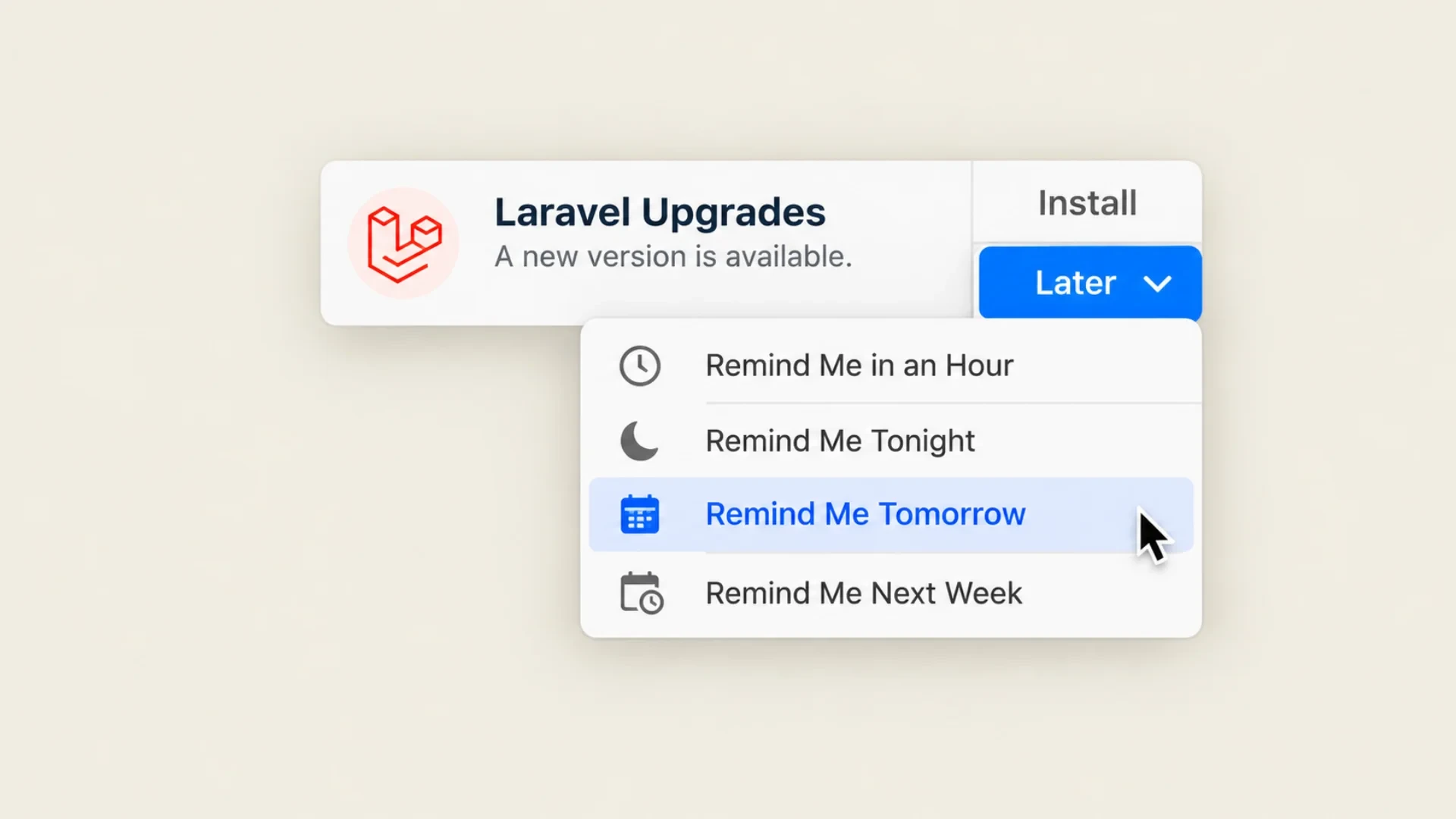
A phone update teaches three lessons that apply almost perfectly to Laravel, and one important lesson where Laravel works differently.
The first lesson: small updates are cheap, postponed ones are not
A phone that installs every update as it arrives barely notices them. A phone left on an old version for two years faces a large, slow, slightly nerve-wracking jump, and some apps stop working until it is done. Laravel behaves the same way. A team that moves from one major version to the next each year spends a few days. A team that waits three or four years inherits every deprecation, package change and PHP requirement at once.
The second lesson: the deadline is set by someone else
Your phone keeps working until an app you need announces it no longer supports your version. In Laravel, that moment is the end of security fixes for your release, or the day your host stops offering the PHP version your app depends on. Laravel 12, for example, stopped receiving bug fixes in August 2026 and receives security fixes only until 24 February 2027. After that date, a vulnerability in your version is your problem alone.
The third lesson: Laravel does not let you jump straight to the newest version
This is where the comparison breaks, and it matters. A phone can usually leap from an old operating system to the newest one in a single install. Laravel cannot. Each major version has its own official upgrade guide, and those guides assume you are coming from the version directly before. Skipping versions does not skip the work; it just hides it until it breaks.
The rest of this guide turns these lessons into a practical plan.
What Is the Latest Laravel Version?

The latest major Laravel version is Laravel 13, released on 17 March 2026. It requires PHP 8.3 or higher and supports PHP up to 8.5. Laravel 13 receives bug fixes until Q3 2027 and security fixes until 17 March 2028.
Within Laravel 13, the framework ships minor and patch releases most weeks, and these should not contain breaking changes. At the time of writing, the newest release is Laravel 13.39.0, published on 27 October 2026. The Laravel 13.39 release notes show the kind of improvements these weekly releases bring, including a new command for scheduling expired-session clean-up and safer writes for configuration and route caches.
Laravel releases one new major version each year, usually in the first quarter. Laravel 14 is expected in Q1 2027, so a team that reaches Laravel 13 now will be one small, routine step away from the next release rather than several.
Laravel Version Lifecycle: What's Still Supported?
Every Laravel version has an expiration date. Once a release crosses that threshold, it stops receiving security updates, bug fixes and PHP compatibility patches. Each major version now gets 18 months of bug fixes and two years of security fixes.
Which Laravel versions are still supported in 2026?
Laravel version | Released | Security fixes until |
Laravel 9 | February 2022 | Ended February 2024 |
Laravel 10 | February 2023 | Ended February 2025 |
Laravel 11 | March 2024 | Ended March 2026 |
Laravel 12 | February 2025 | 24 February 2027 |
Laravel 13 | March 2026 | 17 March 2028 |
Frameworks that are unsupported no longer receive critical security patches, and upgrading becomes increasingly difficult the longer the delay. If you are on Laravel 11 or older, your version receives no security fixes today.
Which PHP versions work with each Laravel release?
Laravel version | Supported PHP | What it means |
Laravel 10 | 8.1 to 8.3 | Unsupported framework |
Laravel 11 | 8.2 to 8.4 | Unsupported framework |
Laravel 12 | 8.2 to 8.5 | Security fixes only |
Laravel 13 | 8.3 to 8.5 | Fully supported |
If your servers still run PHP 8.2, upgrade PHP first. Laravel 13 will not install on it.
What is the difference between Laravel LTS and regular releases?
Laravel 6 was the last long-term support (LTS) release. Every version since then follows the same support window, so there is no special "safe" version to stay on. Many teams still believe an older version is covered indefinitely. It is not. Once a version ends its lifecycle, only upgrading keeps you protected.
How do I know if it's time to upgrade my Laravel app?
You need to plan an upgrade now if any of these are true:
You are on Laravel 11 or below.
Any environment still runs PHP 8.2 or older.
Your hosting provider has started retiring older PHP versions.
Composer shows multiple deprecated or unsupported packages.
Your developers patch third-party packages by hand to keep them working.
Upgrading is not just a technical task. It is a risk management decision. Teams that would rather not carry that risk alone often pair the upgrade with ongoing Laravel maintenance and support, so security patching and version planning never slip back into "remind me tomorrow".
Assessing Your Current Laravel Application
Before starting any Laravel upgrade, you need a clear understanding of what your application is running on: not just the version number, but also the underlying packages, architecture and potential risks hiding in legacy code. This technical snapshot will tell you how complex or smooth your upgrade path will be.
How can I check what version of Laravel and PHP I'm using?
Run "php artisan --version" to see your Laravel version, "php -v" to confirm your PHP version, and "composer show" to list installed dependencies. Together, these three commands reveal your framework, language support and how far you are from Laravel 13 compatibility. Check every environment, because staging and production do not always match.
What legacy issues might cause trouble during an upgrade?
Most older apps carry legacy code that will not survive an upgrade untouched. Common red flags include Auth::routes() from the old laravel/ui package, Blade templates full of inline logic or raw PHP, jQuery-era UI scaffolding, and custom macros or global helpers that rely on deprecated internals. Any of these will need cleanup or replacement along the way.
Are there tools to check if my Laravel code is upgrade-ready?
Yes. Rector can refactor code automatically for newer PHP and Laravel versions, PHPStan with Larastan detects type issues and edge-case bugs, and composer outdated shows which dependencies are falling behind. Run them in a staging branch, never on production.
If your application is still on Laravel 5 to 8, or is partly legacy PHP outside Laravel, the safest route may be a structured migration rather than a long chain of upgrades. Our Laravel migration services handle exactly that kind of modernisation.
Upgrade Paths Explained: Laravel 9, 10, 11 and 12 to Laravel 13
Upgrading to Laravel 13 is not a single step for most applications. Each major release introduces changes that affect structure, packages and behaviour, and each official upgrade guide is written for the version immediately before it. This is the safe, proven upgrade ladder.
Current version | Path to Laravel 13 | Main thing to watch |
Laravel 9 | 9 → 10 → 11 → 12 → 13 | PHP must reach 8.3 |
Laravel 10 | 10 → 11 → 12 → 13 | Laravel 11 structure changes |
Laravel 11 | 11 → 12 → 13 | Mostly dependency updates |
Laravel 12 | 12 → 13 | PHP 8.3 and middleware rename |
Can I skip Laravel versions?
You can upgrade from Laravel 10 to 13 in one project, but you should not skip the steps in between. Apply each version's upgrade guide in order, run your tests, and commit at every stop. Jumping straight to the end means resolving every breaking change at once, which makes failures far harder to trace.
What usually needs attention along the way?
Across these jumps, expect to review authentication scaffolding, middleware registration, model factories, queued jobs and their events, cache and session configuration, and any package that touches framework internals. Laravel 11 is the biggest structural step for older apps: it introduced a slimmer application skeleton that moves middleware and exception configuration into bootstrap/app.php. Existing apps are not forced to adopt the new structure, but many teams choose to during the upgrade.
Not sure where your upgrade path begins?
Legacy code, outdated packages and missing tests can make upgrades feel overwhelming. We will identify exactly where your app stands and map a safe, step-by-step path to Laravel 13.
Laravel 13: What Changes and What Breaks
For an application already on a clean Laravel 12 codebase, the jump to 13 is one of the gentler upgrades in years. The official upgrade guide estimates around ten minutes for a straightforward app, though real projects with many packages and custom code take longer. The changes that matter most are below.
High-impact changes
PHP 8.3 minimum: apps on PHP 8.2 must upgrade PHP first.
Dependency updates: laravel/framework moves to ^13.0, and related first-party and testing packages need compatible versions.
Request forgery middleware rename: VerifyCsrfToken and ValidateCsrfToken are now deprecated aliases for PreventRequestForgery. Update any references.
Medium and low-impact changes
Cache serialisation: the default cache configuration no longer unserialises arbitrary PHP objects. Review this if you cache objects.
upsert(): calling it with an empty uniqueBy now throws an exception on MySQL and MariaDB.
Sessions: switching session serialisation from php to json invalidates active sessions, so plan the timing.
Queue events: properties on JobAttempted and QueueBusy were renamed. Update listeners that read them.
What Laravel 13 adds
Laravel 13 is also where the framework becomes properly AI-ready. It brings the first-party Laravel AI SDK, semantic and vector search support, first-party JSON:API resources, queue routing by class and expanded PHP attributes for controllers and jobs.
None of these are forced on you, but they are a strong reason to stop postponing. If AI features are on your roadmap, upgrading is the foundation, and our Laravel AI development team can build on it once you are current.
How AI-Assisted Code Review Makes Laravel Upgrades Safer

The slowest part of most upgrades is not running Composer. It is finding everything in a large, older codebase that will behave differently on the new version: a deprecated helper buried in a report, a package method that changed signature, a session assumption nobody documented. This is exactly where AI-assisted code review now earns its place.
Used well, AI review scans the whole codebase against the upgrade guides for every version in your path, flags risky patterns, and drafts fixes for routine changes such as renamed classes, deprecated helpers and outdated type hints. Laravel itself now ships Laravel Boost, a first-party package that gives AI coding agents framework-aware context, which makes this kind of review far more accurate than generic AI suggestions.
Used badly, AI review becomes a fast way to introduce subtle bugs. The rule we follow is simple: AI finds and drafts, senior engineers decide. Every suggested change is reviewed by someone who understands the business logic behind it, and every change is covered by tests before it ships.
That is how our AI code remediation services work on Laravel upgrades: AI-assisted scanning and fixes for security issues, outdated dependencies and technical debt, with experienced engineers reviewing every change. For teams facing a multi-version jump, it can turn weeks of manual searching into a focused review.
What Should You Do Before Starting a Laravel Upgrade?
Before running a single command, plan your Laravel upgrade like a production launch. Rushing without preparation can lead to lost data, broken features or downtime. These are the steps we follow to upgrade Laravel applications safely.
Should you freeze the codebase?
Yes. Once the upgrade plan begins, pause new feature work on the main branch. Create an upgrade branch from a stable production release and lock your Composer dependencies. This prevents version conflicts and ensures that what you test is what you deploy.
What backups and safeguards are required?
Take a full database snapshot, export environment files and queue configuration, and back up storage, uploads and logs. If your app uses cloud storage, confirm your backups include object references such as file paths and image links. Most importantly, confirm you can roll back quickly if something fails.
Should you clone to a staging environment?
Absolutely. Never test upgrades in production. Build a staging environment that mirrors live infrastructure, with the same PHP version and extensions, the same queue and cache drivers, and the same database engine and configuration. Apply the upgrade there first to detect failures and refine the sequence.
Do you need a dry run?
Yes. In staging, rehearse everything from database migrations to queue restarts. Check that users can log in, sessions persist and jobs run, then walk through critical journeys such as checkout, onboarding, email delivery, report generation and admin permissions.
Finally, hold a sign-off review with project leads before deployment: confirm test results, remaining risks and the deployment window, and align support and QA for post-deploy checks.
How Should You Handle Composer and Package Upgrades?
Third-party packages are often the hidden blockers in Laravel upgrades. Some are no longer maintained, others introduce breaking changes between versions, and a few will never support Laravel 13 or PHP 8.3. Handle them before you upgrade the framework, not after.
How do you find out which packages are blocking the upgrade?
Start with "composer outdated" to see where every dependency stands. Then check each package's supported Laravel and PHP versions in its composer.json and issue tracker. Pay special attention to older form, spreadsheet and database packages from the Laravel 6 to 8 era, which are the most common blockers.
How do you replace or patch unsupported packages?
For packages that are abandoned or incompatible, you have three options: switch to an actively maintained alternative, fork the package and apply compatibility fixes yourself, or remove it temporarily if it is not critical. As a rule of thumb, if a package has not been updated in 12 to 18 months and has open compatibility issues, plan to replace it.
Once you have a working set, lock dependencies before the final run so testing is not disrupted by accidental version changes.
Authentication, Middleware and Frontend Changes to Plan For
Authentication and the frontend layer are where older Laravel apps tend to show their age. Neither has to be rebuilt during every upgrade, but both deserve a deliberate decision rather than a surprise.
Can you still use Auth::routes()?
Auth::routes() comes from the legacy laravel/ui package, not the framework core. Treat it as legacy: confirm your laravel/ui version supports your target Laravel release, and plan a move to a modern authentication setup such as Fortify or one of Laravel's current starter kits for React, Vue or Livewire, which became the recommended starting point in Laravel 12.
Has middleware registration changed?
Yes, from Laravel 11 onward. New applications register middleware in bootstrap/app.php instead of app/Http/Kernel.php. Upgraded apps can keep their existing Kernel, but you must still update renamed middleware, including the request forgery protection rename in Laravel 13. Re-test login, logout, session expiry, CSRF and CORS behaviour after any change.
Should you replace Laravel Mix with Vite?
If you have not already, yes. Vite has been Laravel's default frontend build tool for several releases, with faster development builds and hot module replacement out of the box. Moving from Mix to Vite is usually a contained change, and it is far easier to do during a planned upgrade than in the middle of a feature rush.
How Should You Test, Deploy and Monitor After the Upgrade?
An upgrade is not finished when the code is merged. It is finished when it has been deployed, tested and monitored in production. A good pipeline makes that repeatable instead of heroic.
What should an upgrade pipeline include?
A complete pipeline installs Composer dependencies, builds frontend assets with Vite, runs static analysis with PHPStan or Larastan, runs feature and browser tests with Pest, PHPUnit or Dusk, deploys to staging, runs database migrations, and finishes with post-deploy cleanup. Laravel Forge and Envoyer both support zero-downtime deployments, and blue-green deployment, where traffic switches to a fully tested copy of production, is worth the effort for any app that cannot afford even a few seconds of downtime.
Which commands should run after deploy?
After every upgrade, rebuild and clear caches with "php artisan optimize:clear" followed by "php artisan optimize", run migrations, and restart queue workers with "php artisan queue:restart" so they load the new code. Then confirm your production environment variables match the upgraded configuration files.
How do you monitor the app in the first 48 hours?
Laravel Telescope gives visibility into requests, exceptions, failed jobs, queries and logs. In the first 24 to 48 hours, watch for queue job failures, slow queries, unexpected logouts, rising exception counts and any drop in checkout or sign-up success.
Laravel Upgrade Checklist
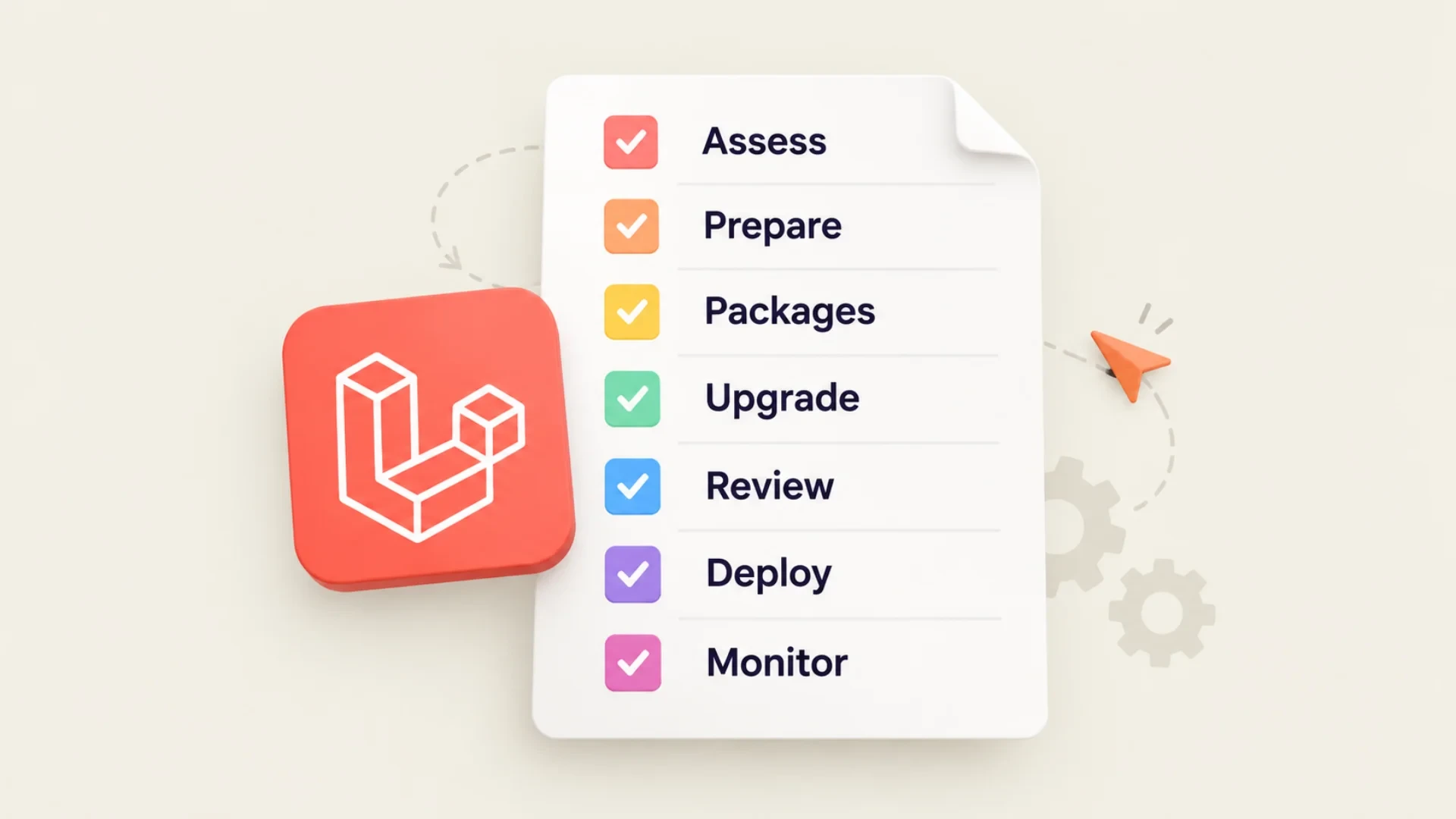
Use this checklist before, during and after every major version step. It condenses everything above into the moments that matter.
Stage | What to do | Done when |
Assess | Check Laravel, PHP and package versions | Path to 13 is mapped |
Prepare | Freeze code, back up, build staging | Rollback is tested |
Packages | Replace or patch blockers | Composer resolves cleanly |
Upgrade | One major version at a time | Tests pass at each step |
Review | AI scan plus engineer review | Risky patterns resolved |
Deploy | Zero-downtime release, caches rebuilt | Workers restarted |
Monitor | Watch errors, jobs and key flows | 48 hours stable |
REAL UPGRADE EXAMPLE A regulatory reporting provider serving more than 200 B2B clients in financial services needed to modernise legacy reporting infrastructure without interrupting live regulatory submissions. Acquaint Softtech refactored legacy components into maintainable Laravel services through incremental modernisation, added immutable audit logging, encrypted handling of sensitive data and role-based access guards, and did it without operational downtime. Read the fintech compliance modernisation case study. The lesson for any upgrade: change in small, tested steps, and the system never has to stop. |
Common Laravel Upgrade Mistakes and How to Avoid Them
Even experienced teams run into trouble during Laravel upgrades. Small oversights such as outdated packages, session mismatches or rushed deploys can cause production failures. These are the most common pitfalls.
Skipping version-by-version upgrades
Teams often try to jump from Laravel 9 or 10 straight to 13 to save time. The result is cascading breakages in factories, middleware, packages and tests that are hard to trace. Follow the staged path, run tests and read the upgrade notes at each step.
Ignoring sessions
Changes to encryption, storage or serialisation can log users out or cause token mismatch errors. Use database or Redis-backed sessions, plan any session change for a quiet window, and test login, CSRF and token expiry manually.
Upgrading the framework before the packages
Upgrading Laravel core without checking third-party packages leads to silent failures and fatal errors in production. Replace abandoned packages first, then upgrade the framework.
Forgetting the deployment scripts
Teams sometimes upgrade in staging but forget to update CI/CD scripts or post-deploy commands, leaving stale caches and failing queue workers on the live site. Treat the pipeline as part of the upgrade, not an afterthought.
How to Choose the Right Partner for a Laravel Upgrade
Upgrading Laravel is no longer just a technical task; it is a business decision. The right partner will not just push code. They will protect your users, align with your roadmap and leave your stack easier to upgrade next time.
As an Official Laravel Partner, Acquaint Softtech brings the discipline that high-risk, high-impact upgrades need. Our Laravel development services cover upgrades across SaaS products, marketplaces, enterprise portals and B2B platforms, combining staged upgrade paths, AI-assisted code review with engineer sign-off, and zero-downtime deployment practices.
If your own team is stretched, you can also hire Laravel developers to run the upgrade alongside your engineers, so the roadmap keeps moving while the foundation is modernised.
Which brings us back to that phone update. The message never really goes away; it just gets more urgent. A Laravel upgrade works the same way. Done regularly, it is a routine afternoon. Postponed for years, it becomes a project. The best time to tap "update" is before anything forces your hand.
Ready to move to Laravel 13 without the drama?
We simulate, test and validate every step before it reaches production. Share your current version and stack, and we will map your safe path to Laravel 13.
Frequently Asked Questions
-
What is the latest Laravel version?
The latest Laravel version is Laravel 13, released on 17 March 2026. It requires PHP 8.3 or higher and receives security fixes until 17 March 2028.
-
How do I upgrade to Laravel 13?
Upgrade PHP to 8.3, update laravel/framework to ^13.0 and your other dependencies, apply the official upgrade guide, then test in staging before deploying. Older apps should reach Laravel 12 first.
-
Can I skip Laravel versions?
You should not. Apply each major version's upgrade guide in order, for example 10 to 11, 11 to 12, then 12 to 13, testing at every step.
-
How long does a Laravel upgrade take?
A clean Laravel 12 app can move to 13 in under a day. A medium-sized app several versions behind usually takes 2 to 6 weeks, depending on packages and test coverage.
-
Does Laravel 13 require PHP 8.3?
Yes. Laravel 13 requires PHP 8.3 or higher and supports up to PHP 8.5. Apps on PHP 8.2 must upgrade PHP first.
-
Can AI upgrade my Laravel app automatically?
Not safely on its own. AI can scan code and draft routine fixes, but experienced engineers should review every change and tests should cover it before deployment.
We’re Acquaint Softtech, your technology growth partner. Whether you're building a SaaS product, modernizing enterprise software, or hiring vetted remote developers, we’re built for flexibility and speed. Our official partnerships with Laravel, Statamic, and Bagisto reflect our commitment to excellence, not limitation. We work across stacks, time zones, and industries to bring your tech vision to life.
Table of Contents
Is Your Laravel App Ready for What’s Next?
- Still on Laravel 7 or 8?
- Struggling with package conflicts?
- Planning AI or API upgrades?
- Worried about broken sessions?
- Need zero-downtime deployment?
RELATED READING
Why Use Laravel for Web Development?
Use Laravel because it is a powerful, secure and popular PHP framework that delivers high performance, strong built-in security, fast development and easy scaling. Its huge community, rich ecosystem (Forge, Vapor, Nova, Horizon and more), MVC architecture and ready-made libraries let you build websites, web apps and MVPs quickly and affordably. Laravel is regularly updated, cloud-friendly and ideal for everything from startups to enterprise applications, which is why over a million businesses rely on it.
Acquaint Softtech
March 29, 2023
Laravel Development Cost in 2027: Hourly Rates, Project Pricing and AI Feature Costs
Laravel development usually costs $8,000 to $22,000 for an MVP, $20,000 to $65,000 for a SaaS app, and $40,000 to $100,000+ for regulated platforms. Laravel developers charge about $22 to $55 an hour in India and $100 to $180 an hour in the US. Adding AI features typically adds $10,000 to $30,000.

Mukesh Ram
January 23, 2025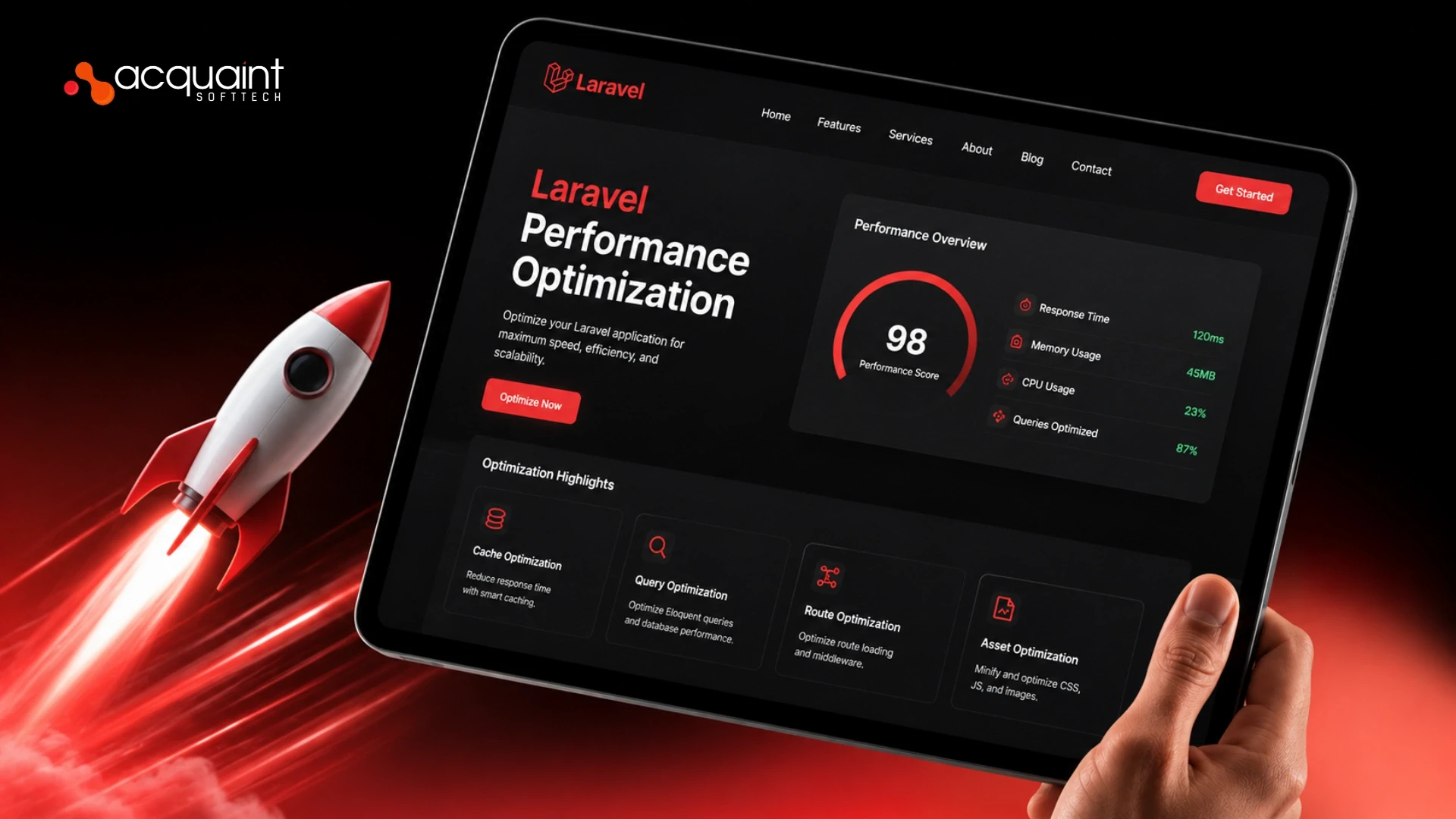
Laravel Performance Optimization: How to Scale a Laravel App for Real Business Traffic
Laravel performance optimization is the work of finding and removing the bottlenecks that make an app slow under traffic, then architecting it to scale. The biggest single win is almost always eliminating N+1 queries and adding indexes, which cuts response times by 80 to 95%. Measure first, fix the biggest bottleneck first, and never rewrite when a targeted fix will do.

Kalpesh Rajora
July 2, 2026India (Head Office)
203/204, Shapath-II, Near Silver Leaf Hotel, Opp. Rajpath Club, SG Highway, Ahmedabad-380054, Gujarat
USA
7838 Camino Cielo St, Highland, CA 92346
UK
The Powerhouse, 21 Woodthorpe Road, Ashford, England, TW15 2RP
New Zealand
42 Exler Place, Avondale, Auckland 0600, New Zealand
Canada
141 Skyview Bay NE , Calgary, Alberta, T3N 2K6