

When Does a WordPress Website Need to Become a Custom Laravel Application?
WordPress powers 43% of the web. The CTOs who have migrated say it was one of the best technical decisions they made. Here are the 5 moments that tell you it is time, and what the migration actually looks like.

Ahmed Ginani
WordPress powers 43% of the web. That makes it the most widely deployed content management system in history, not the right tool for every stage of a product company's growth. At Acquaint Softtech, a software development partner with 1,300+ projects and Official Laravel Partner status, we handle WordPress-to-Laravel migrations regularly. The pattern in every conversation is the same: the company has been holding on to WordPress for 12 to 18 months past the point where the migration would have been significantly cheaper and less disruptive.

- Business owners and CTOs running a growing product on WordPress who are starting to feel the ceiling
- Technical leads who are spending increasing time managing WordPress plugins, compatibility issues, and workarounds
- Founders evaluating whether to invest in extending WordPress further or building a custom application
- Anyone who has been told by a developer that they need to migrate but does not yet know what that means or costs
This article is not an argument that WordPress is bad. WordPress is the right tool for a specific set of use cases: content-heavy marketing sites, simple e-commerce, blogs, and informational websites where non-technical users need to manage content without developer involvement. If your business fit those use cases, you would not be reading this article.
The article is about what happens when the business has grown past what WordPress was designed to handle. The case for custom Laravel development is not a technical argument. It is a business argument: at a certain point, building on WordPress costs more in developer time, plugin costs, and performance compromises than building on a framework designed for the work you are asking it to do.
The 5 Signals That Tell You the Migration Is Overdue
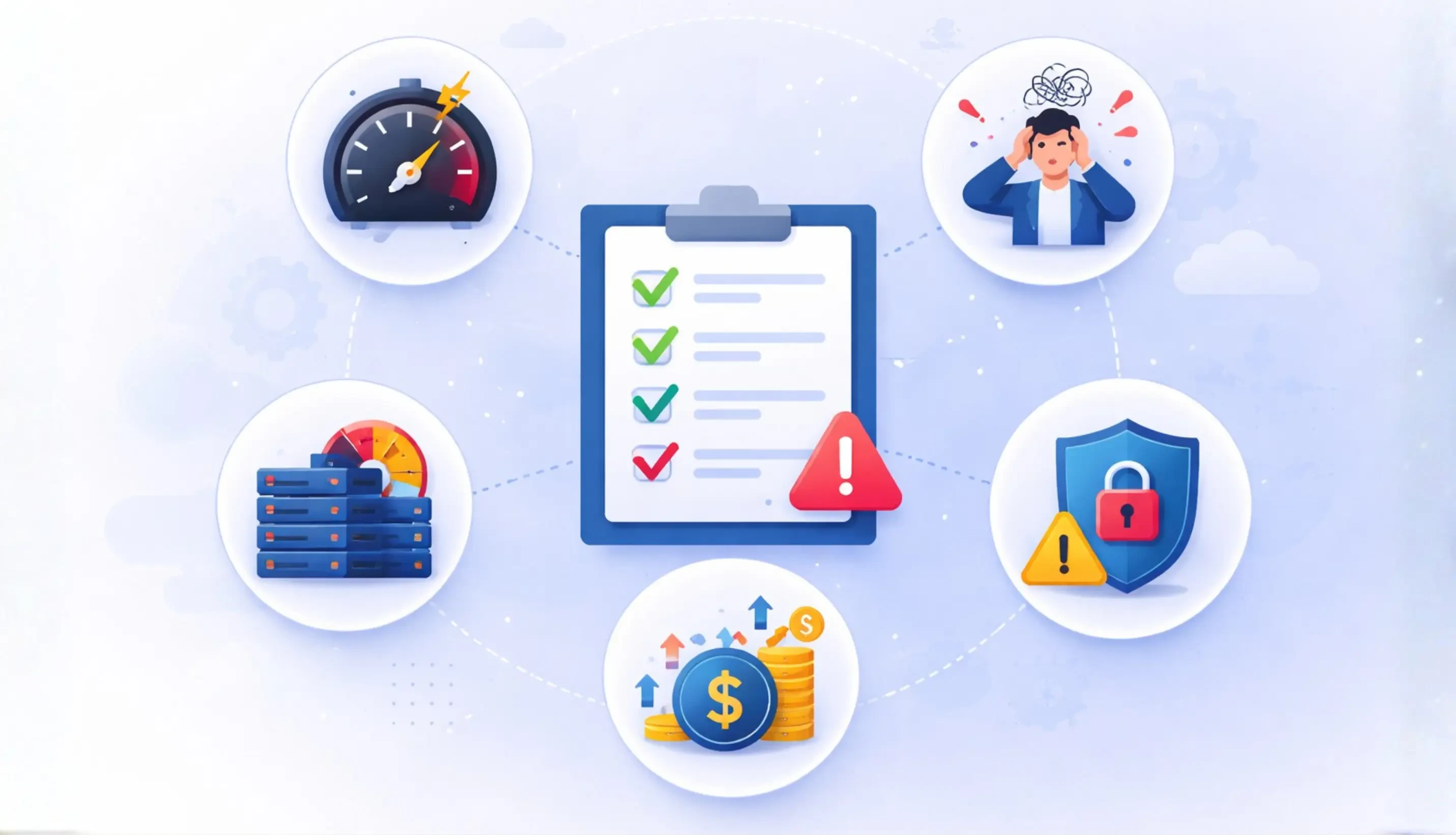
These are the signs that appear repeatedly across companies that eventually migrate. Most of them had been living with 3 or 4 of these signals for over a year before making the move.
Signal 1: Plugin conflicts and updates are consuming developer time every sprint |
When 15 to 20% of your developer's sprint time is managing plugin compatibility, update testing, and rollbacks rather than building product features, you are paying for WordPress maintenance rather than product development. The maintenance overhead grows as the plugin stack grows. It does not shrink. |
Signal 2: Custom business logic is being forced into plugins or theme functions |
The moment you write PHP functions in functions.php to implement business logic that does not belong in a template, you have turned WordPress into a framework it was not designed to be. This code is fragile, difficult to test, difficult to version, and increasingly expensive to maintain as it grows. |
Signal 3: Performance is degrading as content and users grow |
WordPress's performance characteristics are not designed for applications with complex data relationships, high query volumes, or real-time features. When you are adding caching layers, CDN workarounds, and database optimisation plugins just to keep the site functional, you are spending engineering effort compensating for the platform's architectural limits. |
Signal 4: You cannot build the features your product roadmap requires |
When a product roadmap item requires a developer to say 'we can't really do that cleanly in WordPress,' the platform ceiling has arrived. Whether it is multi-tenant user structures, complex role-based access control, a dedicated API layer for a mobile app, or a subscription billing system that needs to integrate deeply with your data model, the question is not whether WordPress can be made to do it. It is whether the cost of making it do it exceeds the cost of building it correctly. |
Signal 5: You are paying for three or four premium plugins to do what one custom feature would do |
A common pattern: $600/year in plugin subscriptions for features that are interconnected enough that a custom implementation would cost $3,000 once and work better. When the plugin bill grows past $200/month and the features are still not quite right, the build-versus-buy calculation is worth running explicitly. |
For the broader case on why Laravel is the framework of choice for businesses that have outgrown WordPress, the official Laravel Partner vs generic Laravel agency comparison covers what the Official Laravel Partner status means for the quality and consistency of the migration work.
Recognising 3 or More of These Signals? Let Us Run the Migration Assessment.
A migration assessment covers: your current WordPress plugin stack, what needs to be rebuilt versus what can be preserved, which features require a custom data model, and a realistic migration cost range. Most assessments take 48 hours and produce a clear picture of what staying on WordPress costs versus what the migration costs. Send us your current situation.
What WordPress Is Actually Good For
The migration argument is clearer when you know exactly what WordPress is genuinely the right tool for, so you can make an honest assessment of whether your current use matches its strengths.
WordPress is the right choice when:
- Your primary use case is content publishing: blog posts, pages, and media managed by non-technical users.
- Your e-commerce requirements are straightforward: standard product catalogues with WooCommerce.
- Your site does not need custom user workflows, complex role permissions, or a dedicated API layer.
- Your developer involvement is expected to be maintenance-level, not feature development.
- Your budget does not yet support the cost of a custom application.
When all of these are true, WordPress is the right tool. The moment your product outgrows any one of them, the cost of staying on WordPress begins to exceed the cost of the alternative.
For the evidence from a Laravel perspective on what the framework delivers beyond what WordPress can provide, the full case for why businesses choose Laravel covers the architecture and ecosystem case in detail.
What the Migration Actually Costs
This is the question that keeps companies on WordPress longer than they should be. The migration cost is real but it is almost always less than the accumulated cost of 18 months of WordPress workarounds, plugin subscriptions, and developer time that a migration would have eliminated.
Small site with basic custom logic $8,000 to $18,000 |
Under 20 custom pages, 2 to 4 plugins providing real functionality, simple user authentication. 4 to 8 weeks. |
Medium product with custom features $18,000 to $40,000 |
Custom business logic spread across plugins, 5 to 10 integrated plugins, a basic user management system, some API requirements. 8 to 14 weeks. |
Complex product with deep WordPress customisation $40,000 to $80,000 |
Years of custom functions.php code, complex plugin interdependencies, custom user roles and permissions, payment integrations, a content model that has grown significantly beyond standard WordPress post types. 14 to 24 weeks. |
The cost of the migration also scales with delay. Every month on WordPress, the plugin stack grows, custom workarounds accumulate, and the data model becomes harder to cleanly export to a new structure. The migration that costs $18,000 today typically costs $28,000 in 18 months. Our version upgrade and migration service covers the technical transition for both WordPress migrations and legacy system rebuilds. For the API component that almost always comes as part of a WordPress-to-Laravel migration, the cost breakdown is in the API development guide.
Know Your Signal Count and Want a Real Migration Cost Range?
Send us a description of your current WordPress setup: how many plugins are doing real business logic work, whether you have custom user roles, and whether you have an API or mobile app requirement. We will come back with a realistic migration cost range and a recommended sequence. No sales process before the number.
What the Migration Produces
The outcome of a well-executed WordPress-to-Laravel migration is not just the same site on a better platform. It is a codebase that was designed for the product you are actually building rather than one that accumulated workarounds around the constraints of a CMS.
A data model built for your product
Rather than shoehorning your business logic into WordPress post types, custom fields, and plugin tables, a custom Laravel application has a database schema designed for your specific data relationships. Queries are faster. Data integrity is better. Adding features does not require working around the existing data structure.
Authentication and permissions that match your product
Multi-tenant architectures, complex role hierarchies, API authentication for mobile apps, OAuth integrations with enterprise identity providers. These are table-stakes features in a custom Laravel application. In WordPress, each one requires a plugin, a workaround, or both.
A test suite that validates the application
Custom Laravel applications are built with PHPUnit from the start. WordPress plugin development has testing culture and tooling, but production WordPress codebases are rarely well-tested. Moving to Laravel means the ability to validate the application's behaviour before deploying changes.
An architecture that scales with the product
A Laravel application designed for your product's growth trajectory will serve you for 3 to 5 years without architectural rethinking. A WordPress site extended beyond its design envelope requires rethinking every 12 to 18 months as new requirements surface problems in the underlying structure.
You can hire Laravel developers for the migration through an augmentation model or run it as a managed project through our dedicated team structure. For the architecture decisions that matter during the build, the Laravel SaaS architecture guide covers the structural patterns that make a Laravel application maintainable at scale.
Ready to Stop Extending WordPress and Start Building for Where You Are Going?
We have migrated companies from WordPress to Laravel across dozens of engagements. The transition is more structured than most founders expect and less disruptive than the accumulated cost of staying. Tell us what you are running on WordPress and what you need it to do. We will tell you what the migration looks like.
Frequently Asked Questions
-
Can I keep WordPress for the front-end content and just add a custom Laravel back-end?
Yes. This is called a headless architecture, where WordPress handles content management and publishing while a custom Laravel application handles the business logic, user management, and API layer. It is a reasonable intermediate step when you want to preserve the content editing experience for non-technical users while moving the application logic to a more appropriate framework. The API development cost between WordPress and Laravel is the primary additional component.
-
Will the migration break my SEO?
A well-executed migration preserves URL structures, meta data, sitemaps, and canonical tags. The risk to SEO comes from migrations that change URL structures without proper redirects, or that fail to transfer meta data correctly. A migration handled by an experienced team with a defined redirect mapping process and a post-launch validation checklist should have no negative SEO impact. Rushed migrations without URL mapping are where SEO damage typically occurs.
-
How long does a WordPress-to-Laravel migration take?
Depends on the complexity of the current WordPress setup. A simple site with standard plugins: 4 to 8 weeks. A product with significant custom logic and complex data relationships: 8 to 16 weeks. A large site with years of accumulated custom code and a complex content model: 14 to 24 weeks. The most reliable timeline predictor is the number of functions in functions.php and the number of plugins doing real business logic.
-
Do I need to migrate everything at once or can I migrate incrementally?
Incremental migration is possible and often the right approach for larger products. The typical sequence: build the new Laravel application alongside the existing WordPress site, move user authentication first, then application features one workstream at a time, then decommission WordPress once all feature parity is achieved. This approach reduces risk and allows the new application to be validated in production before the full migration is complete.
-
What happens to my WordPress content during the migration?
Content (posts, pages, media) is exported from WordPress and imported into the new Laravel application's content model. For products where WordPress was primarily a CMS, the content migration is straightforward. For products where the content was stored in plugin-specific custom tables, the migration requires a custom data transformation script. This is scoped as part of the migration assessment.
-
Is it possible to migrate WooCommerce to a custom Laravel e-commerce application?
Yes, and it is often the right decision for growing e-commerce businesses hitting WooCommerce's scalability ceiling. The migration involves rebuilding the product catalogue, order management, and checkout workflow as custom Laravel features. The benefit is a data model designed for your specific business logic rather than WooCommerce's generalised structure. Our Bagisto partnership also offers a migration path from WooCommerce to the open-source Laravel e-commerce framework if a structured e-commerce foundation is preferred over fully custom.
-
How do I know if my WordPress developer can handle the migration?
A developer who has built WordPress plugins but has not worked with Laravel's architecture is not the right person to lead a WordPress-to-Laravel migration. The migration is a new application build, not a WordPress project. Ask specifically: have they built production Laravel applications with authentication, API layers, and a database schema designed from scratch? If not, the migration project is a learning exercise for the developer on your project budget.
I help agencies and founders scale their tech teams with the right developers at the right time. At Acquaint Softtech, I focus on building long term partnerships and making remote hiring simple, predictable, and results driven. My goal is straightforward to help businesses grow faster with reliable dedicated developers.
Table of Contents
Get Started with Acquaint Softtech
- 13+ Years Delivering Software Excellence
- 1300+ Projects Delivered With Precision
- Official Laravel & Laravel News Partner
- Official Statamic Partner
Related Reading
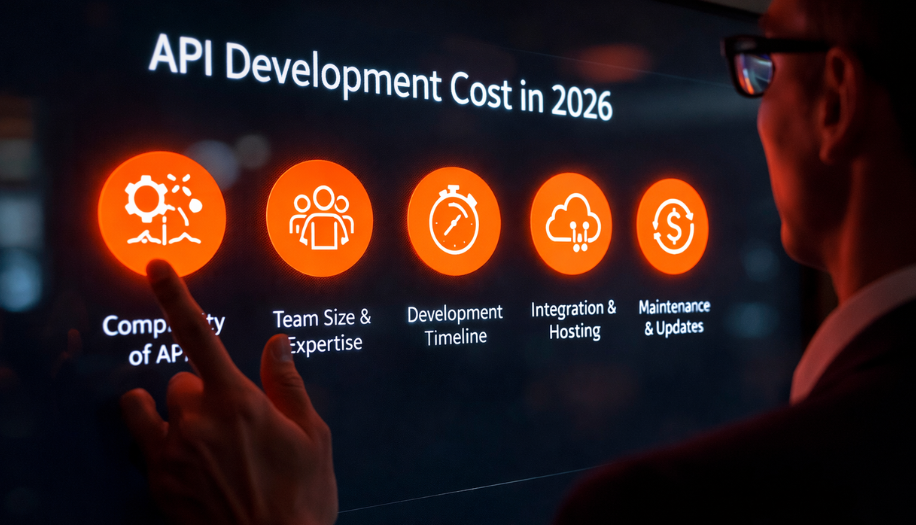
API Development Cost in 2026: What Drives the Price, What to Budget, and Where Projects Overrun
Most API budgets are built around the endpoint list. That covers roughly 40% of the real work. Here is what the other 60% looks like and why it is almost always the part that causes overruns.

Chirag Daxini
April 2, 2026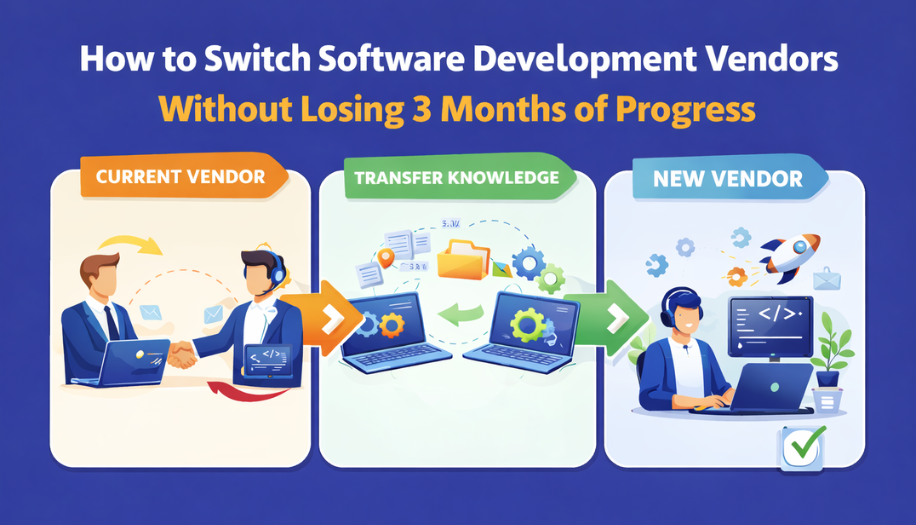
How to Switch Software Development Vendors Without Losing 3 Months of Progress
By the time you decide to switch dev vendors, you have 4 months of budget invested and no appetite for another 3 months of disruption. The structured handover below cuts the transition from 10 weeks to 3.
Ahmed Ginani
April 10, 2026
How to Choose a Software Development Company in 2026
Every software development company proposal looks good on page one. The rate is reasonable. The timeline sounds achievable. The case studies are polished. Here is the framework that tells you what is actually behind it.