

Travel App Development: Building Mobile-First Booking, Itinerary, and Navigation Experiences
Travel app development is the process of building a mobile-first application that lets travellers search, book, plan, and navigate trips from their phone. A strong travel app rests on four pillars: a frictionless booking flow, a live itinerary that organises the trip, offline-first navigation that works without signal, and smart notifications. Cross-platform frameworks like React Native cut build cost by 30 to 40% versus separate native apps.

Manish Patel

- You are a travel brand whose mobile experience is losing bookings to faster apps.
- You are a founder or CTO planning to build a travel app from scratch.
- You want to decide between React Native, Flutter, and native before you build.
- You need an app that works offline when travellers lose signal abroad.
- You are adding booking, itinerary, or navigation features to an existing app.
- You need a clear travel app development cost and timeline for 2026.
Introduction
Why Travellers Delete Your App Mid-Trip
A traveller opens your travel app development mobile booking itinerary navigation app to check their booking, but it takes too long to load. The page keeps spinning, and the details don’t appear instantly. They switch to another app that works faster and never return. This is the silent failure of travel apps. A system that works fine in stable internet often breaks in real travel conditions where connectivity is slow, inconsistent, or expensive.
The impact is direct. Many users uninstall travel apps within days if the experience feels slow or unreliable. Every lost user is not just an app deletion; it is a missed booking, lost upsell, and a repeat customer gone to a faster competitor. The fix is mobile-first, offline-first design from day one, not a desktop site squeezed onto a phone.
This guide breaks down the four pillars of a travel app, with framework comparisons and real 2026 costs. It is part of the complete guide to travel and hospitality Software Development, and pairs with our guide on how to build an online travel agency, since the app is the front door to your booking platform.
Acquaint Softtech has shipped travel apps across five markets through its React Native development services. With 1,300+ projects delivered, 70+ in-house engineers, and a 4.9/5 rating from 50+ verified Clutch reviews, the architecture here reflects shipped apps, not theory.
What Makes a Travel App Different From Any Other App
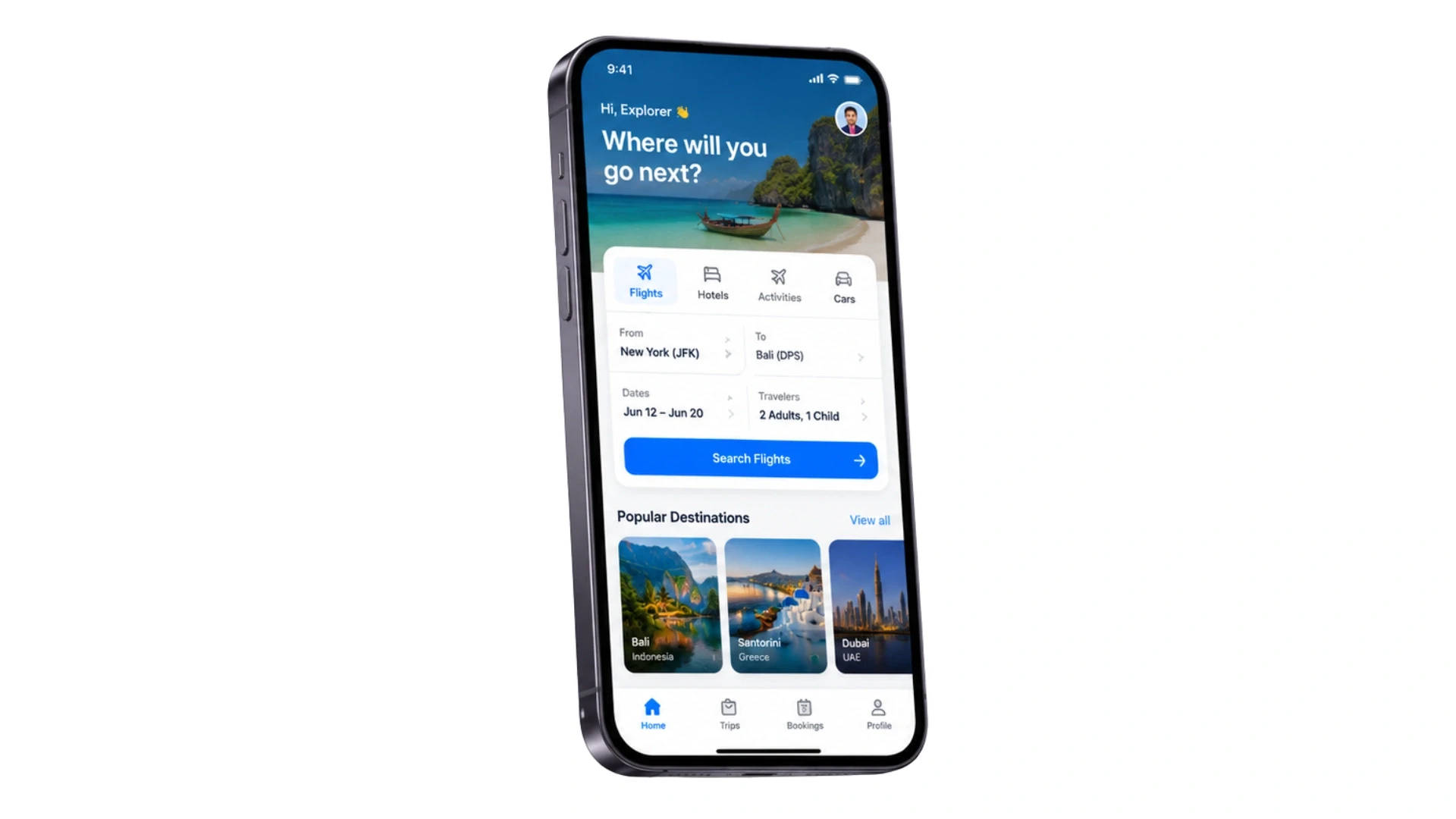
A travel app is not just an e-commerce app with flights instead of products. It has to work in conditions no shopping app faces: no signal, foreign networks, expensive roaming, and a user who is stressed, lost, or in a hurry.
The defining constraint is connectivity. A traveller uses your app most in the places with the worst data: airports, planes, trains, and foreign streets. If the app needs the cloud for every action, it fails exactly when it matters.
Why Offline-First Changes Everything
An offline-first app stores the boarding pass, hotel address, and itinerary on the device, so they load instantly with zero signal. This single design choice separates apps travellers keep from apps they delete on day one.
Building for intermittent connectivity is a discipline of its own, covered in our guide Building an Offline-First Travel App.
Teams that need engineers who have shipped offline-capable travel apps usually hire React Native developers rather than training a general mobile team on travel constraints. For the wider engagement context, see what staff augmentation is and how it works.
The 4 Pillars of a Mobile-First Travel App
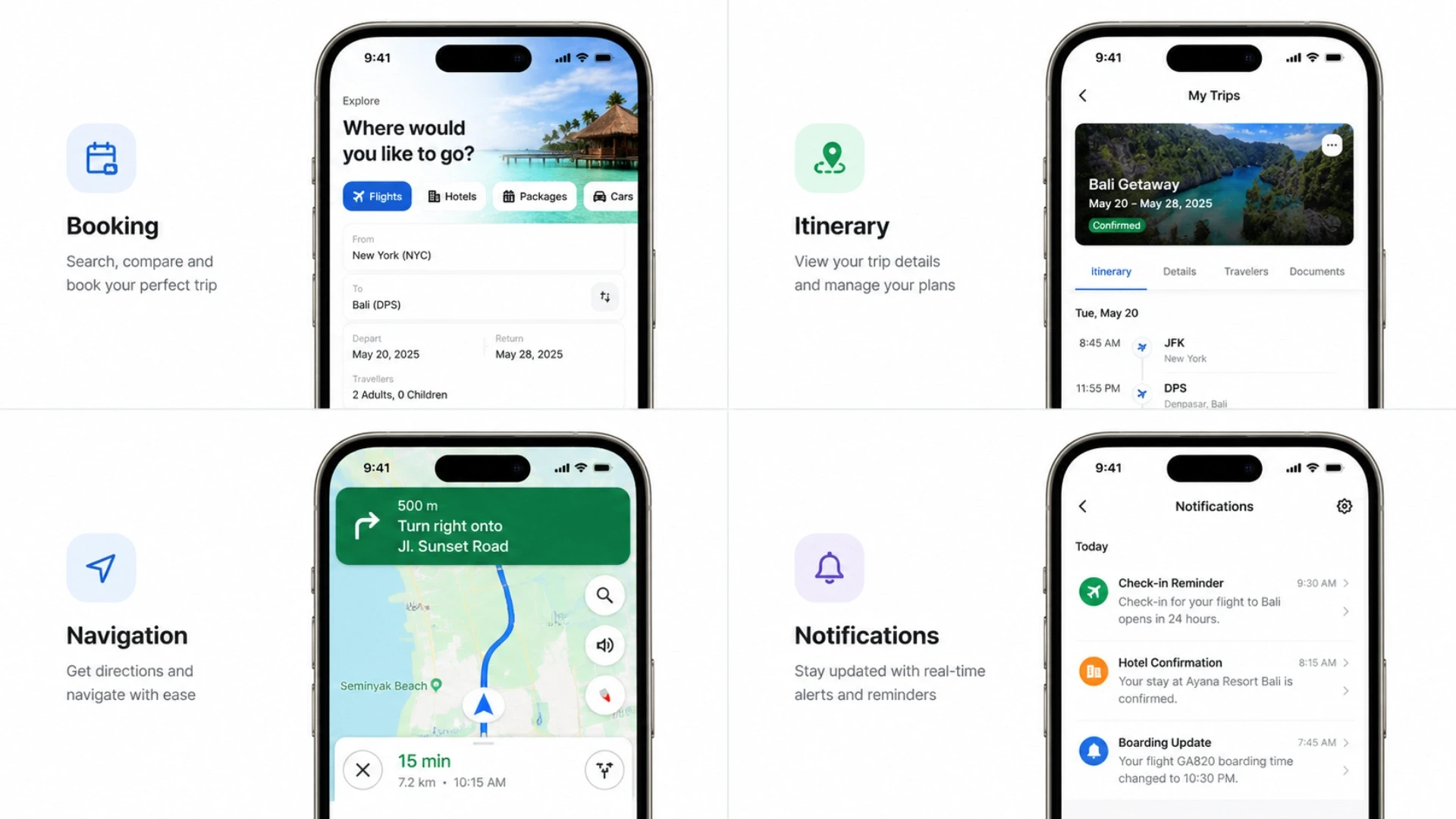
Every travel app that travellers actually keep stands on four pillars. Nail all four, and you build a daily-use app. Miss one and you build a one-trip download.
Pillar | What It Does | Why It Matters |
Booking | Search, select, pay on mobile | Where revenue is captured |
Itinerary | Organises trip details in one view | Keeps the app open daily |
Navigation | Maps, routes, offline directions | Used most when signal is worst |
Notifications | Price drops, gate changes, reminders | Drives re-engagement and bookings |
The booking pillar earns the money, but the itinerary and navigation pillars earn the retention. An app that only books is forgotten after one trip. An app that organises and guides the whole journey is opened every day.
Notifications are a science, not a guess. A smart push strategy drives bookings without annoying users, covered in our guide Travel App Push Notification Strategy. Turning installs into first bookings is covered in Travel App Onboarding UX.
Most travel apps fail on retention, not features. For why mobile domain experience prevents that, read why Acquaint Softtech is the right travel and hospitality partner. Teams building the booking backend often also hire dedicated developers with travel API experience.
Booking on Mobile: Friction Is the Enemy
Mobile booking apps are where the money is made, and where it is lost, especially in modern software product development. Every extra tap, every form field, every confusing step bleeds conversions. On a phone, friction is fatal in a way it never is on desktop.
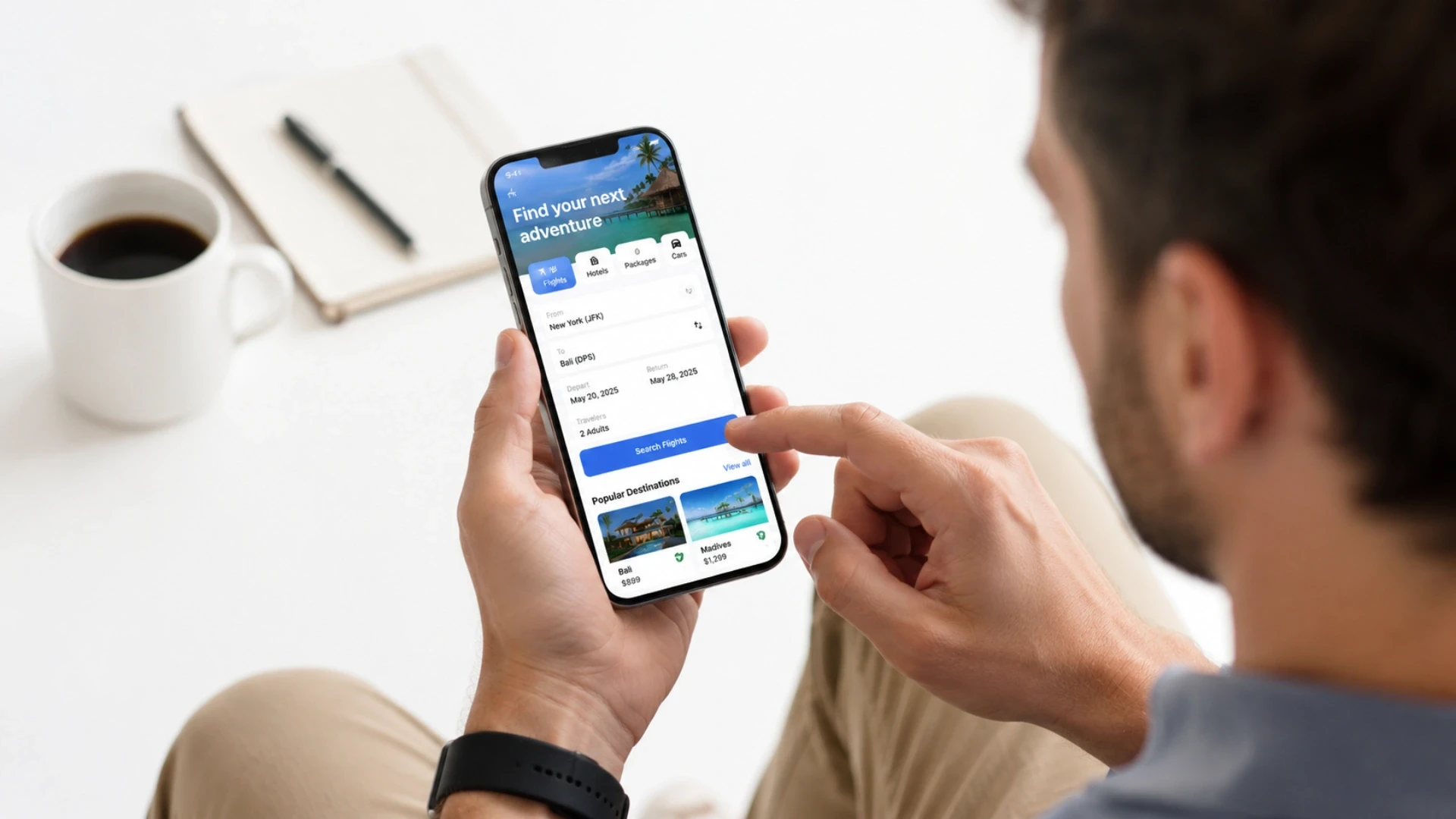
Why Mobile Booking Needs Fewer Steps, Not More
A traveller booking on a phone, often one-handed, in transit, will not tolerate a 10-field form. The booking flow must auto-fill saved details, store payment securely, and complete in as few taps as possible. Apple Pay and Google Pay one-tap checkout can lift mobile conversion sharply.
The booking must also survive a dropped connection. If the network blinks during payment, the app cannot double-charge or lose the booking. This idempotent design is invisible when it works and catastrophic when it does not.
Getting users from an ad or email straight into the right booking screen is its own build, covered in our guide Deep Linking for Travel Apps. Measuring where bookings drop off ties into Travel App Analytics.
A fast, secure mobile checkout needs strong app engineering. Many teams hire React Native developers for the booking front end. For framework reasoning on the backend, see the technical reference on Laravel with React, Vue, and Angular.
Is Your Mobile Booking Flow Leaking Conversions?
Acquaint Softtech audits your mobile booking funnel, tap count, form friction, and offline behaviour, and shows you exactly where travellers drop off before they pay.
We send an architecture review and developer profiles within 48 hours. You interview the lead engineer before any work begins.
Itinerary: The Feature That Keeps the App Open
The itinerary is the heart of a travel app’s retention. It pulls every booking, flight, hotel, activity, and even insights from a discovery workshop services process into one organised timeline, so the traveller opens your app instead of digging through five confirmation emails.
Why the Itinerary Drives Daily Use
A booking-only app gets opened twice: once to book, once to check in. An itinerary app gets opened every single day of the trip, because it answers the constant question: what is next and where do I go?
The best itineraries auto-build from confirmation emails and bookings, then layer in maps, directions, and reminders. Each open is a chance to upsell an activity, a transfer, or a late checkout, turning retention into revenue.
For groups travelling together, shared itineraries and split expenses are a build of their own, covered in our guide Building a Group Travel Planning App. Bundling everything into one app ties into Building a Travel Super App.
An itinerary engine that parses bookings and syncs across devices is detailed backend work. Teams often hire dedicated developers with travel data experience. For how distributed teams deliver mobile features reliably, see how to build a successful remote development team.
Navigation and Offline-First: Built for No Signal
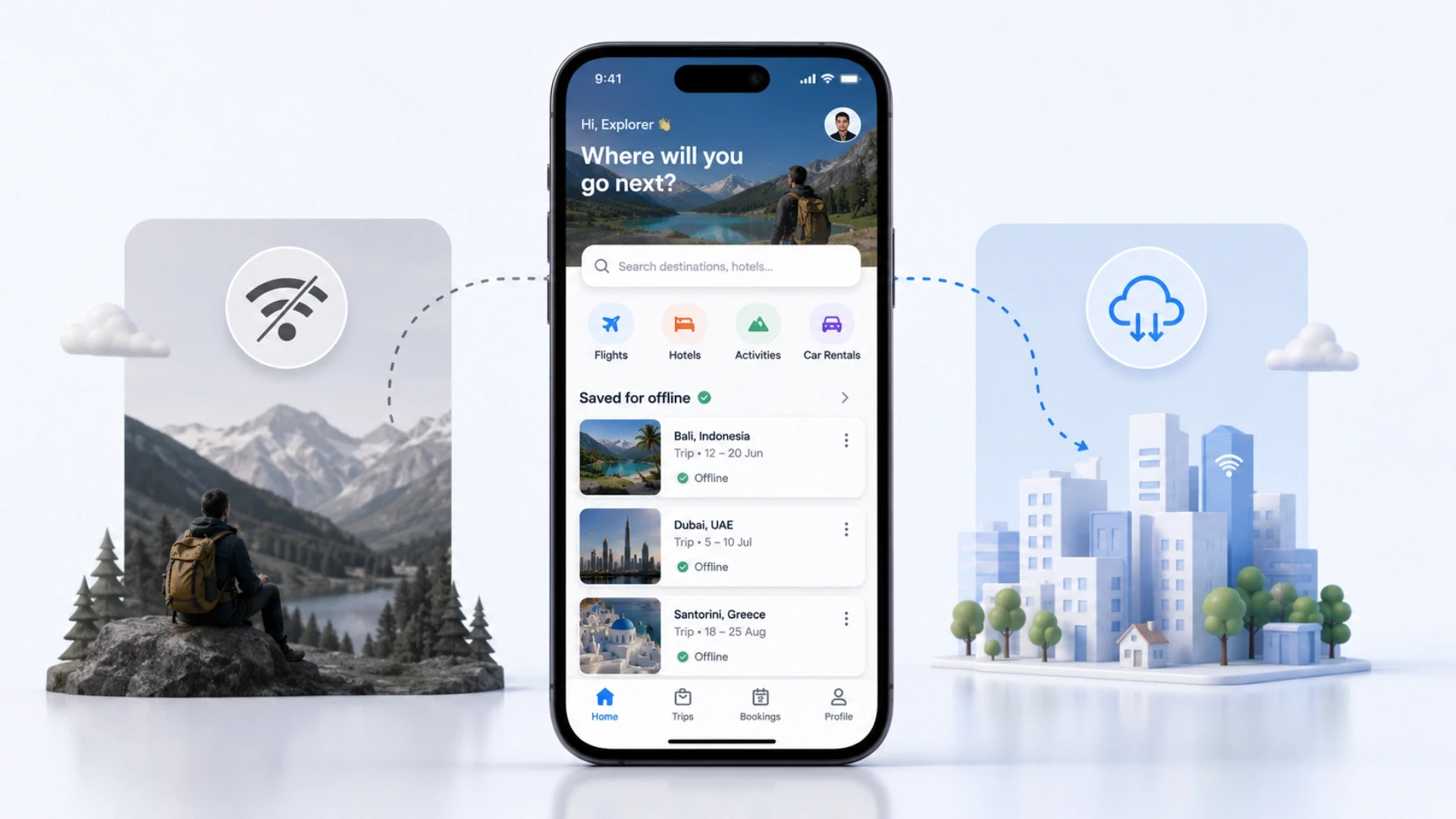
Navigation is the pillar travellers use most in the worst conditions. A foreign city, no data, expensive roaming, and a traveller who needs directions now. If your maps depend on the cloud, the app fails at the finish line, just like many white label software development solutions that don’t support true offline reliability White label software development.
Why Offline Maps Are Non-Negotiable
Offline-first navigation downloads the destination map, the route to the hotel, and key points of interest before the traveller lands. When they step off the plane with no signal, everything works instantly. This is the difference between an app they trust and one they abandon.
Maps integration also shapes cost and performance. Google Maps, Mapbox, and custom route rendering each have trade-offs in pricing, offline support, and visual control. Choosing wrong here means expensive rework later.
The maps decision is its own deep topic, covered in our guide Travel App Maps Integration. For airport-specific navigation with indoor maps and gate changes, see Building a Flight Status and Airport Navigation App. To compare engagement models for an app build, see staff augmentation vs dedicated team vs outsourcing.
React Native vs Flutter vs Native: What to Choose
The framework decision shapes your cost, timeline, and performance. Most travel apps in 2026 are built cross-platform, because building one codebase for iOS and Android cuts cost by roughly 30 to 40% versus two native apps. If you want to scale faster with experienced teams, you can hire Laravel developers to strengthen the backend architecture and integrations.
Option | Best For | Trade-Off |
React Native | Teams with React web apps, fast iteration | Heavy animation needs extra work |
Flutter | Animation-heavy apps, AR, rich UI | Larger app size, smaller talent pool |
Native (Swift/Kotlin) | Max performance, deep device features | 40-60% higher cost, two codebases |
The practical answer for most travel brands: React Native if you already have a React web platform and want code sharing, Flutter if your app is animation and AR heavy, native only when you need the absolute maximum performance and have the budget for two codebases.
Build vs Buy: When a Custom Travel App Pays Off
Not every travel business needs a custom app. A white-label app template gets a single operator to market fast. The question is when that template starts capping your growth.
Use these signals. If two or more apply, a custom build starts to pay off.
Signal | Template | Custom |
You need a unique brand experience | Capped | Full control |
You need deep offline capability | Limited | Native fit |
Your app is your product | No | Required |
You need custom integrations or AI | Workarounds | Open |
You want to own the codebase | No | Yes |
Templates charge monthly fees and cap customisation. For a travel brand where the app experience is the product, a custom build is the only path to a differentiated, offline-ready app that travellers keep past the first trip.
Niche apps outgrow templates fastest. Specialised features like a mobile travel wallet and a safety feature are covered in our guides Mobile Travel Wallet and Building a Travel Safety and Emergency Feature.
Travel tech startups often use staff augmentation services to embed pre-vetted mobile engineers at pace. For a fuller view of engagement options, the Acquaint Softtech services range shows where each model fits.
Real Example: A Mobile-First Travel Platform Built From Scratch
Theory is useful. A real build is more convincing. Here is a verified travel engagement from Acquaint Softtech's portfolio, relevant to any brand moving travellers onto a mobile-first experience.
Client | Hiran Holidays | Travel & Tourism |
The Problem | No mobile-first booking experience, manual reservations, no easy way for travellers to explore and book on the go. |
What We Built | Mobile-first booking platform with online reservations, payment integration, explore-nearby module, and responsive design |
The Result | 40-50% growth in website and mobile traffic, with measurable gains in conversion and revenue. 5.0/5.0 Clutch scores. |
The before-and-after is the lesson. Before: a travel business with no mobile booking path, losing on-the-go travellers entirely. After: a mobile-first platform where travellers discover, book, and pay from their phone, with traffic up nearly half.
The principle scales straight to a full travel app. Whether you ship a responsive booking platform or a native app with offline maps, the win comes from meeting travellers where they actually are: on their phone, often with poor signal.
You can review this and other verified engagements on the Acquaint Softtech case studies page and the full Clutch profile, which holds a 4.9/5 rating across 50+ verified reviews with Premier Verified status.
Travel App Development Cost and Timeline (2026)
The honest answer to “how much does a travel app cost” depends on features, integrations, and whether you build cross-platform or native. For dedicated team builds, working with Acquaint Softtech and choosing to hire Python developers can help scale development efficiently based on scope and complexity. Here are real 2026 ranges for a dedicated team build.
Build Scope | India-Based Team | Timeline |
MVP: booking + itinerary (React Native) | $25,000 - $55,000 | 10 - 16 weeks |
Full app: + offline maps, notifications | $55,000 - $110,000 | 4 - 7 months |
Travel super app: + AI, wallet, AR | $110,000 - $250,000 | 7 - 12 months |
A Western agency in the USA, UK, or Europe typically charges 40% to 60% more for the same scope. Cross-platform with React Native saves 30 to 40% versus separate native apps. The biggest hidden cost driver is third-party integrations: GDS, maps, and payment APIs add engineering weeks.
For teams validating before full commitment, MVP development services deliver a booking-plus-itinerary core app to test demand before adding maps and AI. For ongoing work after launch, support and maintenance services keep the app current with new OS versions and changing travel APIs.
Build a Travel App Travellers Keep Past Day One
You now know the four pillars of a mobile-first travel app: booking, itinerary, navigation, and notifications, and why offline-first design decides retention. The next step is building one that works when the signal does not. Acquaint Softtech has shipped React Native and Flutter travel apps across the USA, UK, Europe, UAE, and India. Architecture map sent in 48 hours. 95% sprint delivery rate. 4.9/5 from 50+ verified Clutch reviews.
Frequently Asked Questions
-
How do you build a travel app?
You build a travel app using four core pillars: a smooth mobile booking flow, a live itinerary system, offline navigation, and smart notifications. Start with an MVP focused on booking and trip planning, validate users, then add offline maps, AI features, and wallet systems as you scale.
-
What is the best tech stack for travel app development?
React Native is best if you already use React or want faster development with code sharing. Flutter is better for high-performance UI, animations, or AR features. Both reduce development cost by 30%–40% compared to native apps.
-
How much does a travel app cost to build?
Travel App Type
Estimated Cost
Travel App MVP
$25,000 – $55,000
Full-Feature Travel App
$55,000 – $110,000
Travel Super App (AI, Wallet & Advanced Features)
$110,000 – $250,000
-
How long does it take to build a travel app?
An MVP takes 10–16 weeks. A full travel app takes 4–7 months. A super app with AI, wallet, and AR features takes 7–12 months depending on integrations and complexity.
-
What features make a travel app successful?
Successful travel apps focus on fast booking, auto-built itineraries, offline navigation, and smart notifications. These features improve retention and ensure users keep returning after the first booking.
-
What offline features should a travel app have?
A travel app should store tickets, hotel details, full itineraries, and downloadable maps directly on the device. This ensures everything works instantly even without internet, especially during travel.
-
Should I build a custom travel app or use a template?
Use templates only for simple single-operator apps. Choose custom development when your experience is the product, you need offline functionality, or require complex integrations. If two or more of these apply, custom is the better choice.
-
What is the MVP approach for travel app development?
A travel MVP should include only booking and itinerary management first. Once demand is validated, you can expand into navigation, notifications, AI trip planning, and wallet features.
-
Why do travellers uninstall travel apps quickly?
Travellers uninstall apps when they are slow, require constant internet, or fail during real travel conditions. Poor offline experience and slow loading are the biggest reasons users switch to competitors.
-
What are the core pillars of a scalable travel app?
A scalable travel app is built on four pillars: frictionless booking, live itinerary management, offline-first navigation, and smart notifications. These pillars ensure both revenue generation and long-term user retention.
I lead technology and client success at Acquaint Softtech with one goal in mind. Deliver work that feels personal, reliable, and worthy of long term trust. I stay close to both our clients and our developers to make sure every project moves with clarity, quality, and accountability.
Table of Contents
Get Started with Acquaint Softtech
- 13+ Years Delivering Software Excellence
- 1300+ Projects Delivered With Precision
- Official Laravel & Laravel News Partner
- Official Statamic Partner
Related Blog
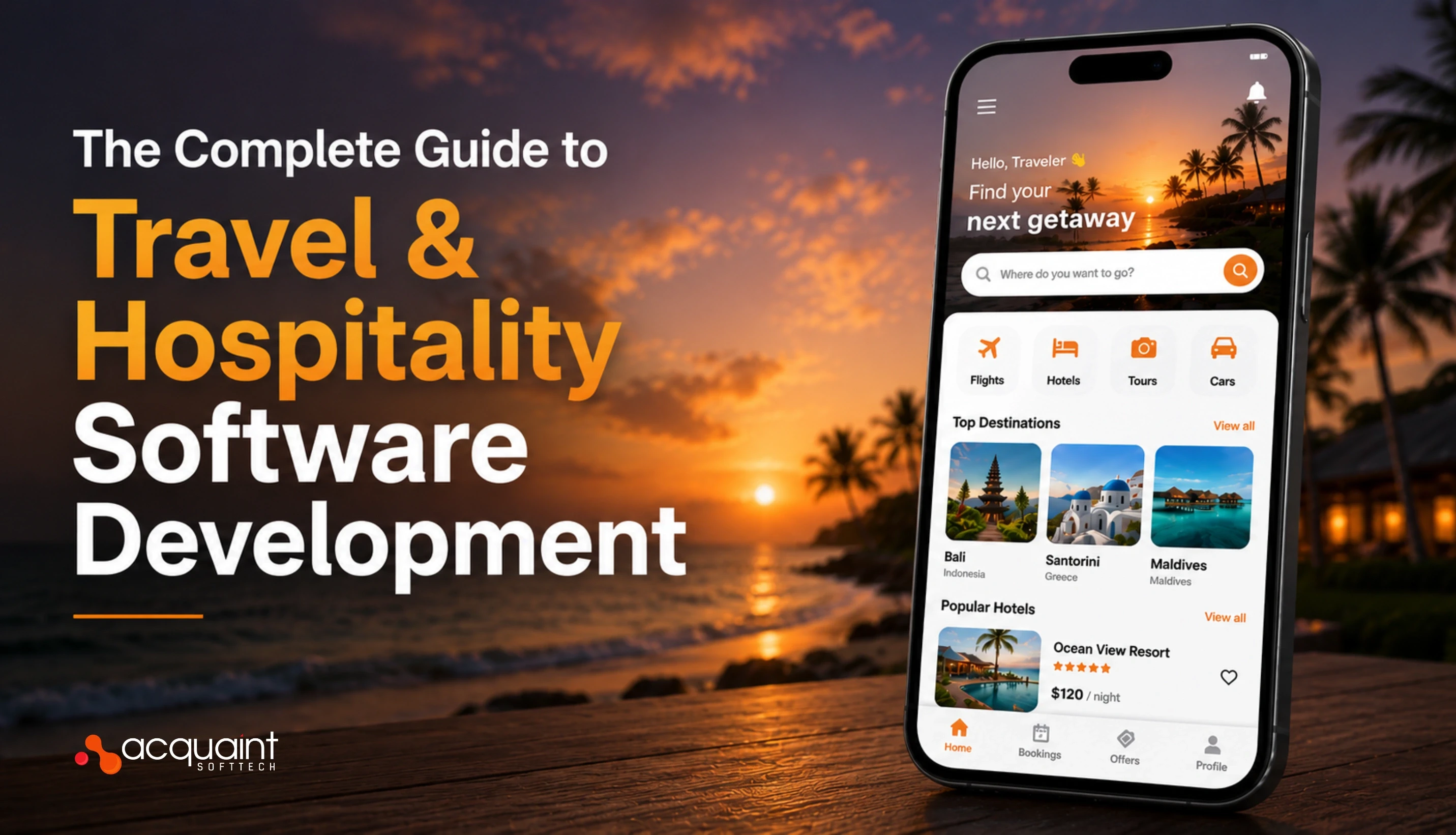
The Complete Guide to Travel & Hospitality Software Development in 2026
Most travel and hospitality platforms fail not because the idea was wrong, but because the technology architecture was underplanned. This guide explains every platform type, cost tier, and technology decision your team needs to make before writing the first line of code.

Acquaint Softtech
May 6, 2026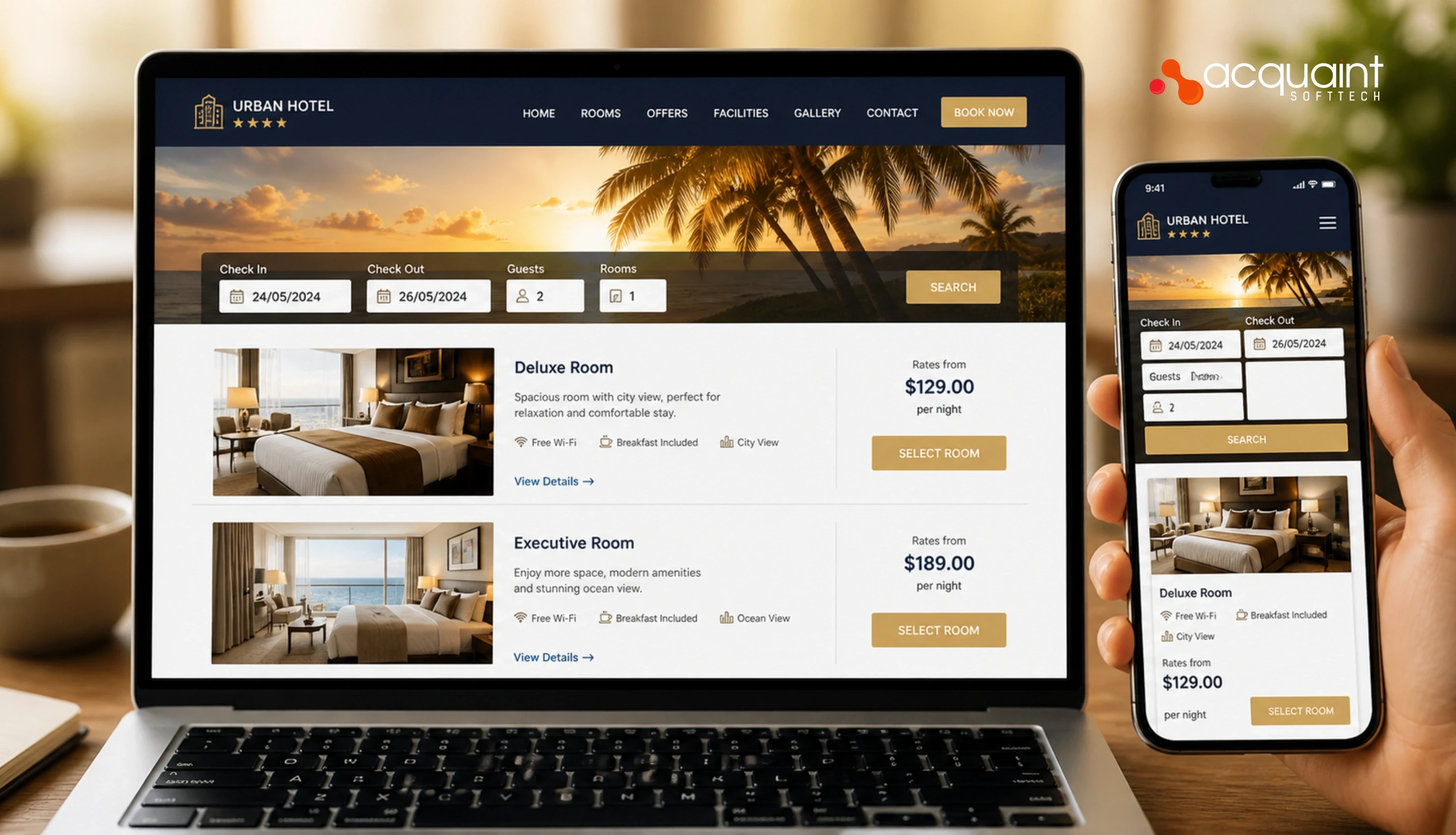
How Hotel Booking Engines Work: Search, Availability, Pricing, and Reservation Architecture
A hotel booking engine is not a search bar. It is an availability engine, a pricing decision system, a payment pre-authorisation layer, and a channel inventory synchroniser, all running simultaneously. This guide explains every architectural layer and how each one connects in a production system.
Manish Patel
May 12, 2026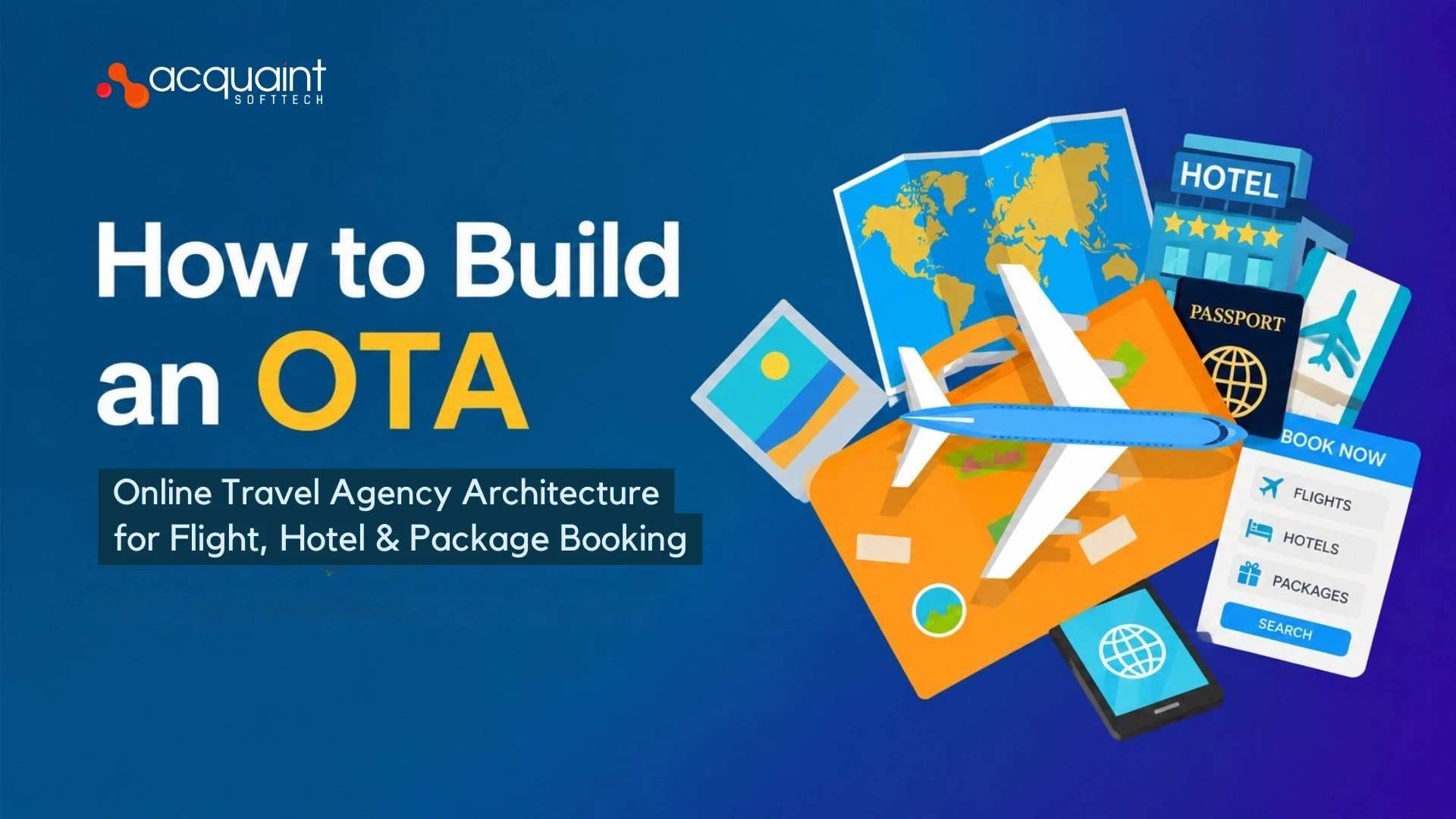
How to Build an OTA: Online Travel Agency Architecture for Flight, Hotel & Package Booking
Most OTA builds fail not on the booking logic but on the integration layer. Here is the complete architecture map, GDS, hotel aggregation, package bundling, payments, and what each module actually costs to build in 2026.