

How to Add Payments to Your SaaS Platform With Stripe Connect
Stripe Connect for SaaS payments lets users connect their Stripe accounts so you can process payments and take a platform fee. It includes onboarding connected accounts, routing payments, handling webhooks, and ensuring accounts are verified. Most SaaS platforms use Standard or Express accounts for faster, compliant setup.

Sanjay Prajapati
The moment your SaaS needs to move money on behalf of your customers, charging their end-users and paying them out, a normal Stripe integration is no longer enough. You need Stripe Connect, and that is a bigger jump than most teams expect, because you are suddenly responsible for onboarding connected accounts, routing funds, taking a platform fee, and reconciling payouts across potentially thousands of users.
Well, it becomes a revenue stream and a stickier product; done badly, it silently loses money through broken webhooks and mis-routed charges. This guide walks the full build, from choosing an account type to going live. Acquaint Softtech's Laravel development services build Stripe Connect integrations for SaaS platforms and marketplaces across the USA, UK, Europe, UAE, and India.

- You run a SaaS or marketplace and need to move money from end-users to your customers.
- You are deciding between Stripe Connect Standard, Express, and Custom accounts.
- You want to take a platform fee on every transaction without becoming a payments company.
- You need the cost, timeline, and the pitfalls that quietly break Connect integrations.
The appeal is real: Connect supports payouts in 50-plus countries, 135-plus currencies, and 40-plus payment methods, and it handles the KYC, tax forms, and compliance that would otherwise be a project in itself, according to Stripe's 2026 platform documentation.
Acquaint Softtech has delivered 1,300+ software projects across 20+ industries in 13+ years, with 70+ in-house engineers, and clients deploy payment integrations within 48 hours of a brief. For broader industry insights, this comprehensive fintech software development guide, the comparison of Stripe vs Razorpay vs Adyen, and the software product development pillar all provide valuable context that complements this guide. And, teams looking to build scalable financial platforms can benefit from Acquaint Softtech's fintech software development guide.
What Stripe Connect Does and When You Need It
Stripe Connect is the payment infrastructure for any product where money flows from a customer, through your platform, to a third party. The pattern is simple to state and complex to build: your SaaS has many customers, each customer has their own end-users who pay them, and you need to let each customer connect a Stripe account, process payments into it, and take a cut. A standard Stripe integration cannot do this; Connect is what solves it. Teams that hire dedicated developers with Connect experience build this multi-tenant flow correctly the first time.
You need Connect, rather than plain Stripe, the moment you handle payments on behalf of users, a marketplace, a platform, an agency tool, or any SaaS that pays out vendors, creators, or service providers. The classic flow is customer to your platform to connected account to bank payout, and Connect manages the routing, the platform fee, and the connected-account compliance along the way.
Building this is a core software product engineering services task because it touches money, identity, and tax at once. The payoff is that Connect lets you add payments and a revenue share without becoming a regulated payments company yourself, since Stripe carries most of the compliance load.
What is Stripe Connect used for?
Stripe Connect is used by platforms that process payments on behalf of others, such as marketplaces, SaaS products, and agency tools. It lets each of your customers connect a Stripe account, processes their end-users' payments into that account, and takes a platform fee, then pays out to the connected account's bank. It handles the routing, fees, KYC, and tax forms so you do not have to become a payments company.
Decision 1: Standard vs. Express vs. Custom Accounts

The first and most important decision is the account type, because it sets how much of the payment experience Stripe owns versus how much you build. Standard accounts are recommended for most SaaS: your customer connects or creates their own Stripe account and manages their own payouts, disputes, and compliance, while you simply create charges through it.
Express gives a lighter, platform-controlled onboarding where Stripe still hosts the dashboard and handles KYC. Custom gives full control over every screen but makes you responsible for the entire compliance surface. Acquaint Softtech's Laravel developers help platforms pick the type that matches their control needs and engineering capacity.
The practical rule: use Standard when you want Stripe to own the user-facing account experience, and you want the fastest path; use Express for about 90% of marketplace cases where you want platform-controlled onboarding without building every compliance surface; and use Custom only when payments are core to your product, you need tight UI control, and you have the engineering capacity for the long tail of compliance. Most teams overestimate how much control they need and overbuild, which is where software development outsourcing with real Connect experience saves months.
Standard | Express | Custom |
Stripe owns UX, simple SaaS payments | Shared UX, Stripe handles onboarding | You fully control UX and flow |
Basic compliance handled by Stripe | Stripe manages most compliance | You manage full compliance setup |
Best for simple SaaS apps | Best for marketplaces | Best for complex payment platforms |
Real examples make the choice concrete: a Shopify-style platform where sellers want full Stripe access leans Standard, an Airbnb or Lyft-style marketplace leans Express, and a product where payments are the core experience leans Custom. The framework decision behind a maintainable Connect integration is compared in this guide on Laravel vs MERN stack for startups.
What is the difference between Stripe Connect Standard, Express, and Custom?
Standard accounts let your customers connect their own Stripe account and manage their own payouts, disputes, and compliance, with Stripe owning the UX; it suits most SaaS. Express gives platform-controlled onboarding while Stripe hosts the dashboard and handles KYC, ideal for about 90% of marketplaces. Custom gives you full control over every screen but makes you responsible for the entire compliance surface, suited only to payments-core products.
Get a Free Stripe Connect Architecture Recommendation
Tell us your SaaS model and payout needs, and our payments team will recommend the right account type, charge flow, and fee structure, with an integration architecture diagram, within 48 hours. We have shipped Stripe Connect across 1,300+ projects with a 4.9/5 Clutch rating from 50+ verified reviews.
Step 1: Onboard Your Connected Accounts
Before any payment can flow, each customer must be onboarded as a connected account, and Stripe offers three ways to do it. Stripe-hosted onboarding is the simplest, redirecting the user to a Stripe-built flow. Embedded components let you keep users on your site with a branded flow while Stripe handles most of the process. A fully custom API flow gives total control but takes the most engineering.
For Standard accounts, onboarding typically uses OAuth, after which you store the connected account's stripe_user_id against the customer's organization. Acquaint Softtech’s staff augmentation services provide experienced Laravel developers who build the onboarding flow and the data model that ties each connected account to a tenant.
The critical detail teams miss is that onboarding is not done when the redirect returns. A connected account can come back with a missing bank account or pending identity verification, so before letting anyone transact, you must complete payoff verification and check that the account has charges_enabled and payouts_enabled set to true, and show a setup checklist if not. Onboarding typically takes a user 10 to 15 minutes through Stripe's compliance forms. Building this state handling correctly is core software product engineering services.
A useful pattern for reducing friction is deferred onboarding: let an unverified account start while the platform holds funds, then switch to full payouts once verification completes. The architecture behind a clean multi-tenant onboarding data model is explained in this complete MERN stack development guide.
How do you onboard accounts in Stripe Connect?
Onboard connected accounts using Stripe-hosted onboarding (simplest), embedded components (branded, on-site), or a fully custom API flow (most control). For Standard accounts, you typically use OAuth and store each account's stripe_user_id against the customer. Always verify charges_enabled and payouts_enabled are true before letting an account transact, since onboarding can return with a missing bank account or pending verification.
Step 2: Route the Money and Take Your Fee

With accounts onboarded, the core of the integration is routing each payment to the right connected account while taking your platform fee. The standard pattern is a destination charge: you create a PaymentIntent with transfer_data. destination pointing to the connected account, and an application_fee_amount that Stripe automatically splits out to your platform. The end-user pays, the connected account receives the bulk, and your fee lands in your platform balance. Acquaint Softtech’s White Label Software Development Laravel developers build the charge-routing logic that makes the money split correctly every time.
How you take the fee is a product decision, not just a technical one. You can charge a percentage application fee per transaction, a flat fee, or a subscription to the connected accounts themselves, and Stripe supports billing your connected accounts directly.
The right model depends on your economics, but the application fee on destination charges is the most common starting point for SaaS platforms. Designing this so the take rate is sustainable is part of a thoughtful software product engineering services build.
For correctness, always use the modern PaymentIntents API rather than the legacy Charges API, since it handles SCA, 3D Secure, and retries automatically, which matters for European customers under PSD2. The MERN-side patterns for wiring these flows into a front end are covered in this MERN stack complete guide (part 2).
How do you take a platform fee with Stripe Connect?
Take a platform fee using a destination charge: create a PaymentIntent with transfer_data. destination set to the connected account and an application_fee_amount for your cut. Stripe automatically splits the funds, sending the bulk to the connected account and your fee to your platform balance.
You can charge a percentage, a flat fee, or bill connected accounts a subscription, with the application fee being the most common model. If you need to scale or customize the implementation, you can also bring in specialized engineers like Hire Python Developers to build and maintain secure payment workflows.
Step 3: Handle Webhooks Without Losing Money
Webhooks are where Connect integrations quietly fail, so they deserve their own step. Stripe notifies your platform of events, account verification, successful payments, payouts, disputes, through webhooks, and you must process them reliably because the user's browser redirect is not a trustworthy signal.
Never fulfill an order or unlock a feature based only on the redirect URL; users close tabs, connections drop, and the redirect never fires. Acquaint Softtech's MERN stack developers build idempotent webhook handlers that keep the platform's state correct.
Two rules prevent most webhook disasters. First, make handlers idempotent: Stripe can deliver the same event more than once, so processing it twice must produce the same result as processing it once, which means checking whether an event was already handled before acting.
Second, verify the webhook signature with the correct secret, and remember that test-mode and live-mode webhook secrets differ, a mismatch that has silently broken production webhooks for days. Building this reliability is core software development outsourcing.
Mature webhook handling adds retry-with-backoff, dead-letter queues, and ordering safeguards so no financial event is ever lost. The deployment and reliability patterns behind dependable webhook consumers are detailed in this MERN stack app deployment guide.
Why are webhooks important in Stripe Connect?
Webhooks deliver reliable notifications of events like account verification, payments, payouts, and disputes, even when the user's browser redirect never completes. You must process them because the redirect is not trustworthy. Handlers must be idempotent, since Stripe can send the same event twice, and you must verify the signature with the correct secret, remembering that test-mode and live-mode secrets differ.
Fees, PCI, and Platform Liability
Connect adds cost and responsibility layers beyond a basic integration, and understanding them upfront protects your margin. On fees, you still pay standard processing (commonly 2.9% + 30 cents on US cards) plus Connect-specific platform costs; Express accounts, for instance, carry a payout fee of around 0.25% + 25 cents.
Who pays which fee depends on your setup, and you can recover costs from connected accounts through your application fee. Acquaint Softtech's Laravel developers model the full fee stack, so your platform fee actually covers it.
On PCI, the safest path is to never touch raw card data: use Stripe Elements or Checkout so card details go straight to Stripe, keeping your platform out of PCI audit scope. Never store card numbers or CVVs, only Stripe IDs.
This is both a compliance and a security decision, and it is non-negotiable for a financial product, a core product engineering services principle. If you are building or scaling this kind of system, you can also leverage experienced teams by hiring MEAN stack developers to ensure secure and compliant implementation from the start.
On liability, the account type and charge type shape who is responsible for disputes and refunds. Destination charges keep the connected account as merchant of record for most purposes, while certain custom flows shift more liability to your platform.
Layer | What to know | Action |
Processing fee | ~2.9% + 30c US | Recover via app fee |
Connect payout | ~0.25% + 25c Express | Factor into pricing |
PCI scope | Use Elements/Checkout | Never store card data |
Liability | Set by charge type | Prefer destination charges |
What are the fees for Stripe Connect?
Stripe Connect fees include standard processing, commonly 2.9% + 30 cents on US cards, plus Connect-specific platform costs such as a payout fee of around 0.25% + 25 cents for Express accounts. Who pays which fee depends on your setup, and you can recover costs from connected accounts through your application fee. Track fees by country, payment method, and account model to keep your platform margin healthy.
The Pitfalls That Break Connect Integrations
Connect integrations rarely fail at the demo stage; they fail in production, on the edge cases the tutorials skip. Knowing the common pitfalls upfront is the cheapest way to avoid them. The most damaging are silent webhook failures, transacting before an account is fully verified, and treating the browser redirect as proof of payment. Acquaint Softtech's stack developers build against this checklist from the first sprint.
Wrong webhook secret in production: test and live secrets differ; a mismatch silently breaks every webhook after deploy.
Skipping the account-ready check: letting accounts transact before charges_enabled and payouts_enabled are true causes failed charges and stuck funds.
Non-idempotent handlers: processing a duplicated webhook twice can double-fulfill or double-pay; always de-duplicate by event ID.
Trusting the redirect: fulfilling on the redirect URL instead of the verified webhook loses orders when the tab closes.
Beyond these, isolate each tenant's financial data, for example with row-level security, and log every financial event for audit and reconciliation. Testing refunds, disputes, and partial-payment edge cases before launch is the kind of rigor an experienced software product engineering services team brings, and it is what separates a Connect build that works from one that becomes a liability. This disciplined, audit-ready approach is exactly what verified clients highlight about Acquaint Softtech, as covered in this overview of the company's Clutch recognition and verified results.
What are common Stripe Connect integration mistakes?
Common mistakes are using the wrong webhook secret in production (test and live differ), letting accounts transact before charges_enabled and payouts_enabled are true, non-idempotent webhook handlers that double-process duplicated events, and fulfilling orders on the browser redirect instead of the verified webhook. Teams also forget to isolate each tenant's financial data and to test refunds, disputes, and edge cases before launch.
Cost, Timeline, and Tech Stack
.webp "Cost, Timeline, and Tech Stack")
A Connect integration is more involved than a basic Stripe setup, so budget accordingly. A standard Connect marketplace build, Express onboarding, destination charges, application fees, automatic payouts, and webhook handling typically take 4 to 8 weeks for an experienced developer, with custom flows and complex multi-party logic adding several weeks.
The tech stack pairs Laravel or Node.js for the backend and webhook handling, PostgreSQL for tenant-isolated financial data, and React or a MERN front end with Stripe Elements for PCI-safe payment forms. Acquaint Softtech delivers this through its Virtual CTO Services development services suited for transactional, money-handling systems.
Cost tracks the build level. A straightforward Connect integration runs roughly $15,000 to $50,000, while a full multi-tenant platform with custom onboarding, complex fee logic, and reconciliation runs higher. The gap between a demo and a production-grade integration is large, and most estimates under-budget the webhook, idempotency, and edge-case work. India-based teams cut total cost by up to 40%, the saving documented in this story on how a startup saved $60K a year on remote hiring.
The pragmatic path is to start with Standard or Express accounts and destination charges, ship a tight production integration, then add custom flows only if the product genuinely needs them. Founders building these often hire stack developers with payments experience to get the webhook reliability right from day one.
Layer | Recommended Tech | Role |
Backend | Laravel or Node.js | Charges, webhooks, fees |
Database | PostgreSQL | Tenant-isolated records |
Front end | React / MERN | Stripe Elements, PCI-safe |
Payments | Stripe Connect API | Onboarding, routing, payouts |
How long does it take to integrate Stripe Connect?
A standard Connect marketplace build with Express onboarding, destination charges, application fees, payouts, and webhook handling typically takes 4 to 8 weeks for an experienced developer. Custom onboarding and complex multi-party logic add several weeks. The biggest hidden effort is webhook reliability, idempotency, and edge cases like refunds and disputes, which most estimates underbudget. A focused integration costs roughly $15,000 to $50,000.
Ship a Production-Grade Connect Integration
Book a free 30-minute integration consultation, and we will map your onboarding, charge routing, fee logic, and webhook reliability into a build plan, then deploy your first payments engineer within 48 hours. We deliver at $25 to $49 per hour, up to 40% below Western agencies, with 95% on-time sprint delivery across 1,300+ projects.
Frequently Asked Questions
-
How do you add payments to a SaaS with Stripe Connect?
You integrate Stripe Connect by letting customers connect their Stripe accounts, routing payments to those accounts, and taking a platform fee. Setup includes onboarding, payment routing, webhook handling, and verifying accounts before go-live.
-
Stripe Connect integration cost
Type
Cost
Basic integration
$15,000–$50,000
Advanced multi-tenant platform
$50,000+
-
Which Stripe Connect account type should you use?
Use Standard for simple SaaS with customer-managed accounts, Express for most marketplaces with guided onboarding, and Custom only for full control over payments and compliance.
-
What is a destination charge?
A destination charge routes payment directly to the connected account while the platform automatically takes its fee in the same transaction.
-
Best tech stack for Stripe Connect
Use Node.js or Laravel (backend), React/MERN (frontend), PostgreSQL (database), and Stripe Elements + PaymentIntents API for secure payment handling.
-
Does Stripe Connect handle PCI compliance?
Yes. Using Stripe Elements or Checkout keeps card data off your servers, reducing PCI scope, while Stripe also manages KYC and identity verification for connected accounts.
I am Sanjay Parjapati, a developer at heart and a Head of business by work. My journey started with coding and helped me grow towards becoming a head of business which led me to focus on dual skills, i.e. technical know-hows and the business know-hows. My journey of 10+ years has helped me grow immensely from a professional viewpoint.
Table of Contents
Get Started with Acquaint Softtech
- 13+ Years Delivering Software Excellence
- 1300+ Projects Delivered With Precision
- Official Laravel & Laravel News Partner
- Official Statamic Partner
Related Blog
.webp "The Complete Guide to FinTech Software Development in 2026")
The Complete Guide to FinTech Software Development in 2026
Complete guide to fintech software development 2026: all five verticals, compliance architecture, real build sequences, AI capabilities, and fintech development cost, from 1,300+ delivered projects.

Acquaint Softtech
May 6, 2026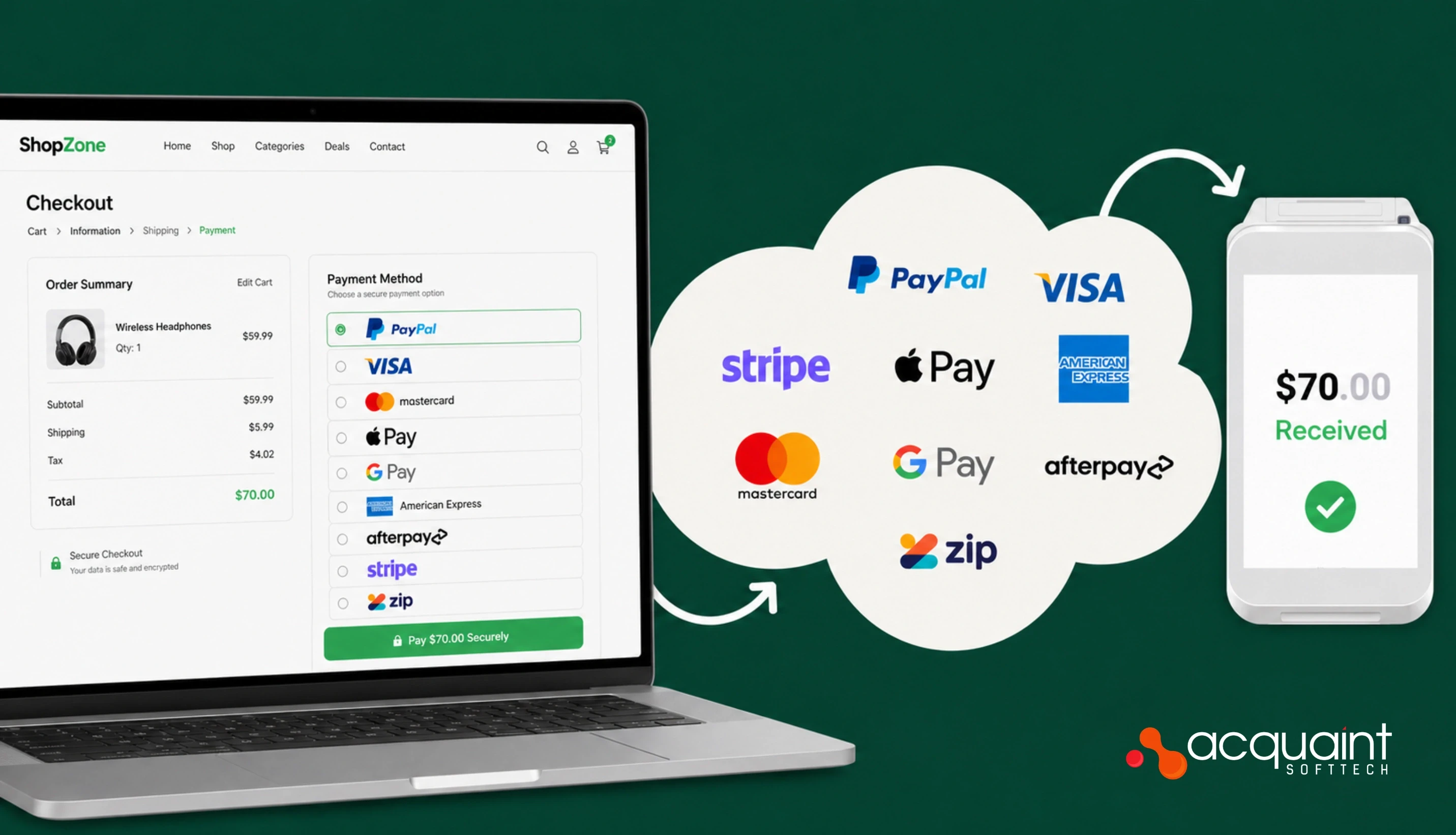
How Payment Gateways Work: Transaction Flow, APIs, and Settlement Explained
A payment gateway is not a checkout button. It is a 7-step transaction pipeline that authenticates, routes, scores, and settles every card payment in under 2 seconds. Here is exactly how it works.

Ahmed Ginani
May 11, 2026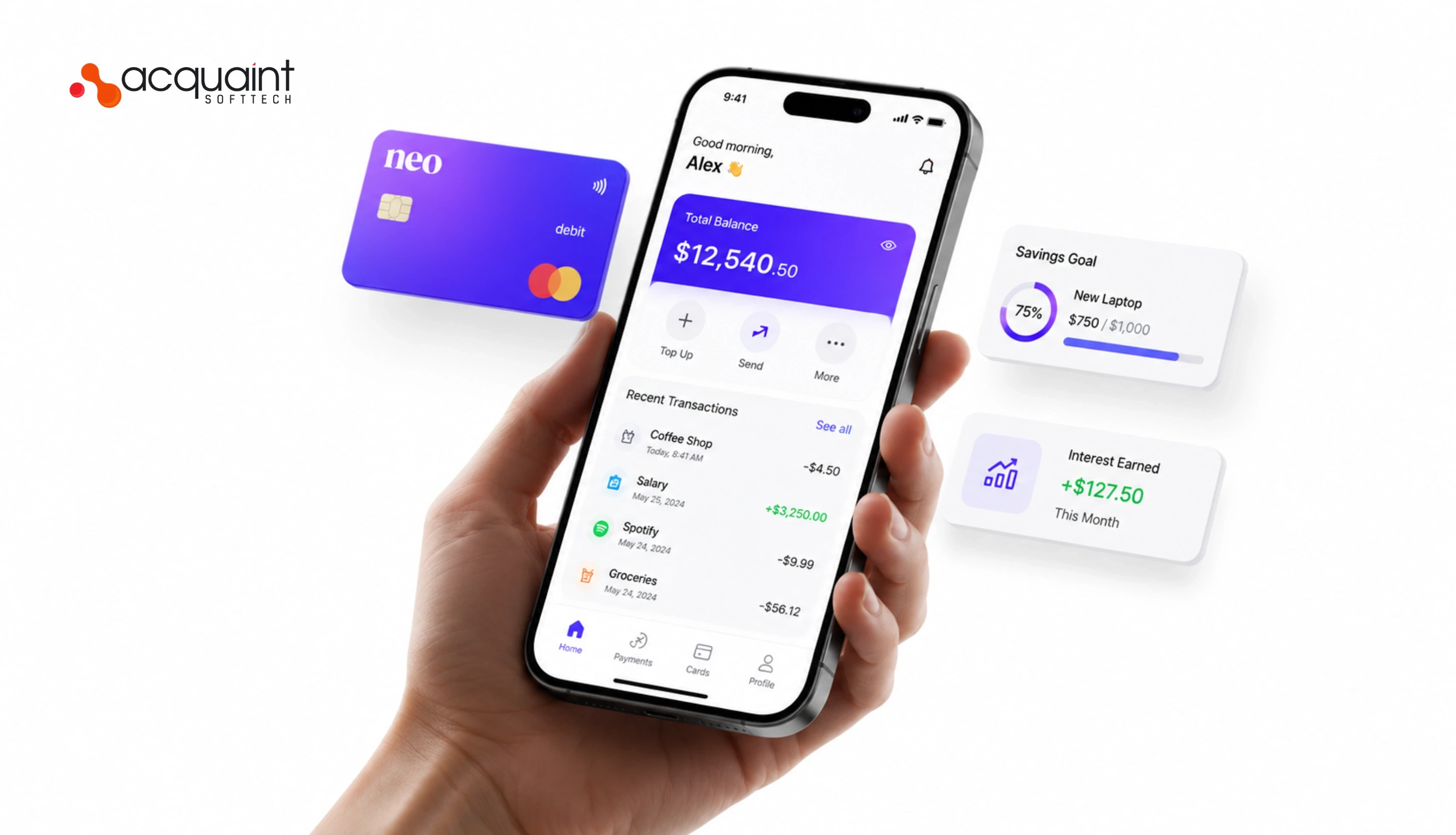
How to Build a Neo Bank: Licensing, Architecture, KYC AML, and Launch Roadmap
Building a neo-bank in 2026 starts with one decision that determines everything else: BaaS consumer or direct licence. This guide covers both paths, licensing, ledger design, KYC/AML, feature roadmap, tech stack, and real cost data.

Manish Patel
May 18, 2026India (Head Office)
203/204, Shapath-II, Near Silver Leaf Hotel, Opp. Rajpath Club, SG Highway, Ahmedabad-380054, Gujarat
USA
7838 Camino Cielo St, Highland, CA 92346
UK
The Powerhouse, 21 Woodthorpe Road, Ashford, England, TW15 2RP
New Zealand
42 Exler Place, Avondale, Auckland 0600, New Zealand
Canada
141 Skyview Bay NE , Calgary, Alberta, T3N 2K6