

Top 5 Code Playgrounds for Experimenting With Code in 2026
The five code playgrounds worth using in 2026 are CodePen for front-end demos, StackBlitz for running real npm projects in the browser, CodeSandbox for sharing full app prototypes, GitHub Codespaces for working on an actual repository, and the language-specific playgrounds such as TypeScript Play for testing syntax. CSSDeck and Dabblet from the original list are no longer maintained. Never paste client or production code into a public playground, because most default to public and you may be handing away confidential work.

Mukesh Ram
As the Founder and CEO at Acquaint Softtech, I still open a code playground several times a week, usually to settle an argument. Someone claims a CSS selector behaves a certain way, or that a date library handles time zones correctly, and the fastest route to an answer is a link both people can edit. That habit is worth more to a team than it sounds, and across our software product development work, the engineers who reach for a reproducible example first tend to resolve disputes in minutes rather than in a thread.
What has changed since this article was written is what the word playground means. In 2018, it meant a box for a snippet of HTML and CSS. Today, half the tools in this category run a full Node environment in your browser tab, install packages, and boot a real development server. Those are two different products for two different jobs, and picking the wrong one is why people find these tools frustrating.

- You want to test an idea without setting up a local project.
- You need to send someone a bug they can actually reproduce.
- You are choosing between a snippet tool and a full browser IDE.
- You want to know whether it is safe to paste work code into one.
- You are running technical interviews and want a fair, practical format.
The article listed CodePen, JSFiddle, CSSDeck, JS Bin, and Dabblet. Two of those are no longer maintained. Two survive but have been overtaken. One is still genuinely excellent and remains on the list below.
It also described these tools as combining HTML, CSS, PHP and JavaScript. None of them ran PHP, then or now, and that correction matters because it points at a real gap: if you need to experiment with server-side code, this category is the wrong place to look, and the article says where to go instead.
Pick the Right Tool for What You Are Testing

The right playground depends entirely on what you are trying to prove. Find what you are doing and start there.
What you want to do | Use this | Why it fits |
Test a CSS or animation idea | CodePen | Fastest feedback, best for visual work |
Reproduce a bug for a colleague | StackBlitz | Real dependencies, exact reproduction |
Prototype a React or Vue screen | CodeSandbox | Full project structure, easy sharing |
Work on an actual repository | GitHub Codespaces | Your real code, real branch, real tooling |
Check how a language feature behaves | TypeScript or Go Play | Official, always current, no setup |
Test a SQL query or schema | DB Fiddle | Runs against real database engines |
Experiment with PHP or Python | Local or a container | Server languages need a runtime, not a pen |
Share code covered by an NDA | None of the above | Use a private repo, see section 5 |
The last two rows are the ones that cause the most wasted time. Front-end playgrounds cannot run server-side languages, and reaching for one to test a PHP function is a category error rather than a tooling shortage. For backend experimentation, the equivalent habit is a throwaway branch and a container, which is how the teams who hire Laravel developers through us work locally.
What Happened to the 2016 List
.webp "What Happened to the 2018 List")
Only one of the original five is still a first-choice recommendation. Here is the state of each, because people still search for these by name.
2018 pick | Status in 2026 | Verdict |
CodePen | Active, still the leader | Keep using it |
JSFiddle | Alive but largely static | Fine for a quick test |
CSSDeck | No longer maintained | Do not start here |
JS Bin | Maintained, much faded | Superseded by others |
Dabblet | Abandoned | Its main feature is now obsolete |
Dabblet is worth a moment because its decline explains the wider shift. Its headline feature was automatically adding vendor prefixes to CSS. Modern browsers converged, prefixes largely stopped being necessary, and a tool built around solving that problem lost its reason to exist. The category did not kill it. The problem it solved simply went away.
What replaced these tools was not a better snippet editor. It was the arrival of browser-based environments capable of running the same dependencies as your laptop, which turned the playground from a demo surface into somewhere you can genuinely reproduce a defect.
Prototype validated, now build the real thing?
Send me the sandbox link and what you are trying to build. I will tell you what it takes to turn that experiment into a production application, with a timeline and a cost.
The 5 Code Playgrounds Worth Using in 2026
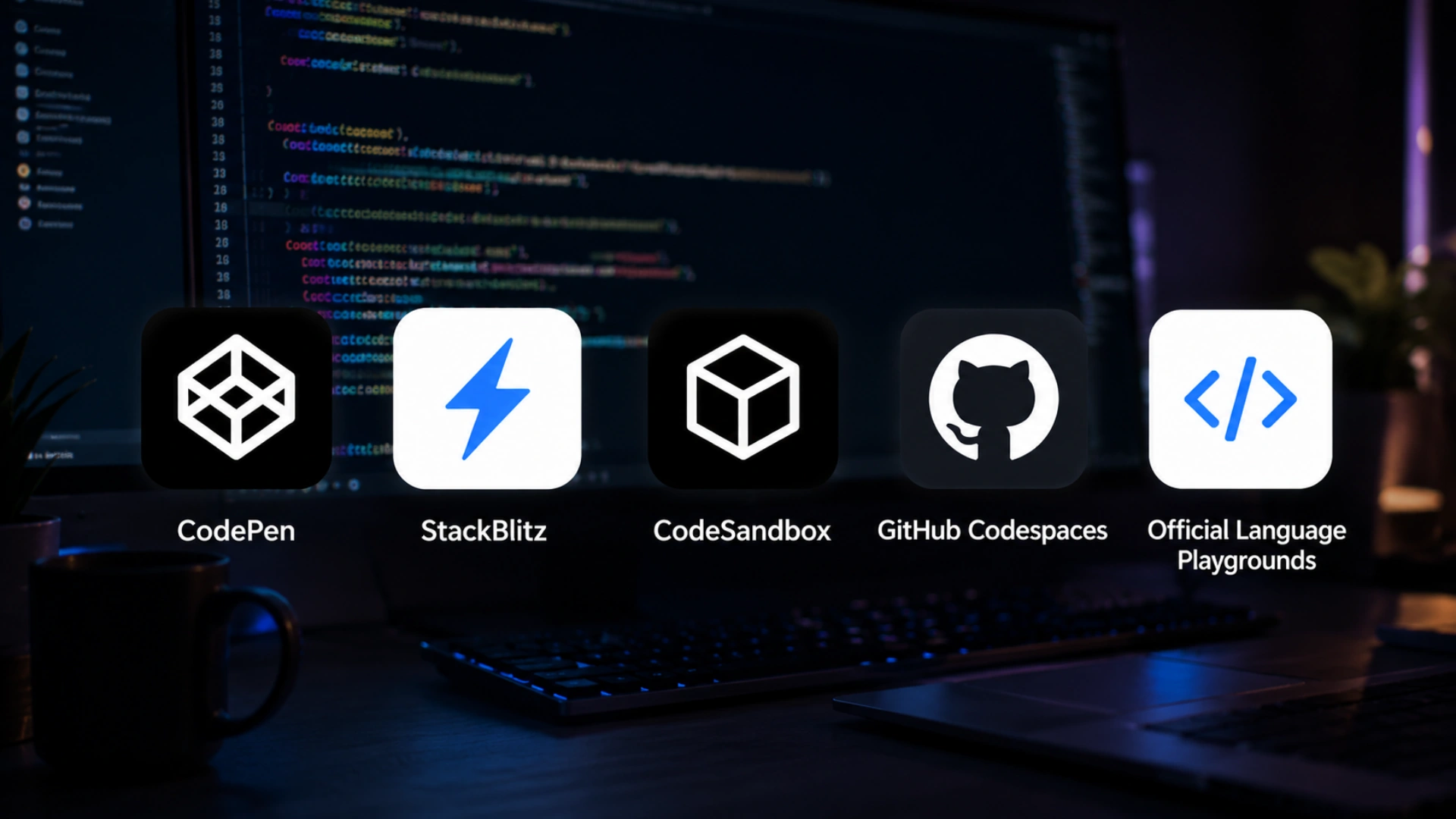
These five cover every realistic reason to open a playground. Each entry says what it is for and where it stops being the right tool.
1. CodePen, for front-end and visual work
Still the best place to test a layout, an animation or a CSS idea, and still the largest public library of examples to learn from. Preprocessors, external libraries, embedding and a strong community all remain. It is excellent for anything you can express in HTML, CSS and browser JavaScript.
Where it stops: it is not built around npm dependencies or a multi-file project structure. If your example needs a real build step or a package tree, you will fight it. Note also that free pens are public by default, which matters more than it used to.
2. StackBlitz, for running real projects in the browser
StackBlitz runs a Node environment inside the browser tab itself, so installs are fast, it works without a server round trip, and it can boot frameworks like Angular, React, Vue and Next.js from a template in seconds. For reproducing a bug with the exact dependency versions involved, this is the most useful tool in the category.
Where it stops: anything requiring native binaries or an unusual system dependency will not run in a browser runtime. For those, you want a container or a cloud development environment instead.
3. CodeSandbox, for prototypes you intend to share
Closest to a full project workspace, with templates, real file trees, npm support and collaboration built in. It is the natural choice when you are building something a designer, product manager or client will look at, because the shared link behaves like a working application rather than a demo.
Where it stops: heavier than the others for a five-line question, and larger projects can feel sluggish. It is a prototyping environment, not a substitute for a repository. Teams that hire MERN stack developers often start a feature here and move it into version control within a day or two.
4. GitHub Codespaces, for working on the actual codebase
A full development environment attached to a repository, running in the cloud and reachable from a browser or a local editor. According to GitHub's Codespaces documentation, the environment is defined in the repository itself, which means every developer gets the same setup rather than an approximation of it.
This is the answer to the oldest problem in team development: the machine where the bug does not reproduce. It is not a playground in the 2018 sense at all, but it is where much of that experimentation now happens, and standardising it is usually a job for whoever you hire DevOps engineers to own tooling.
5. The official language playgrounds
For questions about a language rather than an application, the official sandboxes are better than any general tool. The TypeScript Playground shows compiled output, inferred types and errors as you type, and lets you switch compiler options and share the exact configuration in a URL. Go, Rust, and Kotlin all maintain equivalents.
They are always current with the language version, they need no account, and because they are official, they settle arguments in a way a third-party tool cannot.
Language and Database Playgrounds
For non-JavaScript work, the useful tools are specialised rather than general. These are the ones worth bookmarking.
Tool | What it is for | Worth knowing |
TypeScript Playground | Types, compiler output, config | Shareable compiler settings |
Go Playground | Go snippets and concurrency demos | Official, deterministic runtime |
Rust Playground | Rust with common crates | Shows compiler diagnostics clearly |
DB Fiddle | SQL against real engines | Test schema and query behaviour |
Compiler Explorer | What your code compiles into | Excellent for performance questions |
MDN Playground | Quick web platform checks | Sits beside the documentation |
Regex testers | Pattern behaviour and matches | Explains the match, not just the result |
Before You Paste: Privacy, Ownership and NDAs
Most playgrounds default to public, and pasting client code into one can breach a contract you have signed. This is the section the original article did not have, and it is the one that protects you.
What public actually means
On free tiers, saved work is typically visible, searchable, and indexable. That includes anything you left in a comment, a hard-coded endpoint, an API key you meant to remove, and the business logic itself. Deleting it later does not reliably remove it from caches or from anyone who already copied it.
Three rules that keep you safe
First, never paste code you did not write and are not free to publish. Second, reproduce the problem rather than uploading the codebase, using a minimal example with invented data, which is better engineering practice anyway. Third, if the code cannot be abstracted that far, use a private repository or a private workspace rather than a public link.
For regulated clients, this is not a caution; it is a contractual requirement. We sign an NDA before work begins and clients hold full ownership of everything produced, which means public playgrounds are simply out of scope for project code, and our engineers use private environments for anything client-specific.
There is a second consideration worth checking rather than assuming: read the terms of any tool your team standardises on, particularly around what rights you grant to hosted content and whether code is used to train models. Policies vary between providers and change over time, so the answer that was correct last year may not be current.
Using Playgrounds in Interviews and Code Review
A shared playground is a better technical interview than a whiteboard and a worse one than a real task. Used well, it tells you how someone thinks; used badly, it tests typing under stress.
What works
Give a small, realistic problem in a prepared sandbox with the dependencies already installed, and let the candidate use documentation freely. Watch how they read the existing code, what they check first, and how they respond when something does not work. Those signals predict day-to-day performance far better than whether they recall an algorithm.
What does not
Asking someone to build from an empty file under time pressure mostly measures nerves. So does forbidding search, since nobody works that way. If the role involves reading existing systems, which almost all do, give them existing code to change rather than a blank page.
The same tool is useful for review
When a review comment turns into a disagreement, a reproducible example ends it. Two engineers arguing about behaviour in a pull request thread can spend an afternoon on something a shared link resolves in five minutes, and the habit of building that link is one of the cheapest quality improvements a team can adopt. For a broader look at front-end choices that generate these debates, our comparison of Bootstrap and Material UI covers the trade-offs in detail.
Need engineers who can work inside your security requirements
Book a free 30-minute call and I will show you how our teams handle NDAs, IP ownership and private environments, along with the engineers who would work with you.
Frequently Asked Questions
-
What is the best code playground in 2026?
CodePen for front-end and visual work, StackBlitz for running real npm projects, and CodeSandbox for shareable prototypes. Use the official language playgrounds for syntax questions.
-
Is CodePen still good?
Yes. It remains the best tool for CSS, animation, and visual experiments, with the largest public library of examples. It is weaker for projects needing npm dependencies.
-
Is CSSDeck or Dabblet still available?
Neither is maintained. Dabblet's main feature was CSS autoprefixing, which modern browsers made largely unnecessary. Use CodePen instead.
-
Which code playground runs npm packages?
StackBlitz and CodeSandbox both do. StackBlitz runs Node inside the browser, which makes installs fast and reproduction accurate.
-
Can I run PHP or Python in a code playground?
Not in front-end playgrounds like CodePen or JSFiddle. Server languages need a runtime, so use a container, a cloud development environment, or a local setup.
-
Is it safe to paste work code into a playground?
Usually not. Free tiers default to public, and saved work can be indexed. Reproduce the problem with a minimal example, or use a private workspace or repository.
-
What is the difference between a playground and a browser IDE?
A playground runs snippets with minimal setup. A browser IDE runs a full project with dependencies, a file tree, and a dev server. Choose by whether you need real packages.
-
Are code playgrounds good for technical interviews?
Yes, if you provide a prepared sandbox with a realistic task and allow documentation. Asking someone to start from an empty file under time pressure mostly measures nerves.
I love to make a difference. Thus, I started Acquaint Softtech with the vision of making developers easily accessible and affordable to all. Me and my beloved team have been fulfilling this vision for over 15 years now and will continue to get even bigger and better.
Table of Contents
Get Started with Acquaint Softtech
- 13+ Years Delivering Software Excellence
- 1300+ Projects Delivered With Precision
- Official Laravel & Laravel News Partner
- Official Statamic Partner
Related Reading

Rome Was Not Built in a Day: The Journey to Developing a Unicorn SaaS
Building a unicorn SaaS company is a marathon, not a sprint. Just like Rome, great products aren’t built overnight. From refining your MVP to scaling for growth.
Mukesh Ram
September 26, 2024-(1).webp "How much will your web app development cost?")
How much will your web app development cost?
Web application development cost typically ranges from $15,000 to $200,000+ globally (roughly £15,000 to £150,000+ in the UK), depending on scope, features, and team location. A simple MVP runs $10,000 to $50,000, a mid-scale business web app $50,000 to $150,000, and a complex or enterprise platform $150,000 to $300,000+. Hiring a remote team can cut labor costs sharply, and at Acquaint Softtech, an MVP can reduce your project cost by up to 60%.
Mukesh Ram
November 11, 2022
10 Must Follow Steps of Mobile App Development Process
The mobile app development process is a structured set of 10 steps that moves an idea from concept to a published app: ideation, target audience and monetization, choosing the platform, UI/UX design, picking tools, choosing the right partner, fast development, testing and deployment, marketing, and post-launch maintenance. Following the steps in order, rather than rushing to publish, is what separates apps that get downloads from the ones that get ignored.
Mukesh Ram
July 29, 2019India (Head Office)
203/204, Shapath-II, Near Silver Leaf Hotel, Opp. Rajpath Club, SG Highway, Ahmedabad-380054, Gujarat
USA
7838 Camino Cielo St, Highland, CA 92346
UK
The Powerhouse, 21 Woodthorpe Road, Ashford, England, TW15 2RP
New Zealand
42 Exler Place, Avondale, Auckland 0600, New Zealand
Canada
141 Skyview Bay NE , Calgary, Alberta, T3N 2K6