
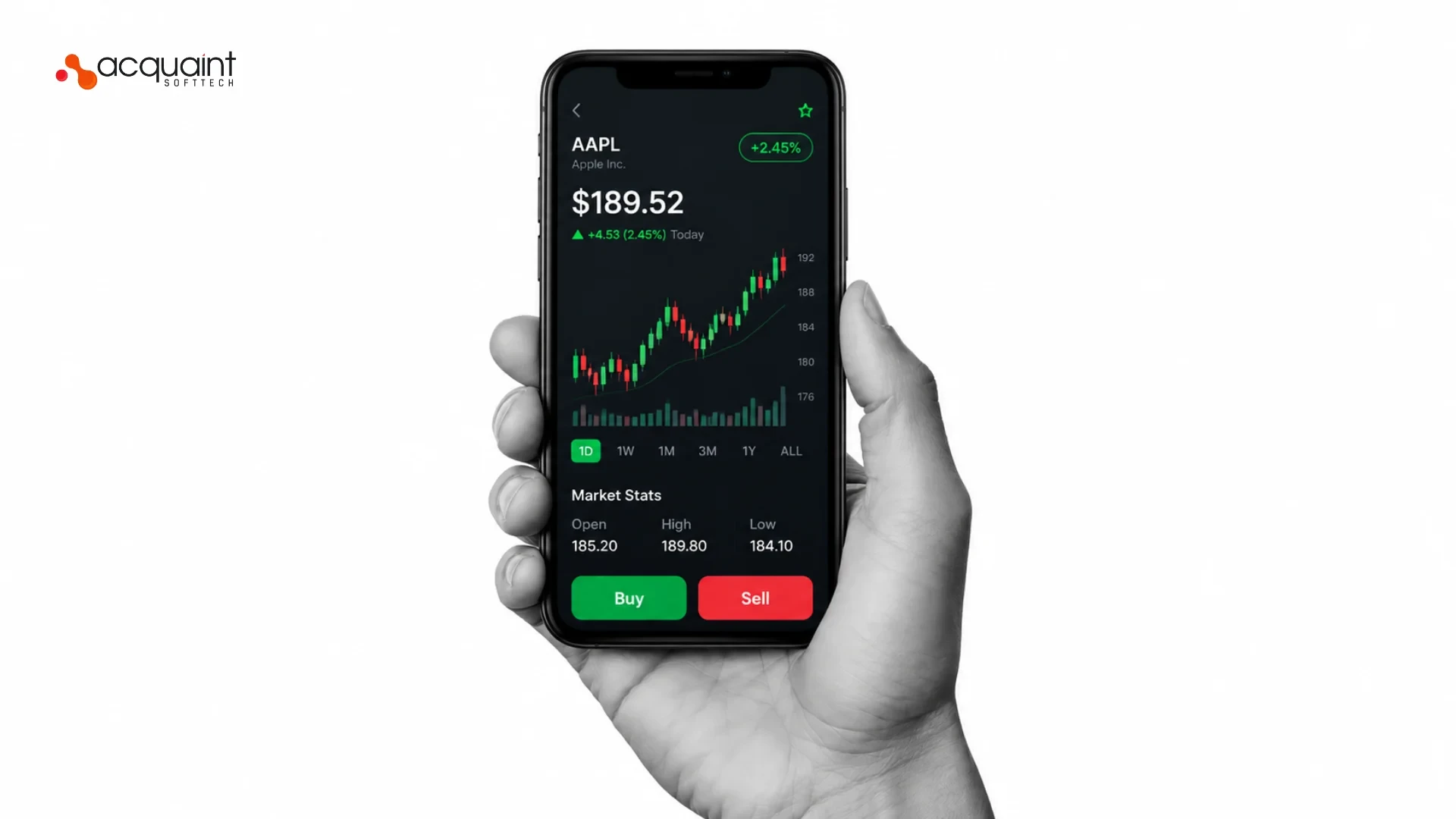
The most important stock trading app features are secure user authentication, real-time stock quotes and market data, watchlists and portfolio management, order placement and execution, research tools, paper trading, secure payments, customer support, cross-platform support, regulatory compliance, social features, personalisation, and performance and scalability. Under the hood, a trading app connects to a brokerage backend through REST APIs for accounts and orders and WebSockets for live prices. A trading app typically costs 8,000 to 50,000 USD and up.

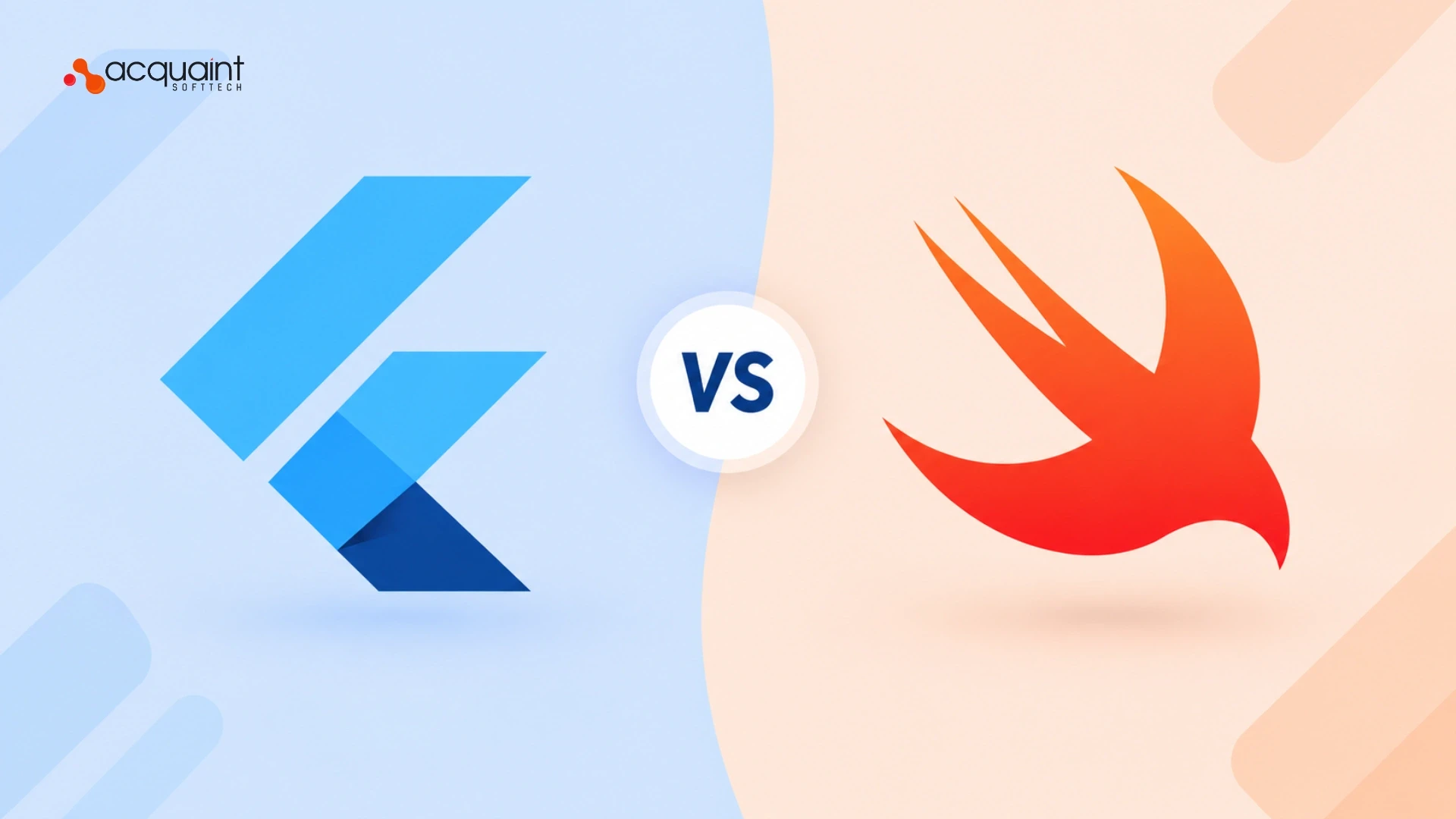
For iOS app development, choose Swift if you are iOS-only and want peak native performance and deep Apple integration. Choose Flutter if you want one codebase for iOS and Android, faster development and lower cost. Swift is Apple's native language; Flutter is Google's cross-platform framework using Dart. Most businesses building for both platforms pick Flutter, while iOS-only, performance-critical apps favour Swift. Your target platforms, budget and team expertise decide it.
Building an app like Uber Eats means creating a multi-sided ecosystem of four interfaces: a customer app, a delivery driver app, a restaurant dashboard, and a central admin panel. A custom-coded MVP typically costs $75,000 to $120,000 (much less with no-code tools), and success depends on smart market positioning, core feature implementation, and US legal compliance. The proven path is to pick a niche, handle legal requirements, choose your build approach, ship a focused MVP, then test rigorously.
Making an iOS app for business branding requires four steps: define your brand identity and goals, map an intuitive user experience aligned with Apple's design standards, build it with native code (Xcode and SwiftUI) or a reputable visual builder, and launch with optimized App Store assets and ASO. A well-branded iPhone app for your business builds trust, reaches Apple's premium audience, and turns your identity into an experience users carry in their pocket.
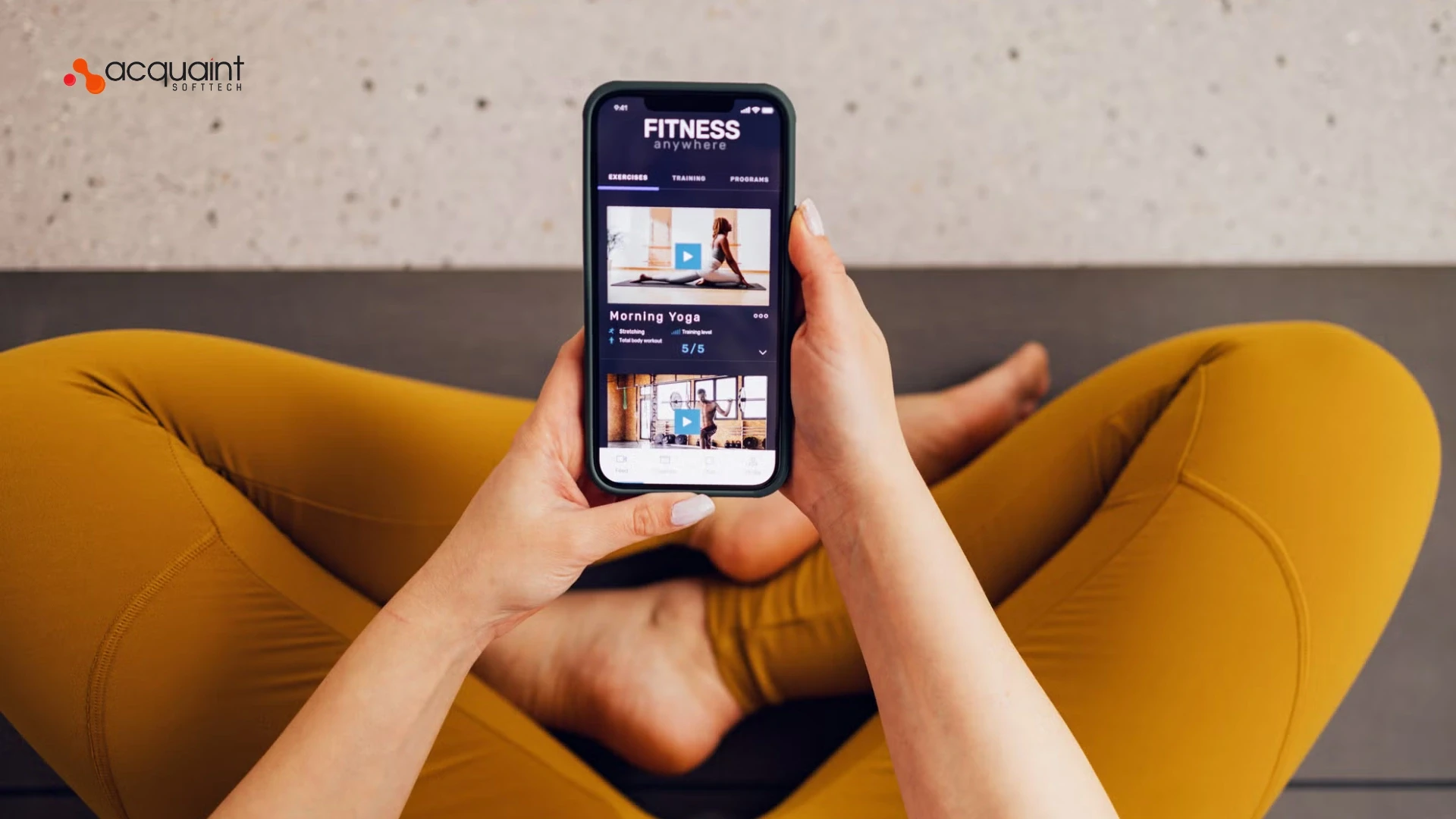
Developing a fitness app generally costs between $20,000 and $400,000+, depending on features, complexity, and whether you use advanced technology like custom AI. A simple MVP lands at the lower end, while an enterprise-grade coaching platform with AI and live streaming can exceed the upper limit. A standard MVP usually costs $25,000 to $60,000, and a mid-level app with wearable syncing or GPS runs $40,000 to $100,000.
Before developing a shopping app, evaluate seven core factors: target audience needs, intuitive UI/UX design, a frictionless checkout flow, robust data security, clear product navigation, strategic push notifications, and post-purchase order tracking. Get these right, and you turn browsers into buyers. In 2026, most retailers also weigh whether a native app or a Progressive Web App (PWA) fits best, since a PWA runs fast on all devices from a single codebase.
Yes, React Native autolinking was officially introduced in version 0.60, released by the React Native team in July 2019. The 0.60 line (latest patch v0.60.6) brought monumental shifts: autolinking of native modules, full AndroidX migration, optional Hermes on Android, CocoaPods by default for iOS, and Lean Core removals (WebView, NetInfo, Geolocation moved to community packages).
Mobile apps fail primarily due to a lack of real market need, poor user experience (UX), technical bugs and instability, weak testing, and thin marketing. To avoid failure, validate a real user problem through research, launch a simple MVP with core features first, prioritize clean design, test extensively across devices, and plan continuous post-launch updates. Most failures trace back to skipped planning, not bad code.
Mobile app categories are official groupings used by app stores like the Apple App Store and Google Play to classify software by its core purpose, target audience, and primary function: Social Networking, Productivity, Entertainment, Gaming, Health & Fitness, Finance, Shopping, Travel, Education, and Lifestyle & Utilities.

.webp "How To Create an On-Demand Food Delivery App Like Uber Eats (2026 USA Guide)")
.webp "How To Create an On-Demand Food Delivery App Like Uber Eats (2026 USA Guide)")
.webp "7 Things to Consider Before Creating a Mobile Shopping App (2026 Guide)")
.webp "Exciting Features of React Native 0.60: Autolinking, CocoaPods & AndroidX (2026 Update)")
.webp "Top 10 Reasons Why Mobile Apps Fail in 2026")
.webp "Why Choosing the Right App Category Is a Game-Changer for a Successful Mobile Application")